Collecting Support Data using Shell
Collecting Support Data using Shell
When the NE is not accessible using NED, support data may be collected using Shell.
Shell is accessed through the Craft Console.
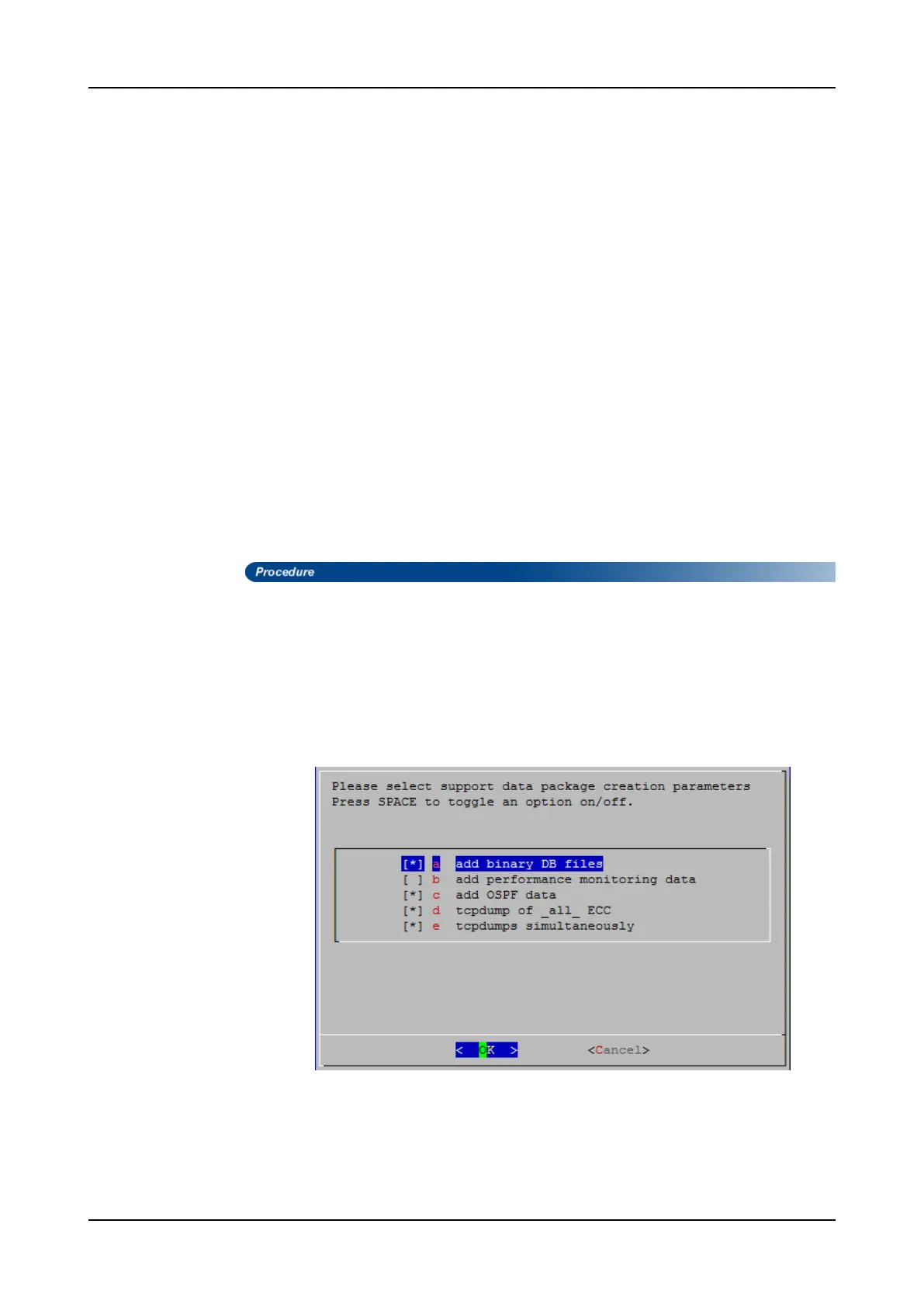
Collection of support data using Shell allows additional data to be collected, which may
be needed for the problem under investigation. These options include:
•
Add binary database files
: Enables collection of binary database files which are used
by ADVA Optical Networking for troubleshooting.
•
Add performance monitoring data
: Enables collection of the past three days'
performance monitoring values (PMs) for up to 10 modules in the NE. Contact ADVA
Optical Networking Technical Servicesto determine if this information needs to be
collected.
•
Add OSPFdata
: Enables collection of OSPF data.
•
TCP dump of ECC
: Enables collection of Transmission Control Protocol (TCP)data
for all active Embedded Communication Channels (ECC) in the NE. Basic TCP
information is collected when this option is not selected.
•
TCP dump simultaneously
: Enables simultaneous collection of TCP information for
the active ECC. TCP information is collected sequentially for the active ECC when
this option is not selected.
Step 1 Select External Applications > Shell from the Craft Console main menu to
access the shell command line.
Step 2 Set user to ‘root’ and enter the corresponding password.
[ADMIN@NE_NAME ADMIN]$ su root
Password:
[root@NE_NAME root]#
Step 3 Start the support-data collection tool:
[root@NE_NAME root]# fsp_tool collectNcuInfo
FSP 3000R7 Maintenance and Troubleshooting Manual - Product Release 16.2 - Document Issue A 779



 To Next Page