CHAPTER 5 REFERENCE GUIDE
EFD1000/500 MFD Pilot’s Guide
Page 5-22 091-00006-001 REV B
EFD1000/500 MFD Pilot’s Guide
Page 5-23091-00006-001 REV B
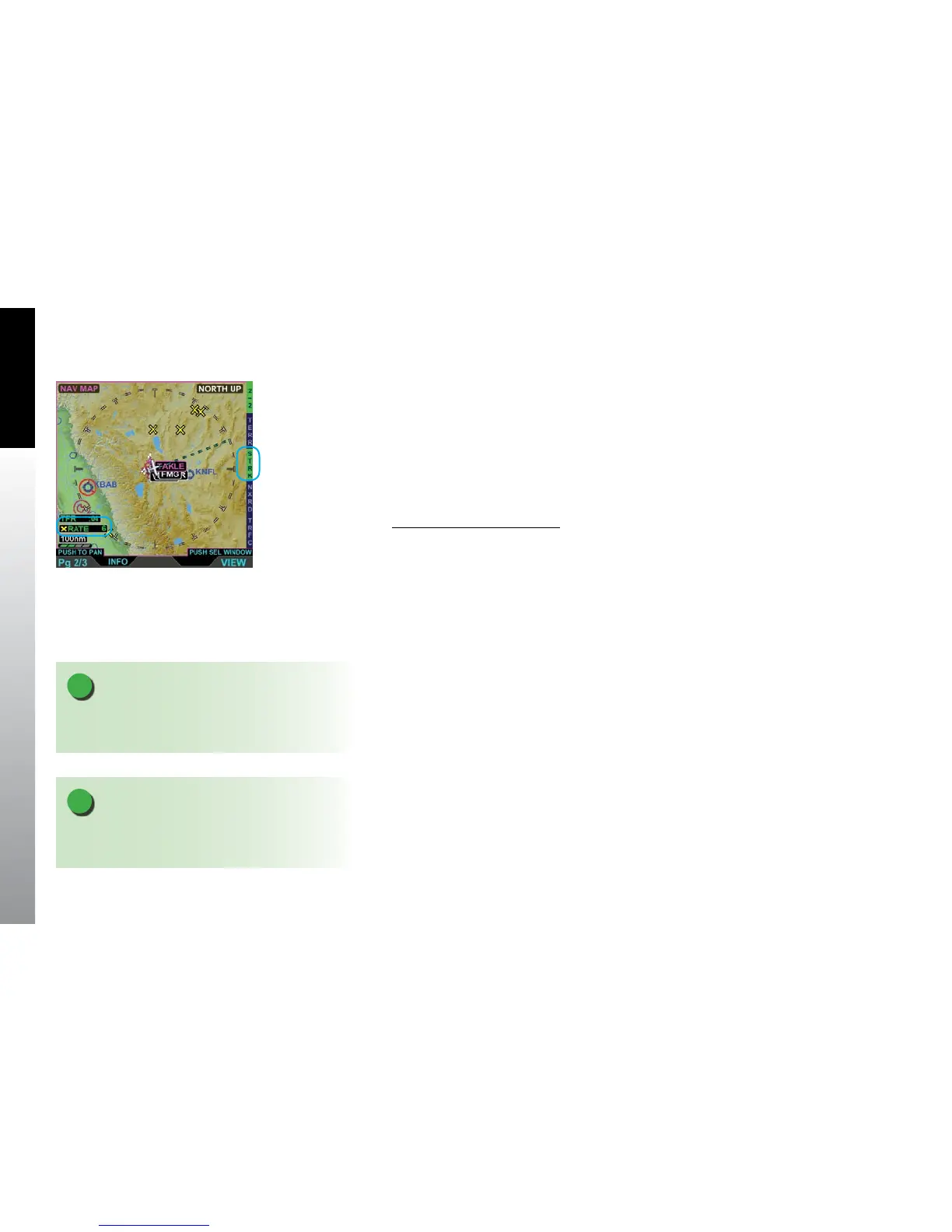
5.1.9.3. Lightning Overlay
The LTNG Hot Key is a three position Hot Key that permits display of satellite lightning
information or WX 500 Spherics data overlaid on the Navigation Map VIEW. When
enabled, the Lightning overlay displays lightning as dened in Section 5.2. Data Link
Weather, storm strike or storm cell threats as dened in Section 5.3.3. WX-500. The
Hot Key label, LTNG/CELL/STRK, is green when enabled or gray when disabled. When
enabled the LTNG or RATE annunciation displays above the current Range. The default
setting following a power cycle of the unit is disabled.
Show the Lightning Overlay
1. With the Navigation Map VIEW selected, display the 2/2 Hot Key menu.
2. Press the LTNG Hot Key to select the desired overlay (Hot Key label turns
green) (Figure 5-26).
Figure 5-26
Lightning Overlay On
Displaying WX-500 Cell Data
NOTE
Spherics data is removed from the Navigation Map at
map ranges less than 20nm.
NOTE
Spherics data will not display if aircraft heading is
unavailable.



 To Next Page