CHAPTER 7 APPENDICES
EFD1000/500 MFD Pilot’s Guide
Page 7-3
091-00006-001 REV B
7.2. XM Weather Receiver Activation
An Evolution Weather Receiver (or equivalent) and subscription to XM WX Satellite
Radio Service is required for display of the EFD1000/500 MFD Weather Products. If the
EFD1000/500 MFD is installed with a weather receiver, when the EFD1000/500 MFD is
turned on for the rst time an annunciation will display alerting you that the XM WX
Satellite Radio Service is not yet activated.
To activate the XM WX Satellite Radio Service contact XM WX Satellite Radio through
the e-mail address listed on their web site (www.xmradio.com) or by the customer
service phone number listed on the web site (1-800-985-9200). Follow the instructions
provided by XM Satellite Radio services.
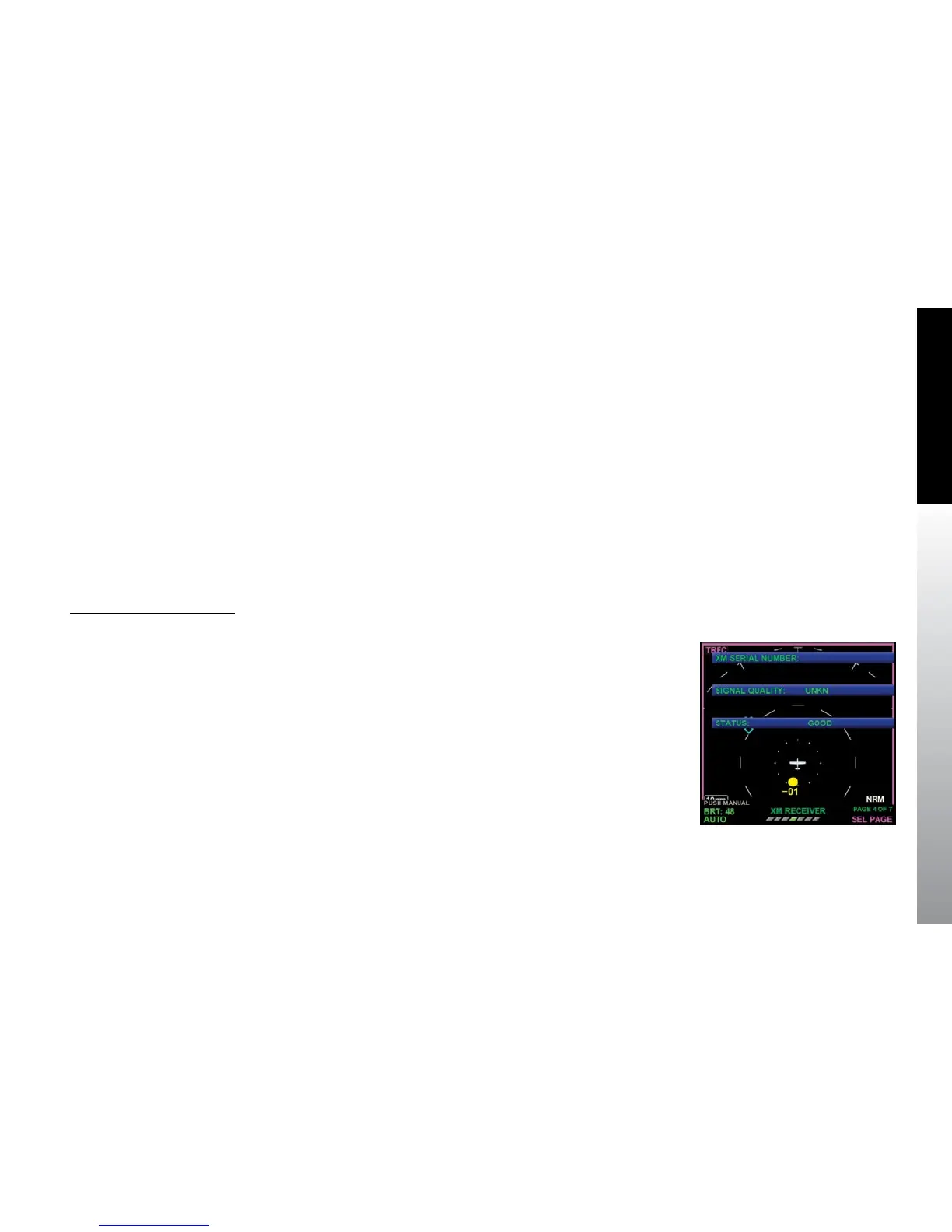
You will need the XM Serial Number found on the XM RECEIVER page of the Main Menu.
View the XM Serial Number
1. Push the MENU Button. The Main Menu displays adjacent to the Hot Keys.
2. Navigate to the XM RECEIVER menu page (Figure 7-1).
3. Note the number.
4. Push the MENU Button to exit the Main Menu.
Figure 7-1
XM RECIEVER Main Menu
Page



 To Next Page