CHAPTER 5 REFERENCE GUIDE
EFD1000/500 MFD Pilot’s Guide
Page 5-38 091-00006-001 REV B
EFD1000/500 MFD Pilot’s Guide
Page 5-39091-00006-001 REV B
5.2.5. Cloud Tops
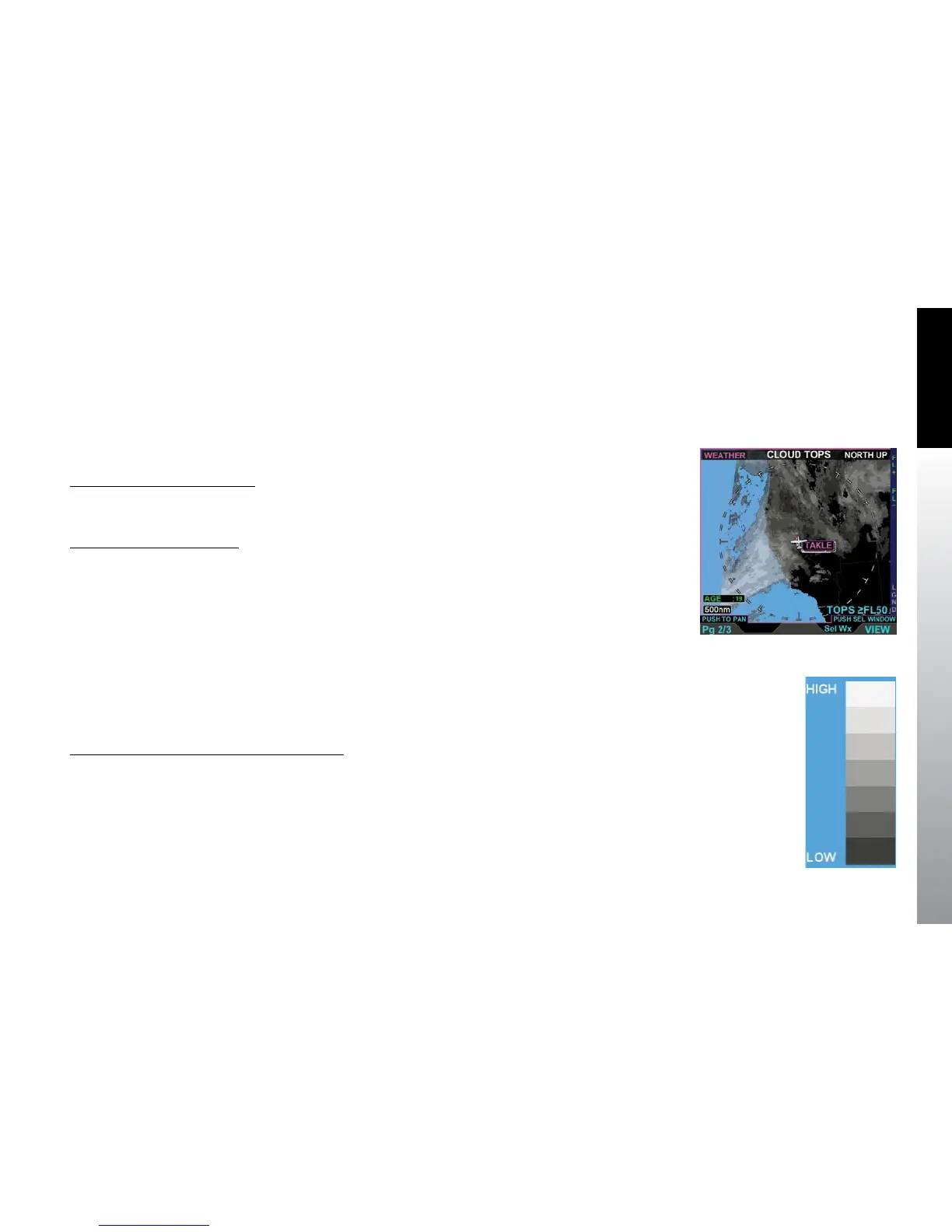
The Cloud Tops screen displays a Cloud Top graphical depiction. Cloud Tops are the
given height of convective and upper-level clouds determined from satellite mosaic.
The Cloud Tops screen displays the graphical cloud images overlaid on the basic
weather map (Figure 5-48).
Display the Cloud Tops Legend
• With the Cloud Top weather product screen displayed, press the LGND Hot
Key. The Cloud Top legend displays on the right of the screen (Figure 5-49).
Hide the Cloud Tops Legend
• Press the LGND Hot Key to hide the Cloud Tops legend.
The Cloud Tops screen uses an altitude lter, controlled by Hot Keys, allowing the pilot
to select the altitude for cloud top display. Only cloud tops at or above the selected
altitude lter value will display. The pilot adjusts the altitude lter value by pressing
either the FL+ or the FL- Hot Key. The Cloud Tops altitude lter increments based on
the current data link information. The current lter level is shown in the lower right of
the screen labeled TOPS >FL XX (with XX being the lter level). When the FL+ Hot Key is
pressed, the altitude lter advances to the next lter increment. When the FL- Hot Key
is pressed, the altitude lter decreases to the next lter increment. The default setting is
the lowest altitude lter above the ownship or the previous setting.
Increase or Decrease Cloud Top Altitude Filter
• Press the FL+ Hot Key to increase the altitude lter to the next
altitude increment.
• Press the FL- Hot Key to decrease the altitude lter to the previous
altitude increment.
Figure 5-48
Cloud Tops Screen
Figure 5-49
Cloud Tops Legend



 To Next Page