CHAPTER 5 REFERENCE GUIDE
EFD1000/500 MFD Pilot’s Guide
Page 5-40 091-00006-001 REV B
EFD1000/500 MFD Pilot’s Guide
Page 5-41091-00006-001 REV B
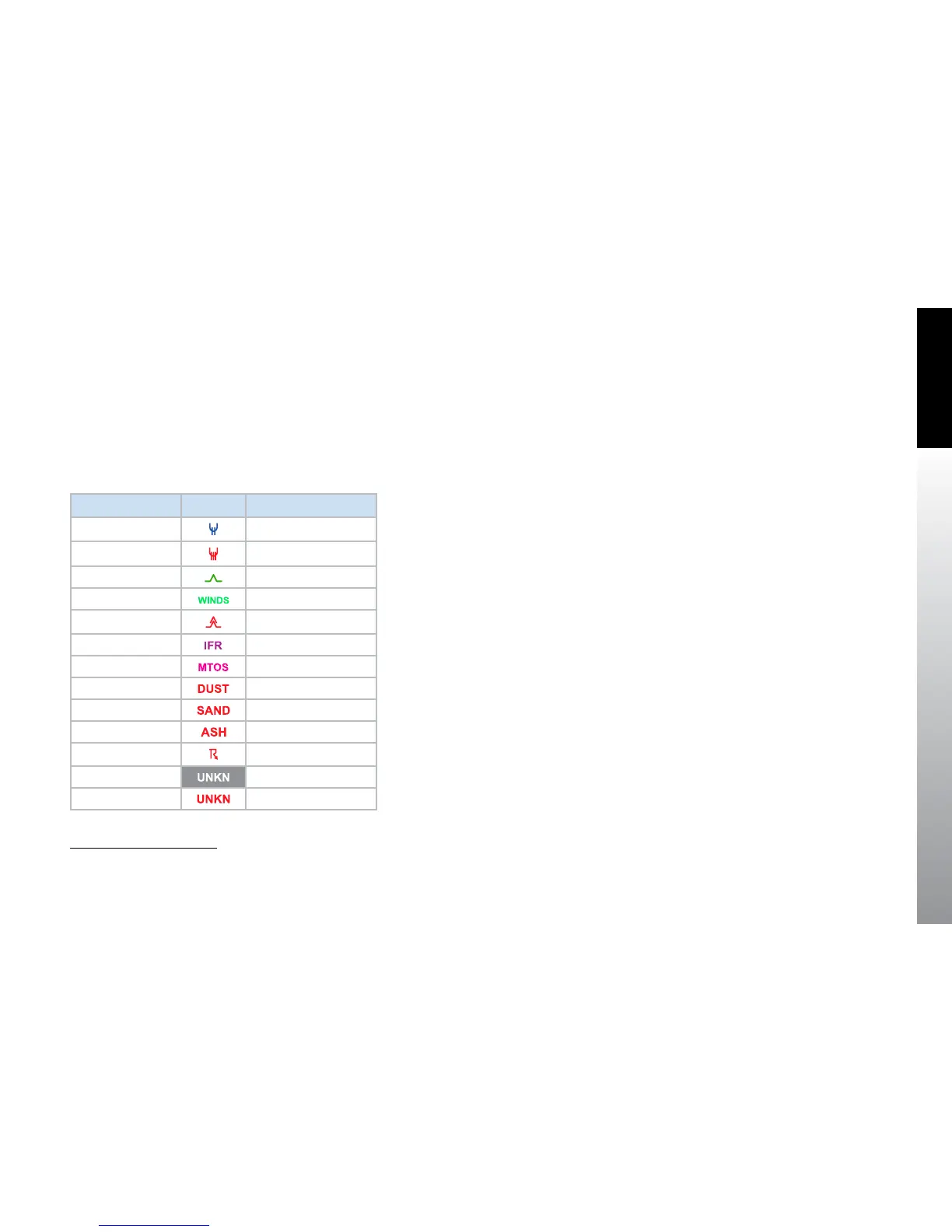
The Hot Keys provided allow the pilot to enable and disable AIRMETs and/or SIGMETs
to aid in declutter. There is a Hot Key for each type of AIRMET/SIGMET as outlined in
Table 5-10. Each type of AIRMET/SIGMET will display outlined in the color indicated
with a symbol centered in the outlined area aected by the AIRMET/SIGMET. Stippled
lines outline AIRMETs, and smooth lines outline SIGMETs. Unknown AIRMET/SIGMETs
are always shown. A legend is available that displays the dierent AIRMET/SIGMET
symbols used.
Hot Key Symbol
1
Denition
ICNG ICING AIRMET
ICNG
ICING SIGMET
TURB
Turbulence AIRMET
TURB Surface Winds AIRMET
TURB Turbulence SIGMET
IMC
IFR AIRMET
IMC Mtn. Obscr. AIRMET
IMC Dust storms SIGMET
IMC Sandstorms SIGMET
IMC Volcanic Ash SIGMET
CONV Convective SIGMET
Always shown
Unknown AIRMET
Always shown Unknown SIGMET
Table 5-10 AIRMET/SIGMET Symbology and associated Hot Key
1. SIGMETs overlay AIRMETs.



 To Next Page