CHAPTER 3 DISPLAY & CONTROLS
EFD1000/500 MFD Pilot’s Guide
Page 3-8 091-00006-001 REV B
EFD1000/500 MFD Pilot’s Guide
Page 3-9091-00006-001 REV B
3.2. Controls
Your EFD display is equipped with several pilot controls designed to simplify operation
of your EFD system, minimize pilot workload, and reduce the time required to access
functionality. Each display bezel has two dual rotary knobs with a push feature, three
lower buttons, ve context sensitive Hot Key buttons along the lower right, a MENU
Button, RNG+/- Button, and a REV Button for reversion or manual power control.
Most of the controls are content sensitive, i.e. the functionality of the control changes
depending on the current selected VIEW and the current Interface Mode.
3.2.1. Lower Controls
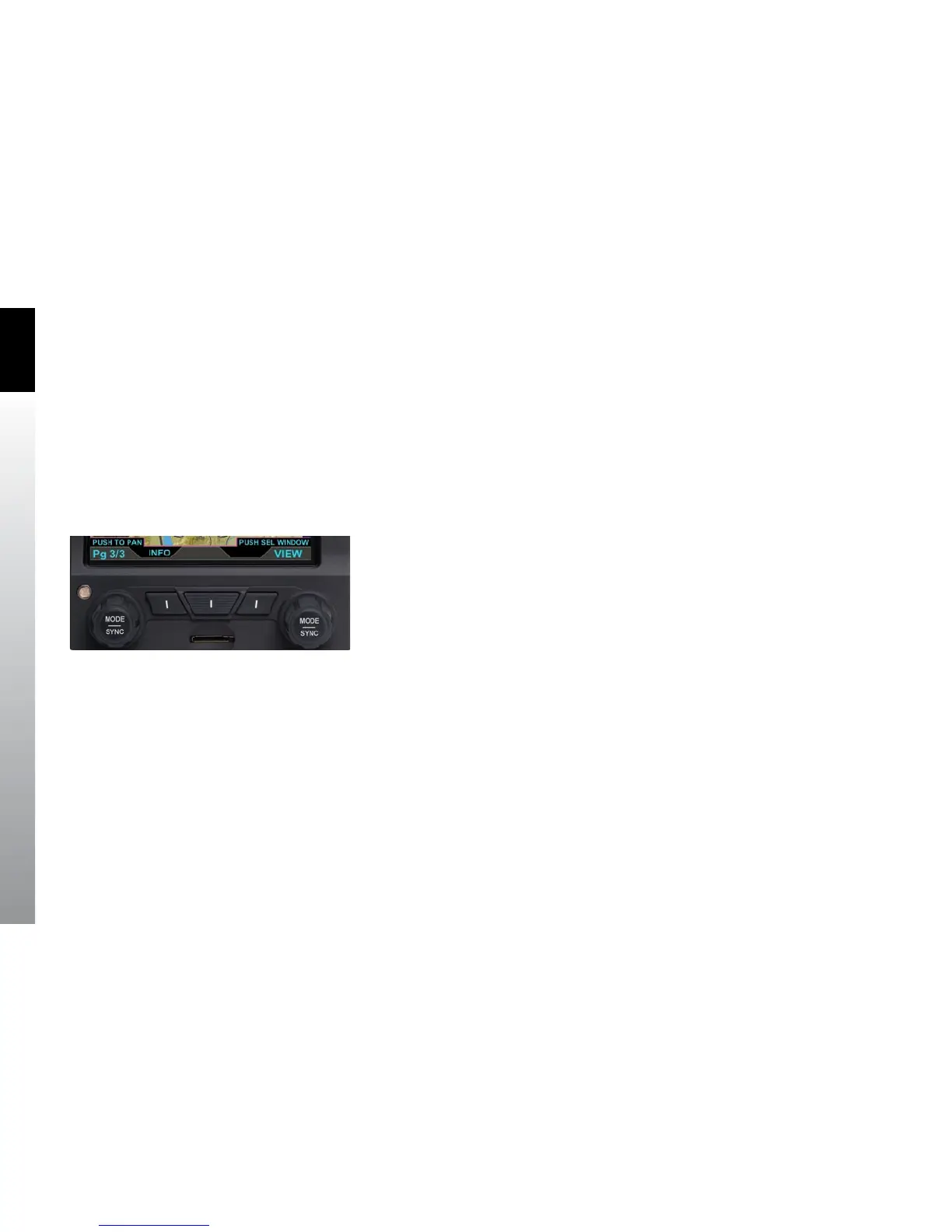
The EFD1000/500 MFD has two dual rotary knobs with a push feature. The knobs are
used to select a dierent PAGE, WINDOW, or VIEW or move horizontally and vertically
when panning the map. The three buttons at the bottom of the MFD have various
functions as described in the following sections. All of the buttons and knobs are
labeled on the display (Figure 3-9).
3.2.1.1. Left Knob
Rotating the Left Knob selects a dierent PAGE for display. The initial rotation of the
knob activates the selection process, and continued rotation will select dierent
PAGEs. This feature helps to minimize inadvertent PAGE changes. Pressing the Left
Knob activates panning mode. When panning mode is active the Left Knob scrolls
horizontally across the map. When in the Secondary HSI VIEW the Left Knob performs a
SYNC function for the CRS (EFD1000 MFD only).
Figure 3-9
Lower Controls, Knobs and Buttons



 To Next Page