CHAPTER 6 EXPANDED EMERGENCY AND ABNORMAL PROCEDURES
EFD1000/500 MFD Pilot’s Guide
Page 6-10 091-00006-001 REV B
EFD1000/500 MFD Pilot’s Guide
Page 6-11091-00006-001 REV B
6.9. ADAHRS Attitude Disagreement
Should dierences be observed between one or more EFD1000 displays and/or the
standby instruments, monitor all available attitude, airspeed, and altitude information to
diagnose faulty indicator(s). Reset the EFD1000 ADAHRS.
6.10. In-Flight ADAHRS Reset
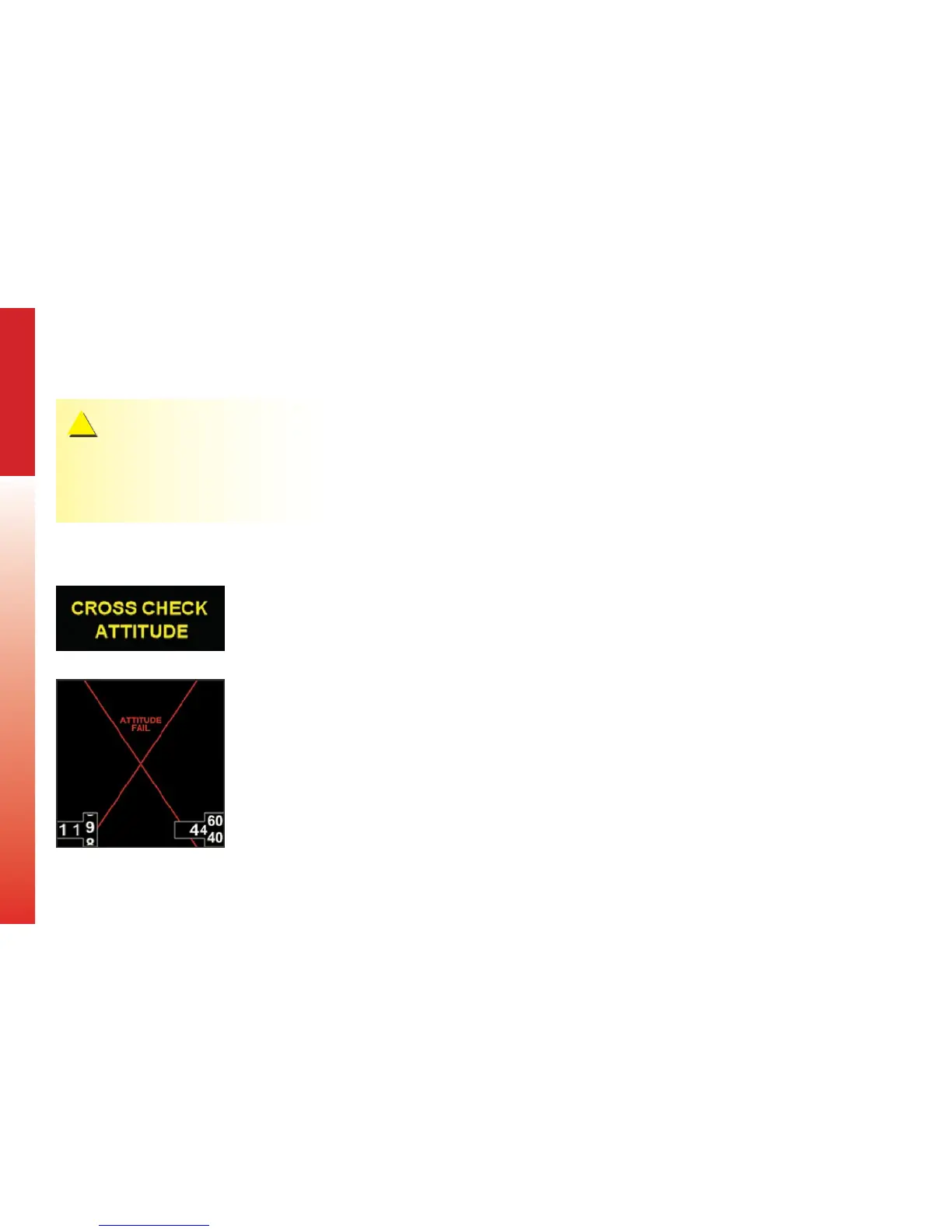
In the unlikely event the EFD1000 determines a potential degradation of attitude
information, a warning annunciation, CROSS CHECK ATTITUDE, displays (Figure 6-9). If
the attitude pitch or roll data become invalid, a red “X” and the textual annunciation of
“ATTITUDE FAIL” display on the Secondary Attitude Indicator and all aircraft roll, pitch,
and slip information is removed from the Attitude Indicator display (Figure 6-10). Use
alternate, mechanical, ight instruments and reset the AHRS as soon as possible.
Figure 6-9
Attitude Degraded Performance
CAUTION
The EFD1000 PFD and MFD may share a common
pitot/static system and their otherwise independent
attitude solution may be similarly aected by pitot/
static faults.
Figure 6-10
Attitude Failure



 To Next Page