CHAPTER 5 REFERENCE GUIDE
EFD1000/500 MFD Pilot’s Guide
Page 5-52 091-00006-001 REV B
EFD1000/500 MFD Pilot’s Guide
Page 5-53091-00006-001 REV B
Message Description
Communication
Error
The XM receiver is
not communicating
with the EFD.
XM receiver is not communicating
with the EFD, check power and
connections
Antenna Error The antenna status is
not detected.
XM Receiver is not receiving
satellite data. Check antenna
connections
Activation Error The XM receiver is
not activated.
XM receiver is not activated, Call
800.985.9200, or go to xmweather.
com, to subscribe
Table 5-15 XM Status Error Messages
5.2.9.5. XM Product Page
Each Data Link Weather feature includes a time annunciation that displays the age of
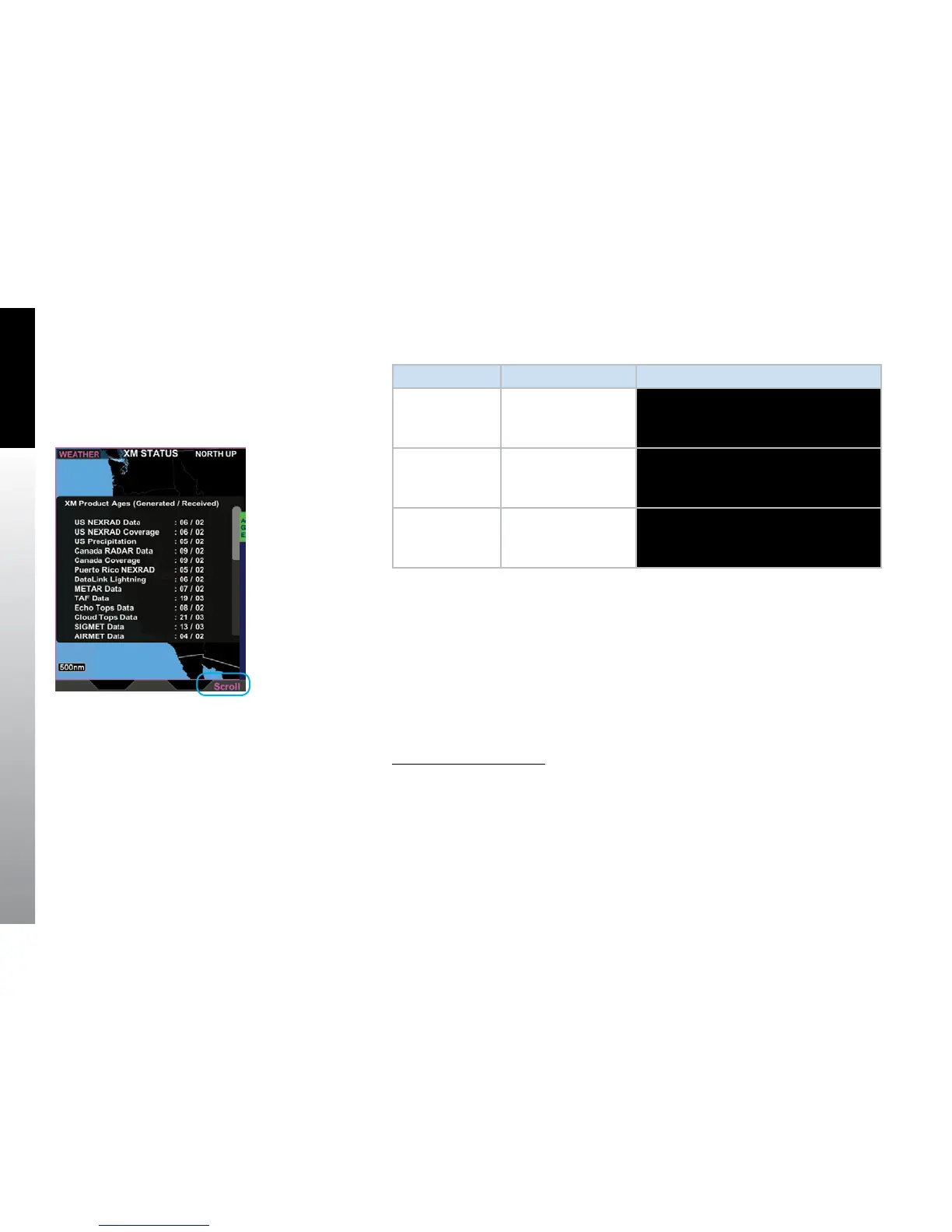
the data being displayed. Additionally the XM Status weather product screen provides
the age of all weather products listing the elapsed time since the information was
generated followed by the elapsed time since the product was received by the weather
receiver (Figure 5-67). The age of each product is displayed in time annunciations on
each weather page; additionally, the pilot can view a list of each product’s age from the
XM Status weather product screen.
Display XM Products’ Age
1. With the XM Status weather product screen displayed, press the AGE Hot Key.
A pop-up screen displays showing the age of each of the XM products.
2. Press the AGE Hot Key again to close the pop-up.
Figure 5-67
XM Status Product Ages Screen



 To Next Page