CHAPTER 5 REFERENCE GUIDE
EFD1000/500 MFD Pilot’s Guide
Page 5-8 091-00006-001 REV B
EFD1000/500 MFD Pilot’s Guide
Page 5-9091-00006-001 REV B
1. Overlays are not aected by map declutter setting. Airway and Terrain information is decluttered based upon map range.
2. Always ON regardless of range or declutter settings.
3. Refer to Section 5.3.1. Terrain and Obstructions for specic details and symbology.
4. Not congurable via the main menu.
5. The TFR annunciaiton is always displayed directly above the Range setting.
6. Declutter settings: H=High, MH=Medium High, ML=Medium Low, L=Low
CAUTION
If basemap features are invalid or unavailable, they are
not displayed. An expired database does not render a
basemap feature invalid.
NOTE
The Data Link Weather (NXRD) and Relative Terrain
(TERR) overlay are mutually exclusive, i.e. only one
overlay may be displayed at a time..
Feature Group & Layer
Order (top to bottom)
Feature Max Range (nm)
Declutter Setting
6
H MH ML L
NDBs 11
15
VORs 12
200
Intersections 13
15
Airways
1, 4
14
Overlay - enabled via ARWY Hot Key 200 N/A
Transportation 15
Highways, Railroads 40
Boundaries 16 State, Province, International, ADIZ
4
, Special
Flight Rule Areas (SFRA)
4
2000
Relative Terrain
1, 3, 4
17 Overlay – enabled via Hot Key Limited to 100 but displayed to 2000 N/A
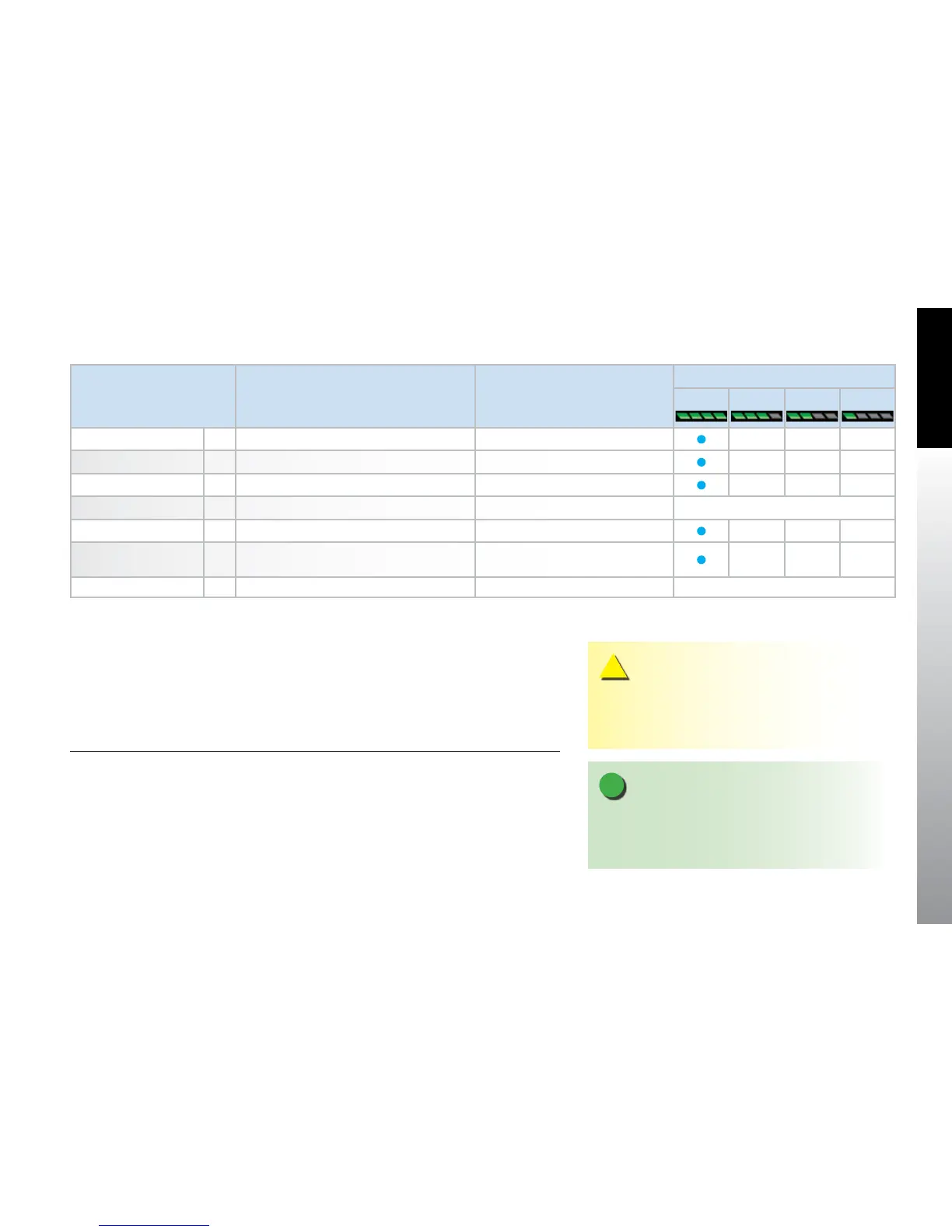
Table 5-5 Feature Group Layering, Range, and Declutter Behavior



 To Next Page