CHAPTER 3 DISPLAY & CONTROLS
EFD1000/500 MFD Pilot’s Guide
Page 3-4 091-00006-001 REV B
EFD1000/500 MFD Pilot’s Guide
Page 3-5091-00006-001 REV B
3.1. Default Display
The EFD1000/500 MFD oers three dierent display options as described in the
following paragraphs. The default VIEWs and other settings can be changed at any
time. Any changes made to the PAGE are automatically saved and displayed over the
power cycle of the unit. All three display options show the data bar (see Section 3.1.1.
DataBar).
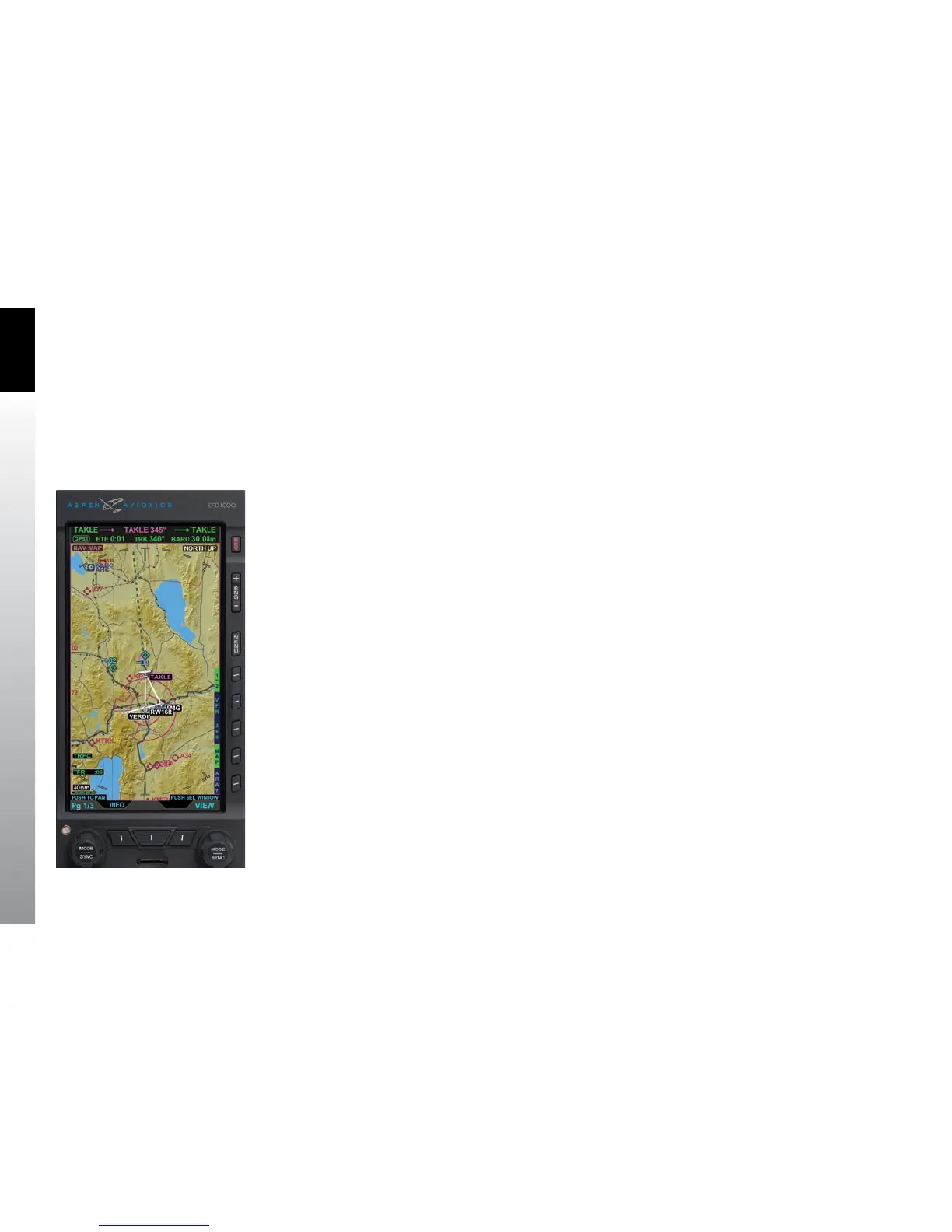
The rst PAGE is a one WINDOW, Full Screen LAYOUT, and the Left Knob label reads 1/3.
The default display is the VFR Navigation Map VIEW (Figure 3-5).
The following VIEWS will display in the Full Screen LAYOUT WINDOW:
• Navigation Map (NAV MAP)
• Terrain (TERR)
• Trac (TRFC)
• WX-500 (STRIKES)
• Data Link Weather (WEATHER)
Figure 3-5
EFD1000/500 MFD PAGE 1/3



 To Next Page