CHAPTER 5 REFERENCE GUIDE
EFD1000/500 MFD Pilot’s Guide
Page 5-24 091-00006-001 REV B
EFD1000/500 MFD Pilot’s Guide
Page 5-25091-00006-001 REV B
5.1.9.5. Trac Overlay
The Trac Hot Key enables the trac display overlaid on the Navigation Map VIEW.
When enabled, the Trac overlay displays trac threats as dened in Section 5.3.2.
Trac, is oriented to the underlying Navigation Map using the normal altitude lter.
The Hot Key label TRFC is green when enabled and gray when disabled. The Trac
overlay defaults to enabled after a power cycle of the EFD1000/500 MFD. For detailed
information on trac alerts and how trac is displayed, see Section 5.3.2.2. Trac
Advisories.
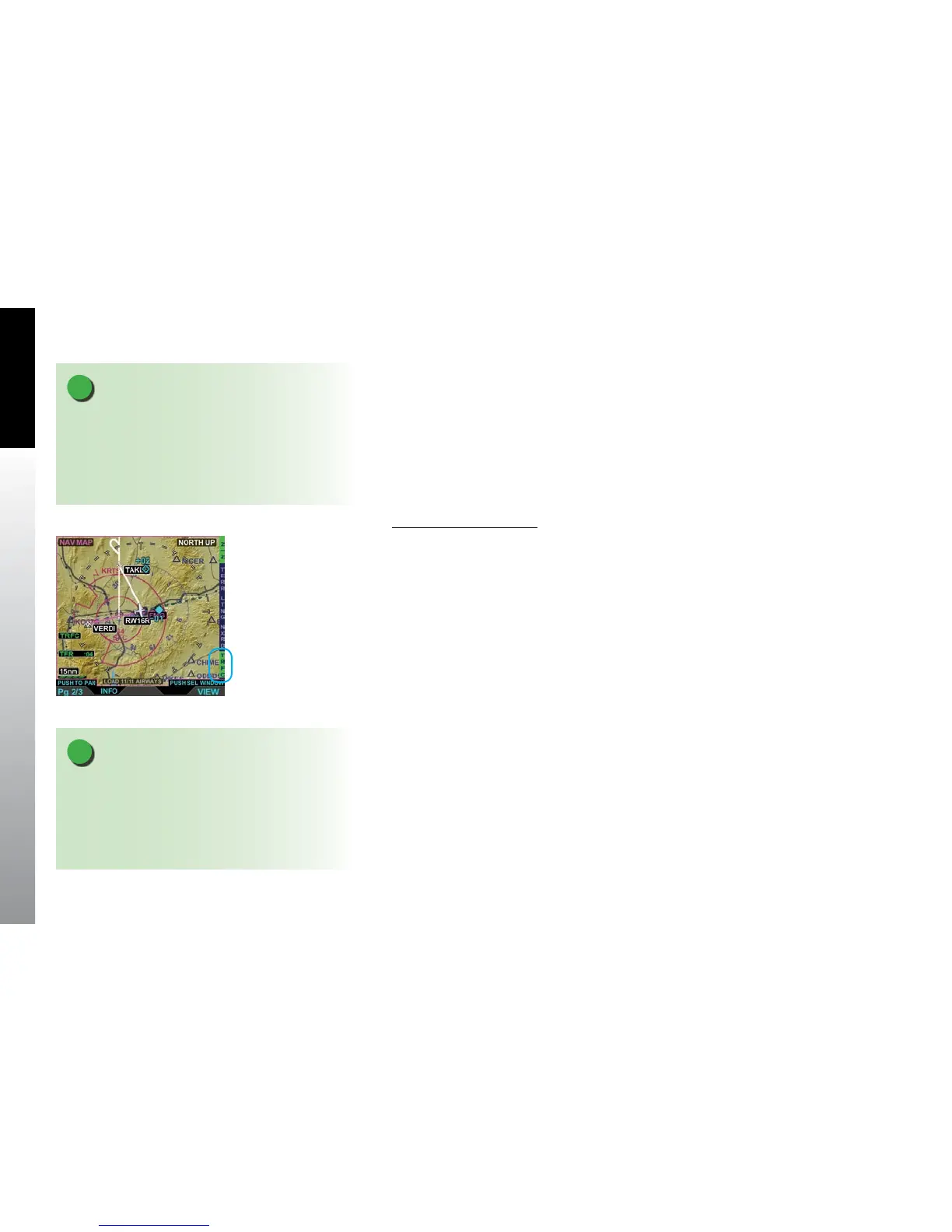
Show the Trac Overlay
1. With the Navigation Map VIEW selected, display the 2/2 Hot Key menu.
2. Press the TRFC Hot Key to turn Trac on (label turns green) or o (label turns
gray) and the TFRC annunciation displays in the lower left of the display
(Figure 5-28).
Figure 5-28
Trac Overlay On
NOTE
The Trac overlay requires conguration with an
appropriate trac sensor and displays trac using the
Normal trac altitude lter. See Section 5.3.2.1.5.
Altitude Filter for detailed information about trac
lters.
NOTE
When the panning function is enabled, trac symbols
are removed from the map (indicated by the label
TRFC RMVD); however the overlay is still active. Once
panning is exited, trac overlay symbols are restored
to the display.



 To Next Page