CHAPTER 5 REFERENCE GUIDE
EFD1000/500 MFD Pilot’s Guide
Page 5-62 091-00006-001 REV B
EFD1000/500 MFD Pilot’s Guide
Page 5-63091-00006-001 REV B
For example, the intruder shown in Figure 5-74 is a Trac Advisory 400 feet above the
ownship and is descending. No altitude information is shown in the intruder data block
when the altitude is unavailable.
5.3.2.1.2. No Bearing Advisories
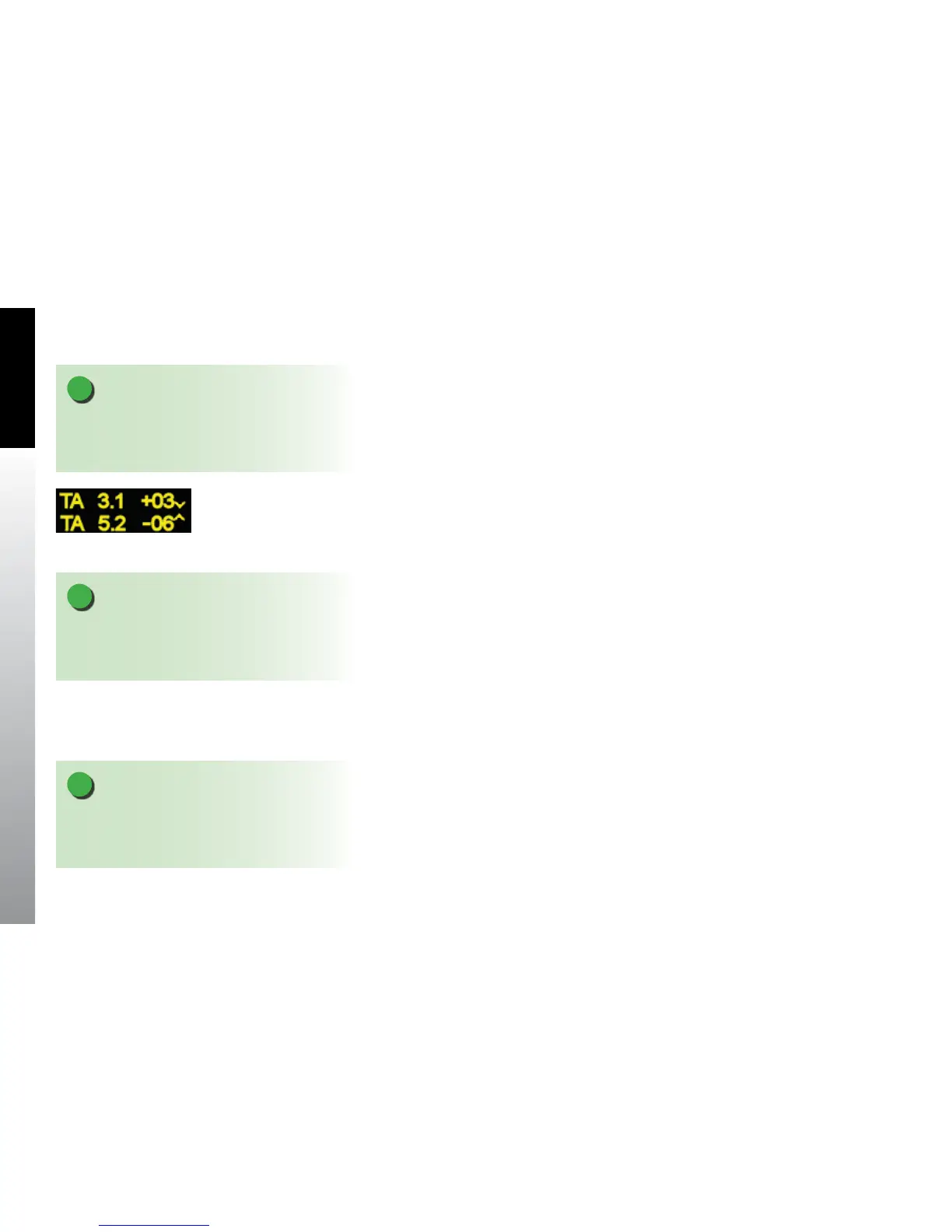
If the trac sensor reports Trac Advisories without bearing information, the advisory is
displayed as a text only data block centered on the display below the ownship symbol
(Figure 5-75). The EFD1000/500 MFD displays up to two Trac Advisories at a time,
with the most urgent listed rst. Non-bearing Trac Advisories outside the displayable
range are displayed based on priority. Intruders generating a Proximity Advisory or
Other Trac Advisory without bearing data or outside the displayable region are not
displayed.
5.3.2.1.3. O Scale and Symbol Overlap
Trac Advisories that are outside the current range are indicated by a half-symbol at
the edge of the display with the appropriate data block. Proximity Advisories and Other
Trac that are outside of the current range are not displayed.
When multiple trac symbols partially or completely overlap, the symbols are visually
stacked, with the highest priority alert data on top, obscuring the lower priority alert.
When a trac symbol and the ownship symbol partially or completely overlap, the
trac symbol and data block will overlay the ownship symbol and indicate if the trac
is above or below the aircraft.
NOTE
If an intruder is ying level no arrow is shown. If the
intruder is not reporting altitude, neither the arrow or
the altitude indication are shown.
Figure 5-75
Text-format Trac Advisories
NOTE
Depending on the position of the trac Advisory, at
the edge of the screen, the data block may or may not
display.
NOTE
Altitude and vertical trend data are displayed on No
Beary Advisiories as previously described with the
exception of position relative to the trac symbol.



 To Next Page