EFD1000/500 MFD Pilot’s Guide
Page 2-4 091-00006-001 REV B
EFD1000/500 MFD Pilot’s Guide
Page 2-5091-00006-001 REV B
CHAPTER 2 MFD OVERVIEW
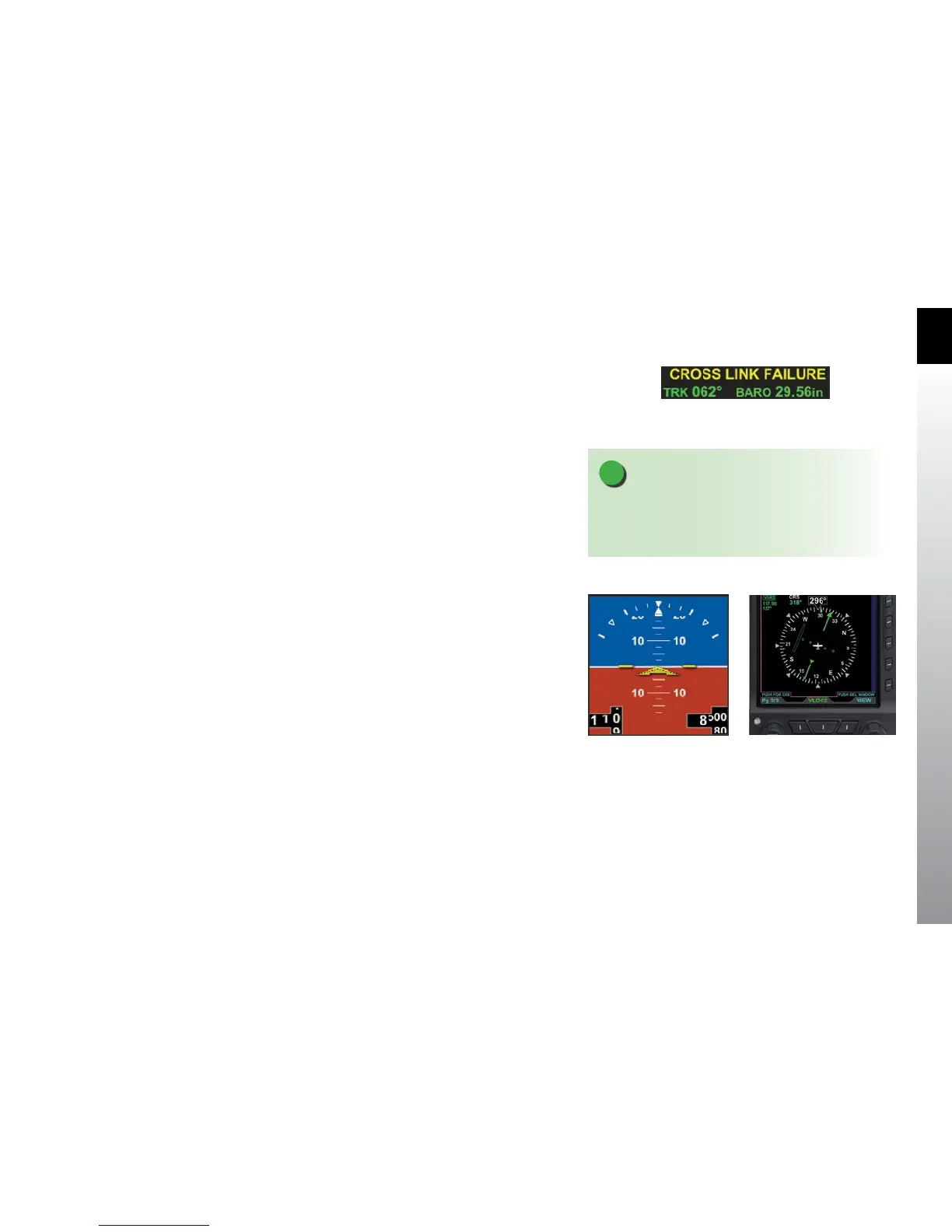
Figure 2-8
MFD/PFD Communication Lost Annunciations
Figure 2-9
Secondary Attitude Indicator VIEW
on the EFD1000 MFD
Figure 2-10
Secondary HSI VIEW on the
EFD1000 MFD
NOTE
Only the EFD1000 MFD supports the display of
the Secondary Attitude Indicator and Secondary
Horizontal Situation Indicator.
2.7. Secondary PFD Display
The EFD1000/500 MFD and the EFD1000 PFD constantly communicate with each other.
When communication with the PFD is lost, the MFD shall annunciate in amber CROSS
LINK FAILURE above the current baro setting in the data bar (Figure 2-8). This message
means that a failure has been detected in the intercommunications and barometric
pressure setting synchronization may be inoperative.. The barometric pressure must be
set in each individual EFD. Switch the MFD to PFD mode, by pressing the REV button, to
adjust barometric pressure on the MFD.
2.7.1 Secondary Attitude Indicator
The Secondary Attitude Instrument VIEW provides a secondary display of aircraft
attitude, altitude, and airspeed. The VIEW consists of a basic attitude indicator overlaid
with numerical airspeed and altitude data (Figure 2-9).
2.7.2 Secondary Horizontal Situation Indicator
The Secondary HSI VIEW provides a secondary display of the Direction Indicator and
Course Direction Indicator (CDI) (Figure 2-10).



 To Next Page