CHAPTER 6 EXPANDED EMERGENCY AND ABNORMAL PROCEDURES
EFD1000/500 MFD Pilot’s Guide
Page 6-4 091-00006-001 REV B
EFD1000/500 MFD Pilot’s Guide
Page 6-5091-00006-001 REV B
6.4. MFD Reversionary Mode Operation (EFD1000
MFD only)
Select REV Mode
1. EFD1000 MFD REV Button ................................MOMENTARY PRESS
2. REVERSIONARY PFD Display ............................Congure as desired
3. BARO SETTING .........................................................Verify
In the unlikely event of a failure of the PFD, including the loss of ADC or ADAHRS
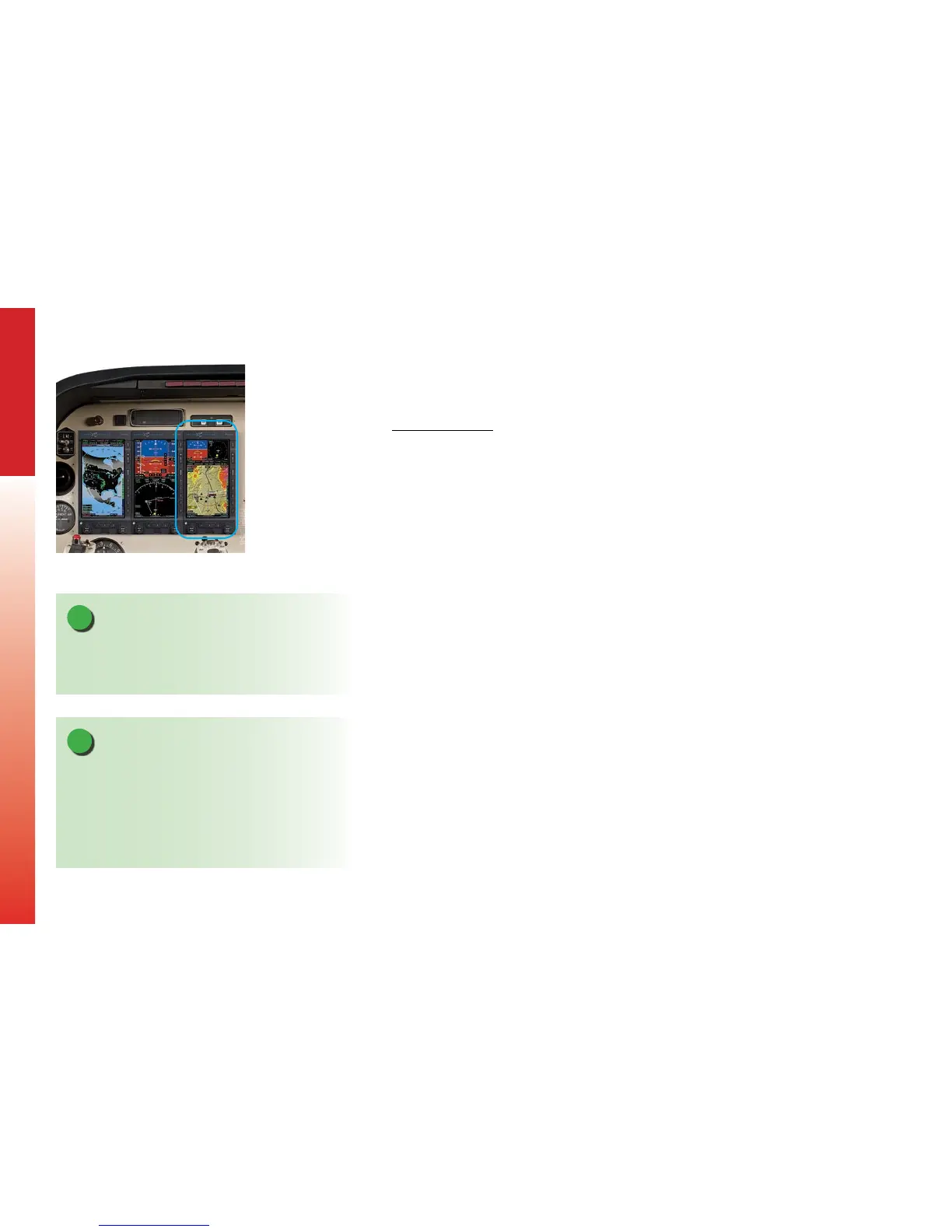
functions, the EFD1000 MFD (Figure 6-2) can revert to PFD operation. With a single
press and release of the red text REV key located on the MFD bezel the MFD will
immediately change to the PFD operating mode. To return to the MFD operating mode,
press the REV key again. In the MFD Reversionary PFD mode, operation is identical
to the PFD except the optional tone generator will no longer function. In addition,
selection of the REV mode does not switch autopilot outputs to the MFD. Rather,
autopilot outputs remain connected to the EFD1000 PFD. If the PFD is failed, autopilot
operation may be unavailable or limited.
Information that is not related to Primary Flight Information (e.g. navigation
conguration data such as navigation source, selected course, selected heading,
altitude bug, minimums bug, airspeed bug) is not passed between the displays, and,
therefore, must be congured or veried by the pilot, as necessary, prior to entering
critical phases of ight. After conguring the MFD REV mode, the unit may be returned
to normal MFD operation. This simple step will ensure that the MFD is ready to assume
all of the duties performed by the PFD should that equipment experience a failure.
NOTE
Pressing and holding the REV key for 5 seconds will shut
o the unit. The REV button is located on the EFD bezel,
marked with “REV” in red text.
NOTE
When reversion mode is selected, verify that the display
is congured as necessary. Items to consider include
Baro Setting, Altitude Bug, Airspeed Bug, Minimums,
CDI Nav Source, Selected Course and Heading,
ARC/360 Mode, Map conguration, Weather, Trac
and Lightning overlays, etc.
Figure 6-2
The EFD1000 MFD is on the
Right of a Three-Display Setup



 To Next Page