CHAPTER 4 GETTING STARTED
EFD1000/500 MFD Pilot’s Guide
Page 4-12 091-00006-001 REV B
EFD1000/500 MFD Pilot’s Guide
Page 4-13091-00006-001 REV B
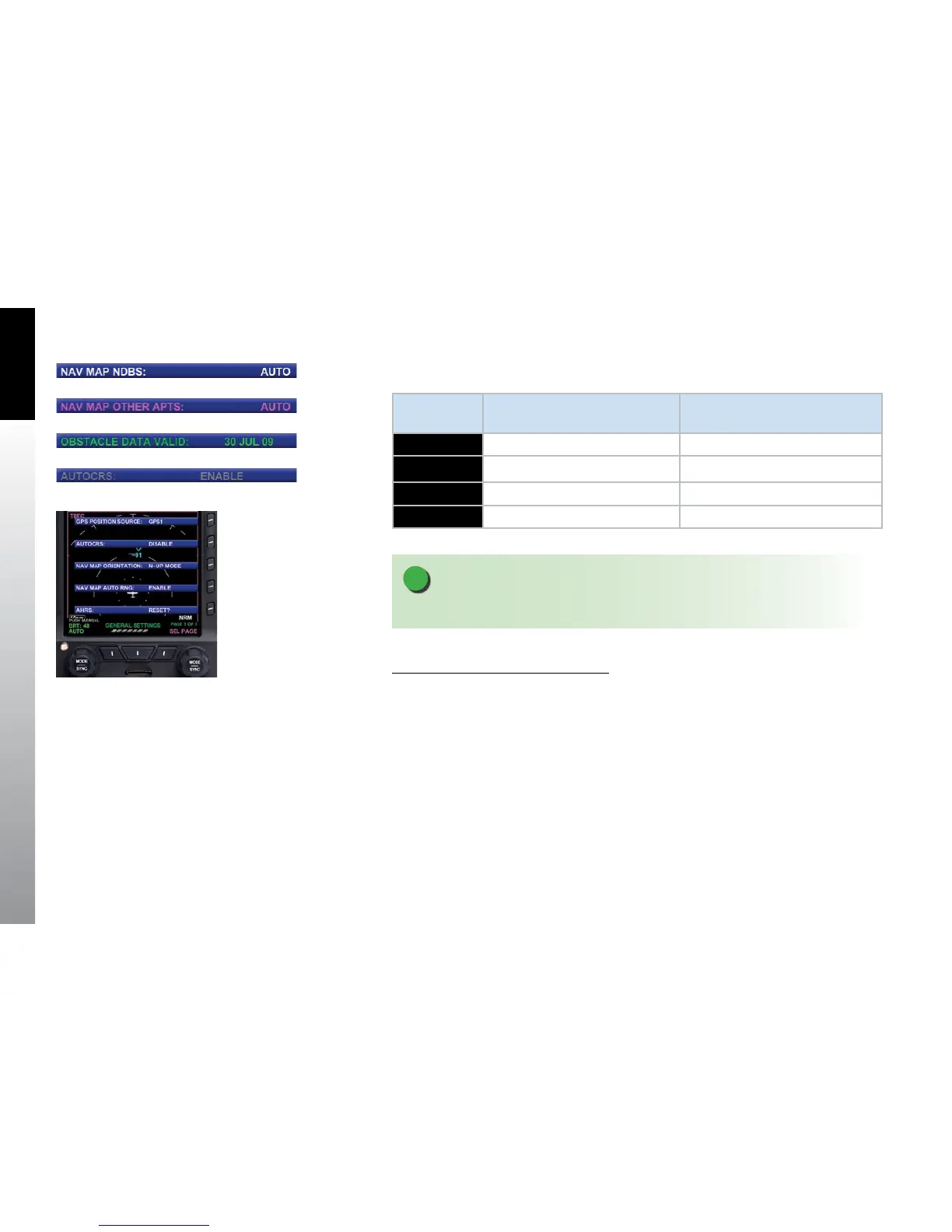
The menu text will display in one of the four colors listed and described in Table 4-2.
DISPLAY
TEXT
DESCRIPTION DISPLAY
WHITE
Editable option See Figure 4-20
MAGENTA
Editable option enabled See Figure 4-21
GREEN
Non-Editable or “Status Only” See Figure 4-22
GRAY
Disabled See Figure 4-23
Table 4-2 Menu Text
NOTE
The following steps are provided as a basic overview.
Access and Navigate the Main Menu
1. Push the MENU Button. The Main Menu displays adjacent to the Hot Keys
(Figure 4-24).
2. Rotate the Right Knob to navigate through the dierent pages of the menu.
Rotating the Right Knob clockwise advances forward one menu page at a
time. Rotating the Right Knob counterclockwise reverses one menu page
atatime.
3. When nished, press the MENU Button to exit the Main Menu.
Figure 4-20 Main Menu Text - Editable
Figure 4-21 Main Menu Text - Enabled
Figure 4-22 Main Menu Text – Status Only
Figure 4-23 Main Menu Text - Disabled
Figure 4-24
Menu Display



 To Next Page