CHAPTER 4 GETTING STARTED
EFD1000/500 MFD Pilot’s Guide
Page 4-4 091-00006-001 REV B
EFD1000/500 MFD Pilot’s Guide
Page 4-5091-00006-001 REV B
4.1.1. Select Dierent PAGE or WINDOW
As previously mentioned, a PAGE displays information on the EFD1000/500 MFD screen.
When you make any changes to a PAGE, the PAGE settings are automatically updated
and saved. Changes are made to the current PAGE by selecting the WINDOW and
changing the VIEW or other options as desired. If you view another PAGE, then return to
the previous PAGE you made changes to, it will have the same settings as when it was
last displayed. PAGES can be modied at any time.
The EFD1000/500 MFD must be in Change VIEW Mode to change the current PAGE
or WINDOW display. When the EFD1000/500 MFD is in Change VIEW Mode, the Right
Knob label reads PUSH SEL WINDOW. When panning; viewing Airport, METAR, AIRMET/
SIGMET, or TFR information; or editing the airport identier in the METAR view, the
EFD1000/500 MFD is in VIEW Control Mode. When in VIEW Control Mode the Right
Knob label changes to PUSH FOR BACK to allow the pilot to quickly exit VIEW Control
Mode and return to Change VIEW Mode.
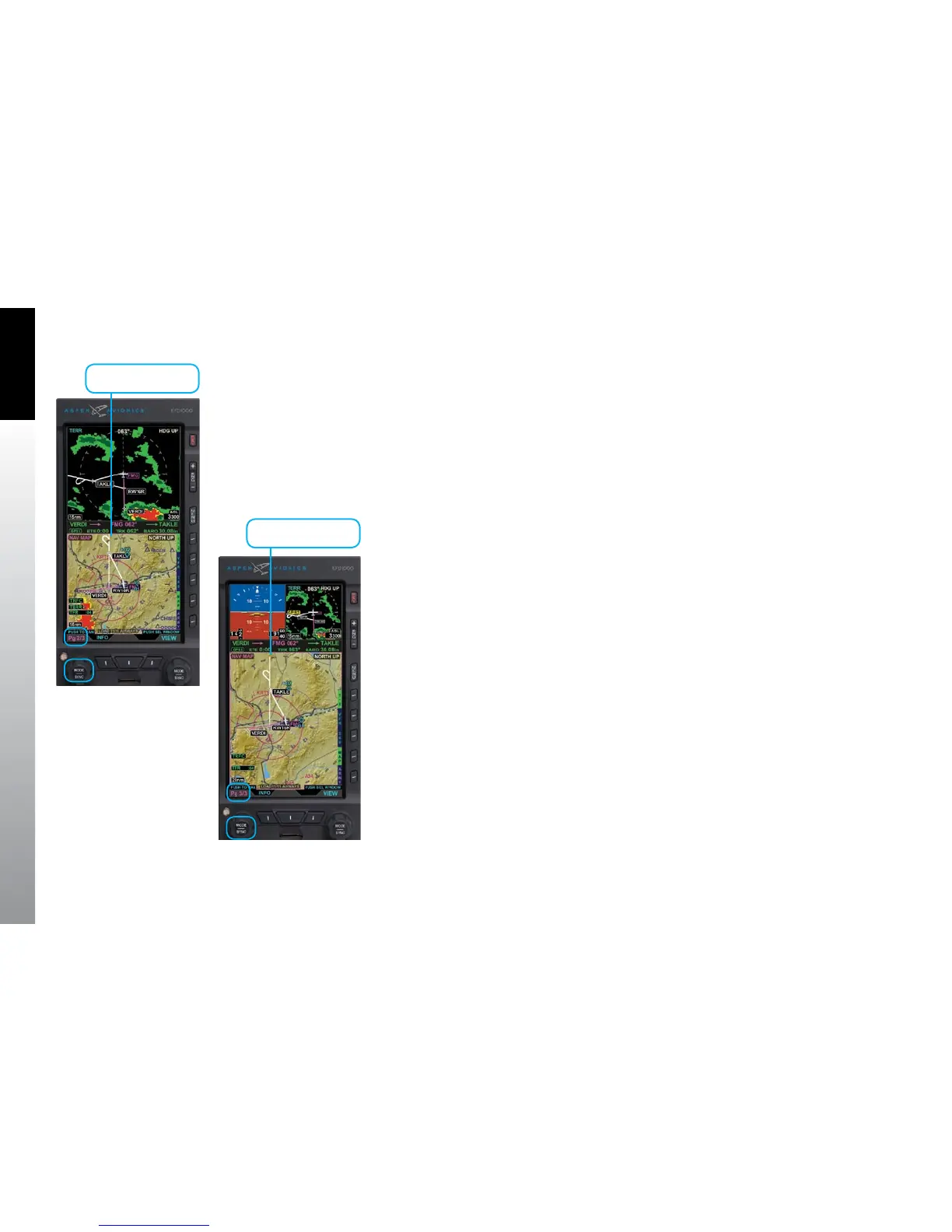
Figure 4-4 PAGE Selection Mode –
Split-Screen LAYOUT
Figure 4-5 PAGE Selection Mode –
Thumbnail LAYOUT
Active Window
Active Window



 To Next Page