CHAPTER 5 REFERENCE GUIDE
EFD1000/500 MFD Pilot’s Guide
Page 5-32 091-00006-001 REV B
EFD1000/500 MFD Pilot’s Guide
Page 5-33091-00006-001 REV B
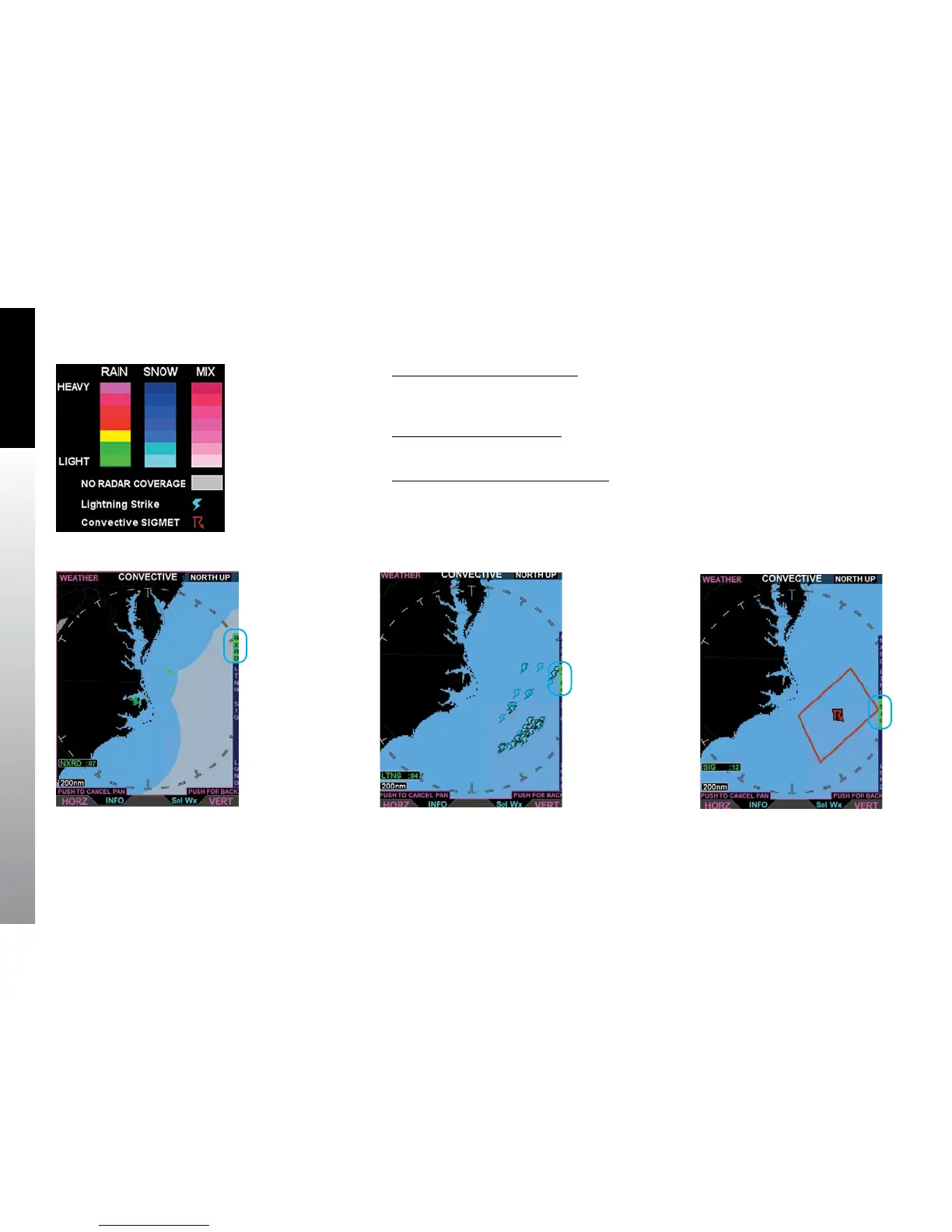
Figure 5-35
Convective Legend
Display the Convective Legend
• With the Convective weather product screen displayed, press the LGND Hot
Key. The Convective legend displays on the right of the screen (Figure 5-35).
Hide the Convective Legend
• Press the LGND Hot Key to hide the Convective legend.
Hide or Display Convective Overlays
• With the Convective screen selected, press any of the Hot Keys to enable
(green) or disable (gray) the applicable weather feature (Figure 5-35–5-38).
Figure 5-36 NEXRAD Coverage On Figure 5-37 Lightning Coverage On Figure 5-38 Convective SIGMET Coverage On



 To Next Page