CHAPTER 6 EXPANDED EMERGENCY AND ABNORMAL PROCEDURES
EFD1000/500 MFD Pilot’s Guide
Page 6-6 091-00006-001 REV B
EFD1000/500 MFD Pilot’s Guide
Page 6-7091-00006-001 REV B
When GPSS Automatically Changes to Wings Level Mode
1. Check the congured GPS source.
2. Check the EFD1000 navigation source select.
3. If selected GPSS source is restored or changed and GPSS is still desired, press
the “GPSS” Hot Key to activate GPSS (GPSS Hot Key label turns green).
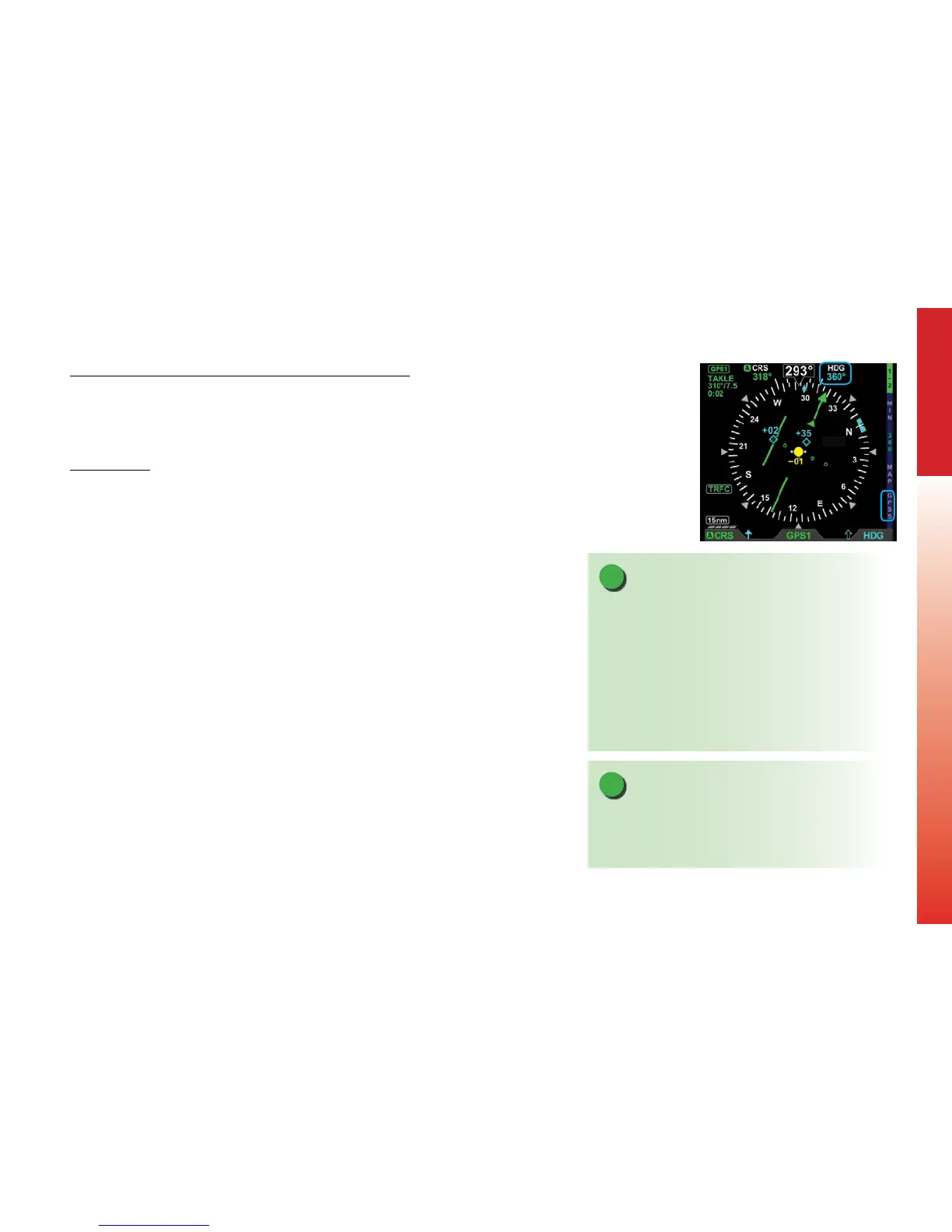
Disable GPSS
1. Press the GPSS Hot Key until the Hot Key label is gray (Figure 6-6).
2. Check or set the Autopilot Control Panel modes as desired.
3. Adjust the EFD1000 HDG bug as desired.
Figure 6-6
GPSS Disabled
NOTE
The congured GPS source must provide an active
ight plan for the GPSS to remain engaged or to be
restored.
If the EFD1000 navigation source is changed to
another congured GPS or VLOC source for longer than
2 seconds, the GPSS mode will change to Wings Level.
The pilot must then press the GPSS hotkey to restore or
disable GPSS, as desired.
NOTE
If GPSS is enabled and the autopilot is engaged in
the heading mode, disabling the GPSS will cause the
autopilot to follow HDG bug steering.



 To Next Page