CHAPTER 5 REFERENCE GUIDE
EFD1000/500 MFD Pilot’s Guide
Page 5-34 091-00006-001 REV B
EFD1000/500 MFD Pilot’s Guide
Page 5-35091-00006-001 REV B
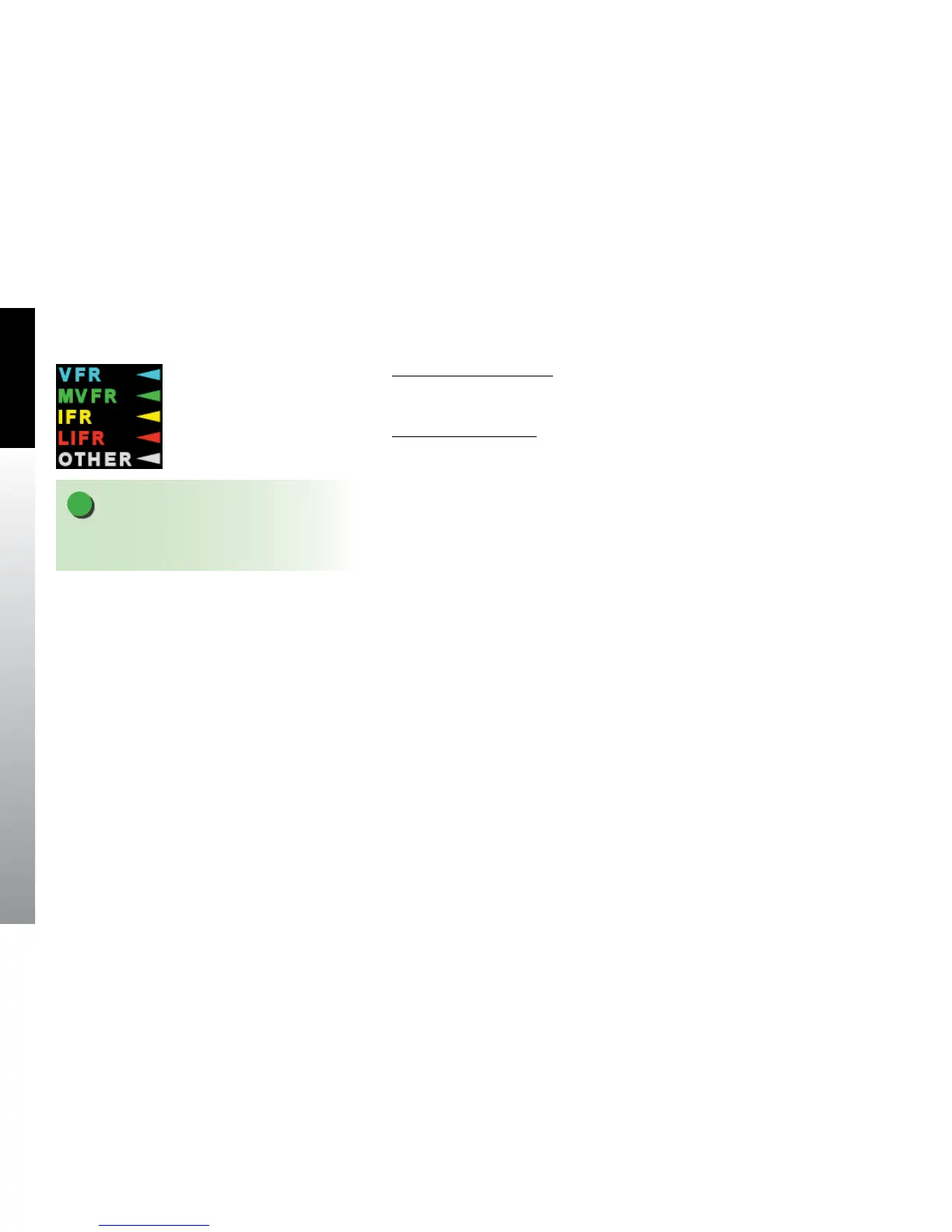
Display the METAR Legend
• With the METAR weather product screen displayed, press the LGND Hot Key.
The METAR legend displays on the right of the screen (Figure 5-40).
Hide the METAR Legend
• Press the LGND Hot Key to hide the METAR legend.
The pilot can display full textual details for any METAR. The text display will show the
latest METAR and if available the previous METAR and latest TAF. If the latest METAR
is a special observation, Special Observation displays above the METAR text in cyan.
Previous METAR information is identied by Previous Observation displaying above the
METAR text in cyan. When the latest TAF is displayed Terminal Forecast displays above
the TAF text in cyan. There are two options for viewing textual METARs; either rotating
through multiple airports’ METARs, or viewing an individual airport METAR by entering
the airport identier.
Figure 5-40
METAR Flag Legend
NOTE
If an airport does not report METAR data there is no
METAR symbol for that airport.



 To Next Page