CHAPTER 6 EXPANDED EMERGENCY AND ABNORMAL PROCEDURES
EFD1000/500 MFD Pilot’s Guide
Page 6-26 091-00006-001 REV B
EFD1000/500 MFD Pilot’s Guide
Page 6-27091-00006-001 REV B
ADVISORY
Applicability
MFD
500
MFD
1000
MFD
1000
(REV)
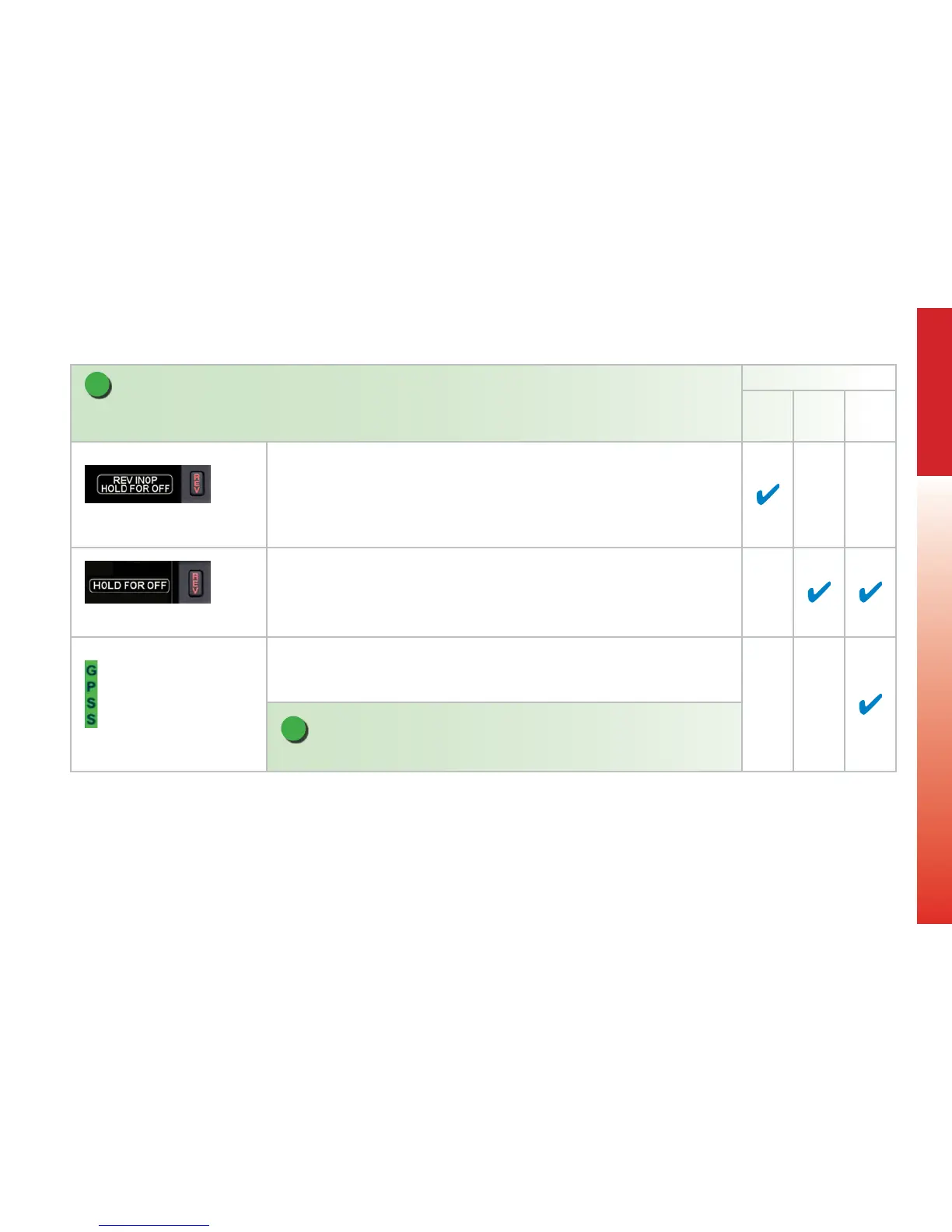
Figure 6-52 REV Button O
Presented when the EFD500 MFD’s “REV” button is pressed.
Figure 6-53 REV Button O
Presented when the EFD1000 MFD’s “REV” button is pressed and held when operating as
a MFD.
Figure 6-54 GPSS On
Presented when GPSS is enabled and the GPS source is valid. Either “GPSS1” or “GPSS2”
may be annunciated, depending on selection and the number of congured GPS
navigators. This also indicates the autopilot heading source.
NOTE
GPSS will always reect the GPS basemap in the lower display and follow its source.



 To Next Page