CHAPTER 4 GETTING STARTED
EFD1000/500 MFD Pilot’s Guide
Page 4-4 091-00006-001 REV B
EFD1000/500 MFD Pilot’s Guide
Page 4-5091-00006-001 REV B
Viewing PAGES
• Rotate the Left Knob clockwise to select the next PAGE, counter-clockwise
to select the previous PAGE. The label above the Left Knob will change to
indicate the page number currently displayed (Figure 4-4 and 4-5).
Selecting WINDOWS
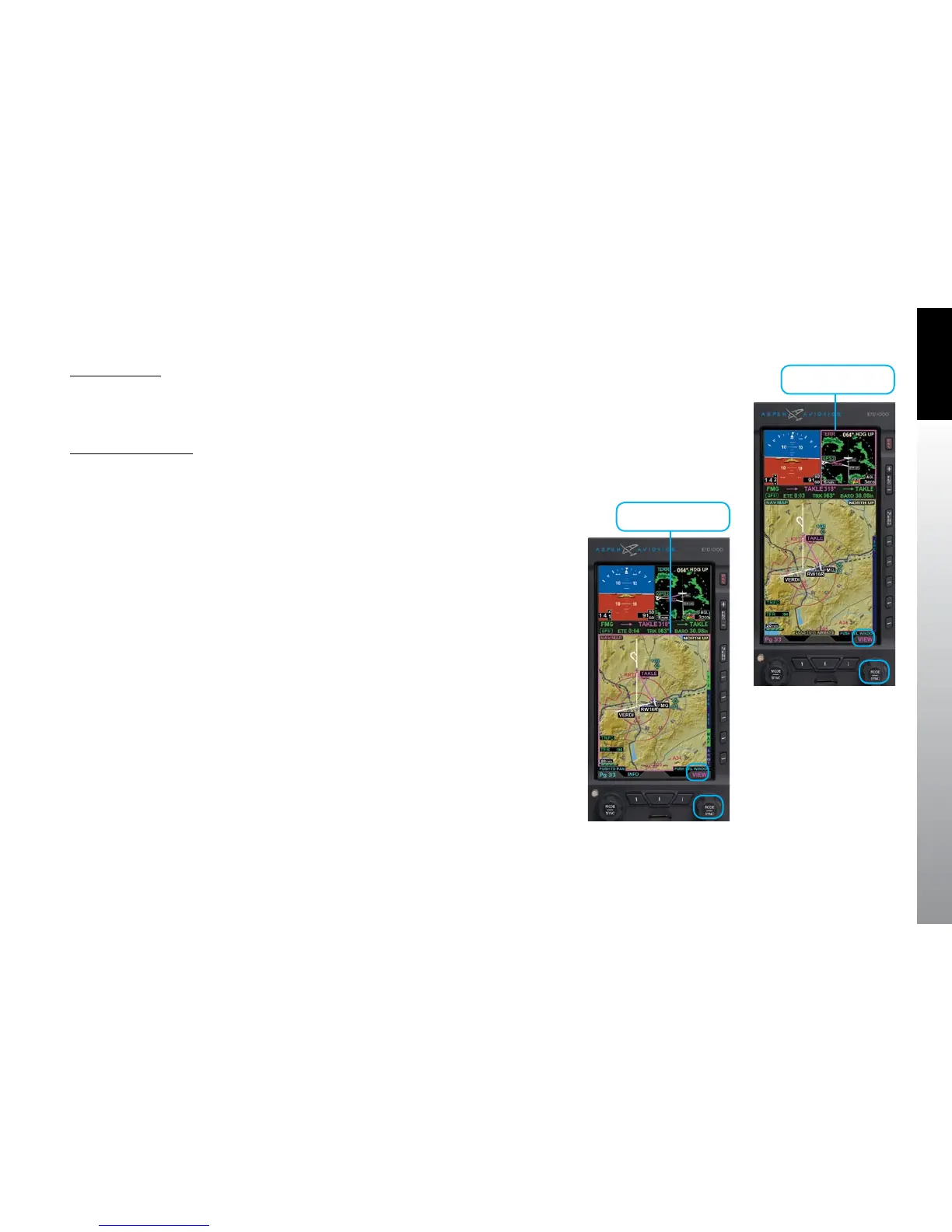
• Push the Right Knob to activate WINDOW selection mode. The magenta
border around the current WINDOW with FOCUS becomes bolder and the
VIEW label above the Right Knob turns magenta. Each consecutive push of
the Right Knob selects the next WINDOW on the PAGE and the magenta
border will outline the selected WINDOW (Figures 4-6 and 4-7).
Figure 4-6
PAGE Selection Mode – Top
Right WINDOW Selected
Figure 4-7
WINDOW Selection Mode –
Bottom WINDOW Selected
Active Window
Active Window



 To Next Page