CHAPTER 5 REFERENCE GUIDE
EFD1000/500 MFD Pilot’s Guide
Page 5-24 091-00006-001 REV B
EFD1000/500 MFD Pilot’s Guide
Page 5-25091-00006-001 REV B
NOTE
If the dedicated Trac VIEW is selected for display
in another WINDOW and the Navigation Map is
oriented North-Up, the Trac overlay is removed
from the Navigation map to avoid confusion and
the annunciation TRFC RMVD is displayed on the
Navigation Map.
If your trac interface is a TIS interface and trac data is:
• Unavailable the trac label displays TRFC UNVL
• Not refreshed within 6 seconds the trac label displays TRFC COAST
• Not refreshed within 12 seconds the trac label displays TRFC RMVD, and trac
objects are removed from the display
• Not refreshed for 60 seconds the label TRFC RMVD is replaced by TRFC UNVL
Trac symbols are indicated as described in Section 5.3.2.1. Trac Display Trac.
Each trac symbol is accompanied by a data block displaying the type, relative altitude,
and intruder vertical direction (as acquired from the sensor and if available) of the
intruder. The data block text color is the same as the trac symbol.
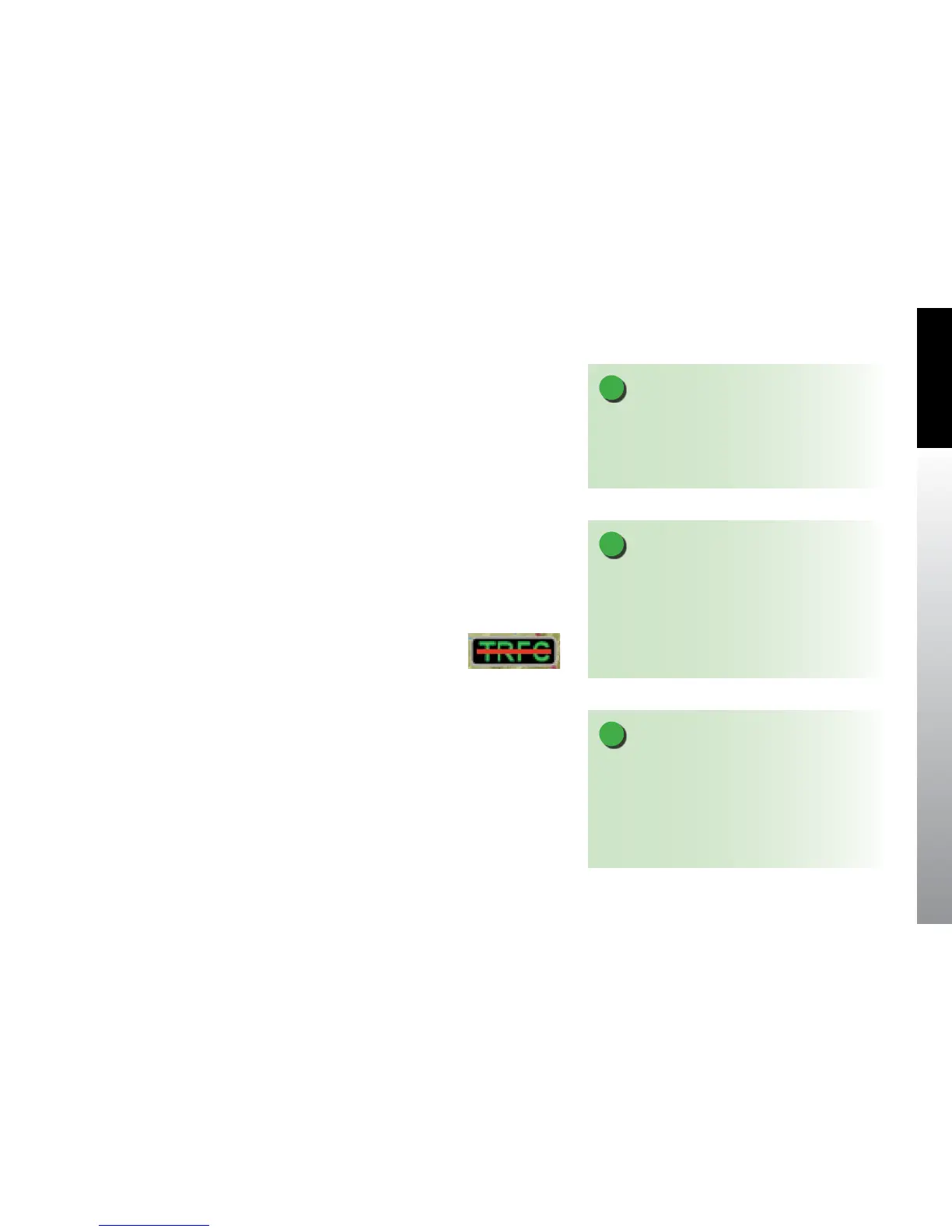
If your TAS sensor status is standby, test, or fail, the trac label displays with a red
horizontal line through the TRFC annunciation (Figure 5-29).
NOTE
When GPS position or heading is invalid or unavailable
the TRFC annunciation displays with a red horizontal
line through the center of the text and trac symbols
are removed from the display.
Figure 5-29 Trac
Sensor Invalid
NOTE
For TIS trac sensors the trac overlay follows the
messaging out lined in Section 5.3.2.1.4. Trac
Operational Modes. For TAS trac sensors if the
sensor status is Standby, Test, or Failure, the TRFC
annunciation displays with a red horizontal line
through the center of the text.



 To Next Page