CHAPTER 5 REFERENCE GUIDE
EFD1000/500 MFD Pilot’s Guide
Page 5-26 091-00006-001 REV B
EFD1000/500 MFD Pilot’s Guide
Page 5-27091-00006-001 REV B
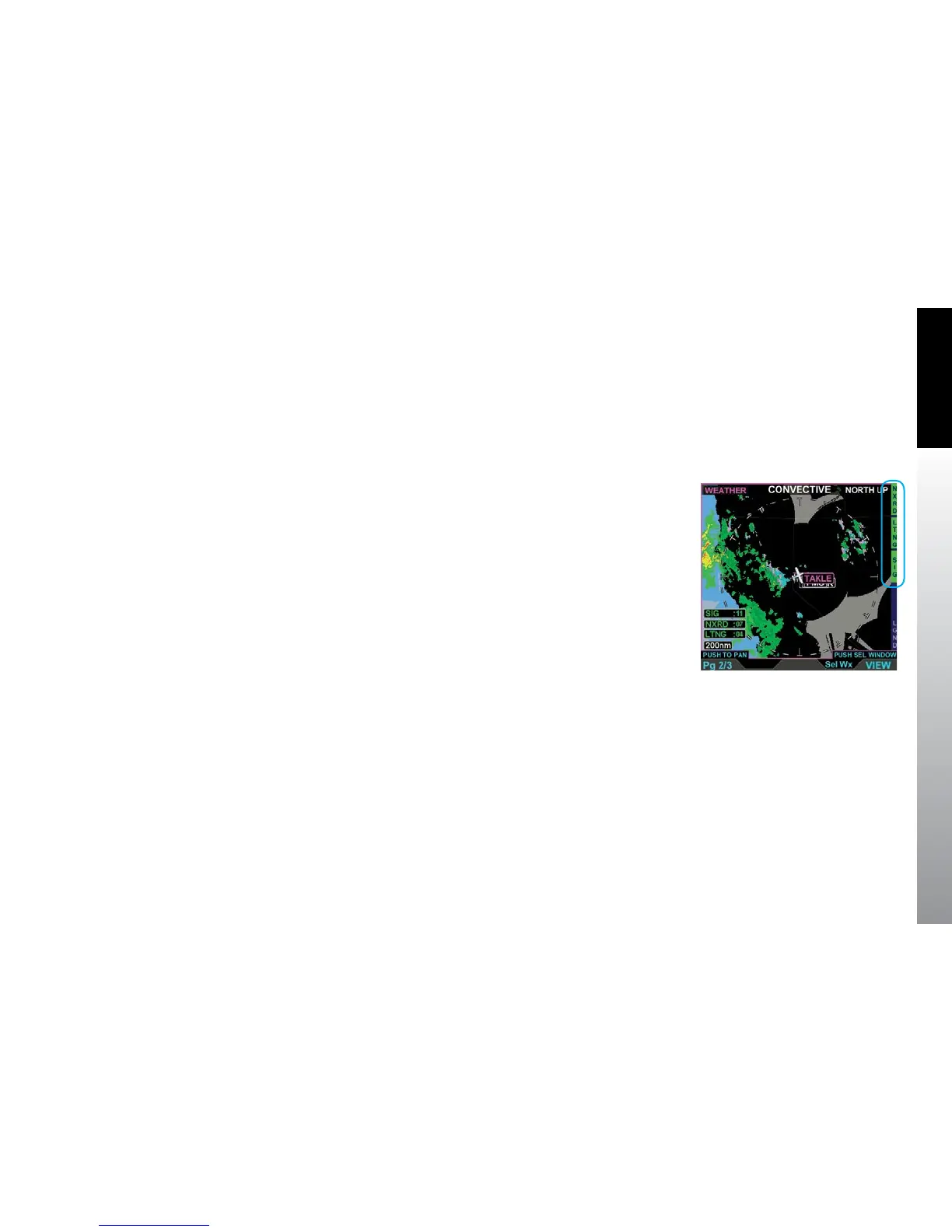
Each Data Link Weather product screen displays the ownship symbol and ight plan
overlaid on a black background, oriented North-Up, centered in a 360° range ring.
The available map ranges are the same as the Navigation Map, starting at 10 nm, with
the default display at 200 nm. In order to provide situational awareness, each screen
displays international boundaries, State or Province boundaries for the United States,
Mexico and Canada, and water features. The METARs, AIRMETs/SIGMETs, and TFRs
product screens provide the pilot with the option to select and view data. (Figure 5-30)
The Weather VIEW is oriented North-Up with the ownship oriented in the direction of
the aircraft’s true heading or its true track if heading information is unavailable. If the
current heading or track is not available the label NORTH UP (HDG FAIL) is displayed in
the upper right corner of the display. If both the heading and the track are unavailable
the ownship is removed from the display.
Figure 5-30
Data Link Weather VIEW
Showing Convective Weather
Product Screen



 To Next Page