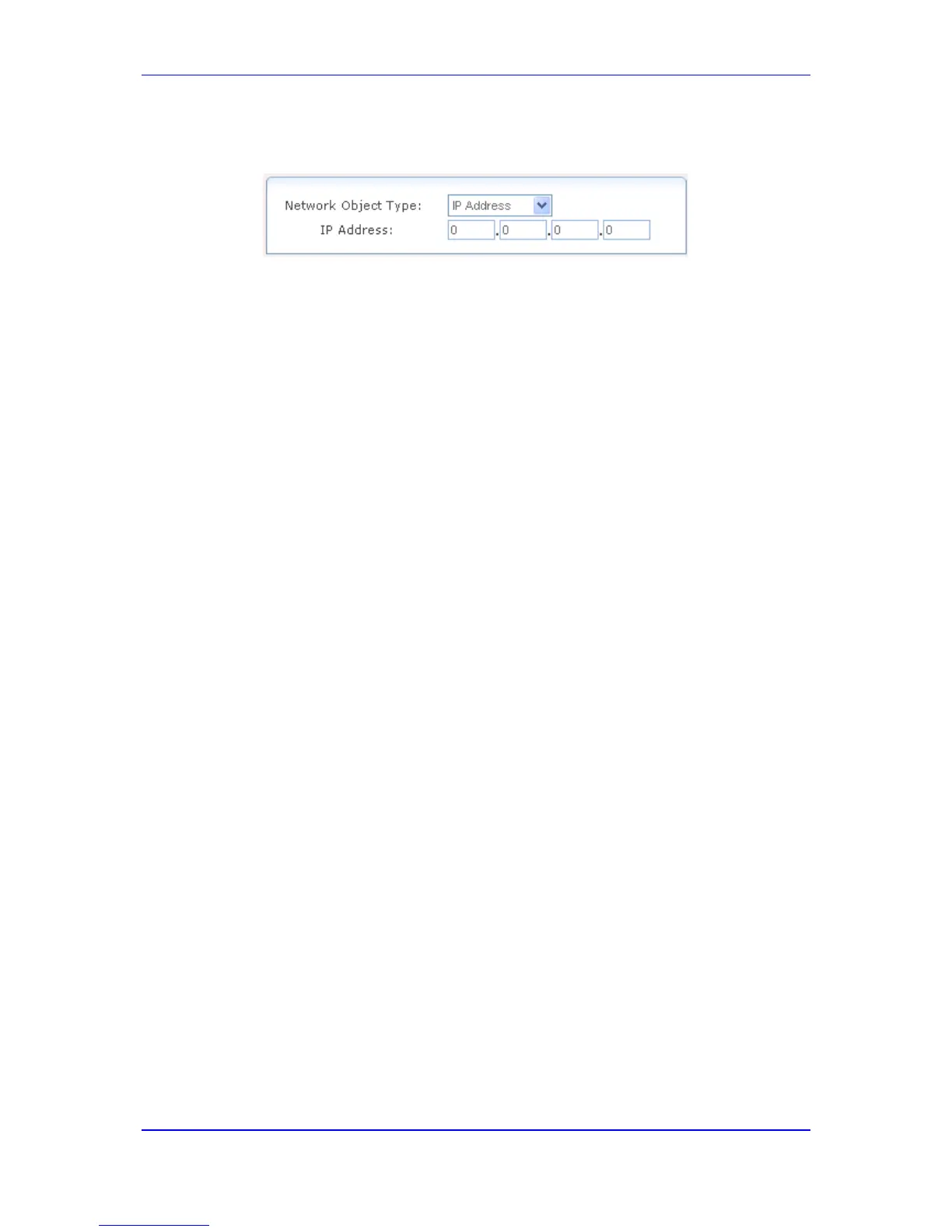
4. Click the New Entry link; the following page appears:
Figure 46-6: Defining Network Object Type
5. From the 'Network Object Type' drop-down list, select a network object type; the page
displays the respective fields for entering the relevant information. The group definition
can be according to one of the following:
• IP Address: enter an IP address common to the group.
• IP Subnet: enter a subnet IP address and a subnet mask.
• IP Range: enter first and last IP addresses in the range.
• MAC Address: enter a MAC address and mask.
• Host Name: enter a host name common to the group.
• DHCP Option: enter a vendor class ID.
6. Click OK to save the settings.


 To Next Page
 Loading...