156
Auxiliary functions
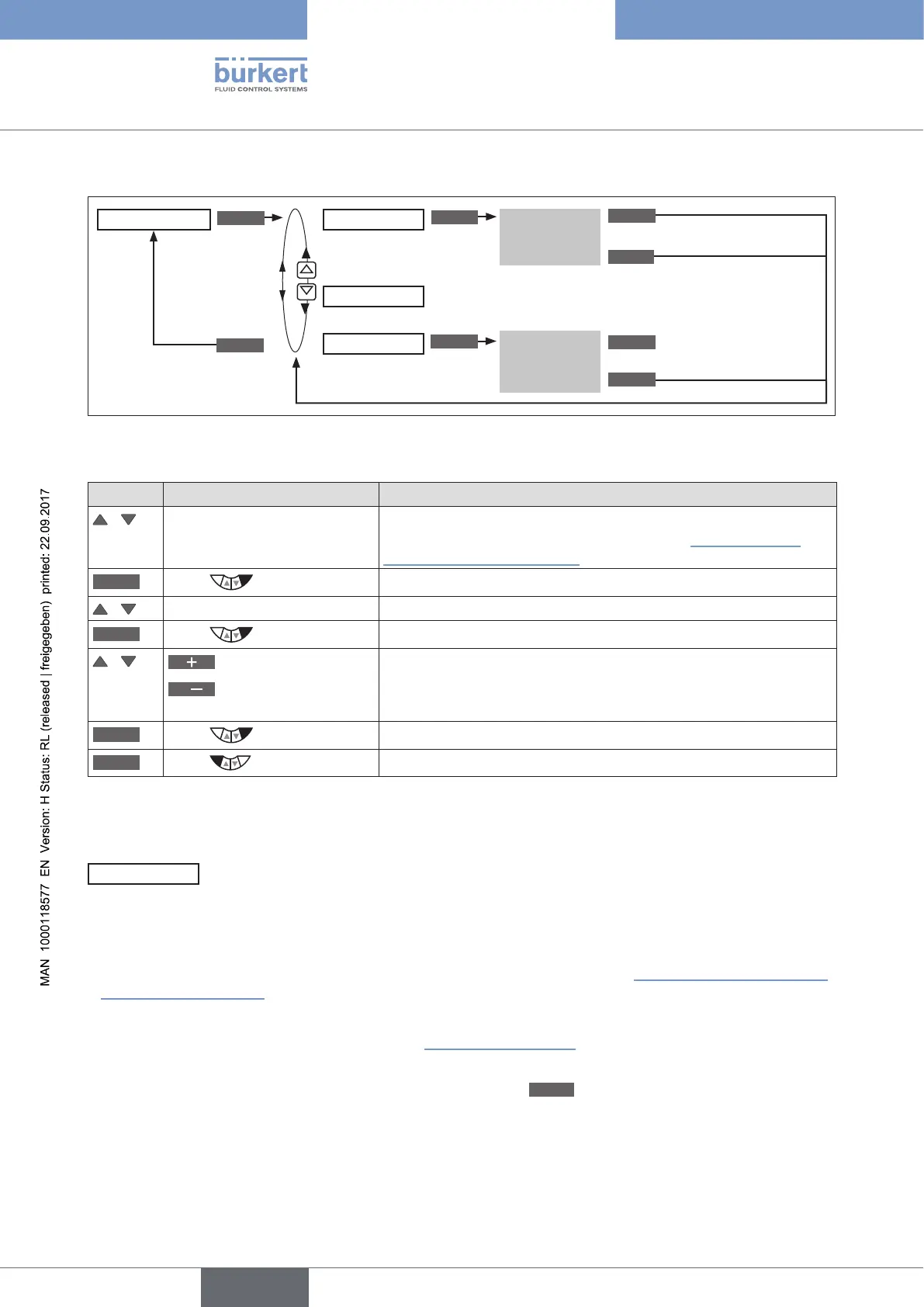
Operating structure:
ENTER
INPUT
ENTER
OK
ESC
EXIT
CLEAR
Input change
in direction
History entry
is displayed
Display the remaining changes in direction until the next
message
CYCLE.COUNTER
LIMIT
NEXT M.
HISTORY
Delete history entry
EXIT
Figure 94: Operating structure CYCLE.COUNTER
Specifying interval for the output of messages
Key Action Description
/ Select CYCLE.COUNTER (To do this, the CYCLE.COUNTER function must be incorporated
into the DIAGNOSE main menu. See Chapter “26.2.22.4. Acti-
vation of diagnosis functions”.)
ENTER
Press
The menu is displayed.
/ Select LIMIT
INPUT
Press
The preset value is displayed.
/
Increase value
<
Changing the decimal
place
Setting interval for outputting the message (limited number of
changes in direction).
OK
Press
Return to the CYCLE.COUNTER menu.
EXIT
Press
Return to the DIAGNOSE main menu.
Table 89: CYCLE.COUNTER; specifying interval.
TEMP.CHECK
– Temperature monitor
The temperature monitor checks whether the current temperature is within the specified temper-
ature range. The temperature range is specified by inputting a minimum and maximum temperature.
If the temperature deviates from the specified range, a message is output.
• To do this, a history entry is made in the HISTORY submenu. For description see “26.2.22.7. History entries in
the HISTORY submenu”.
• The status signal, which is assigned to the message, is indicated at short intervals on the display.
See also D.MSG and CONFIG.MSG in Chapter “26.2.22.5”, page 146.
In addition to the monitor there is a temperature slave pointer. This indicates the lowest and highest of the measured
temperature values. The slave pointer can be reset by pressing the
CLEAR
key.



 To Next Page