2-105
CHAPTER 2 NEW FUNCTIONS
COPYRIGHT
©
2001 CANON INC. 2000 2000 2000 2000 CANON CLC5000 REV.0 JAN. 2001
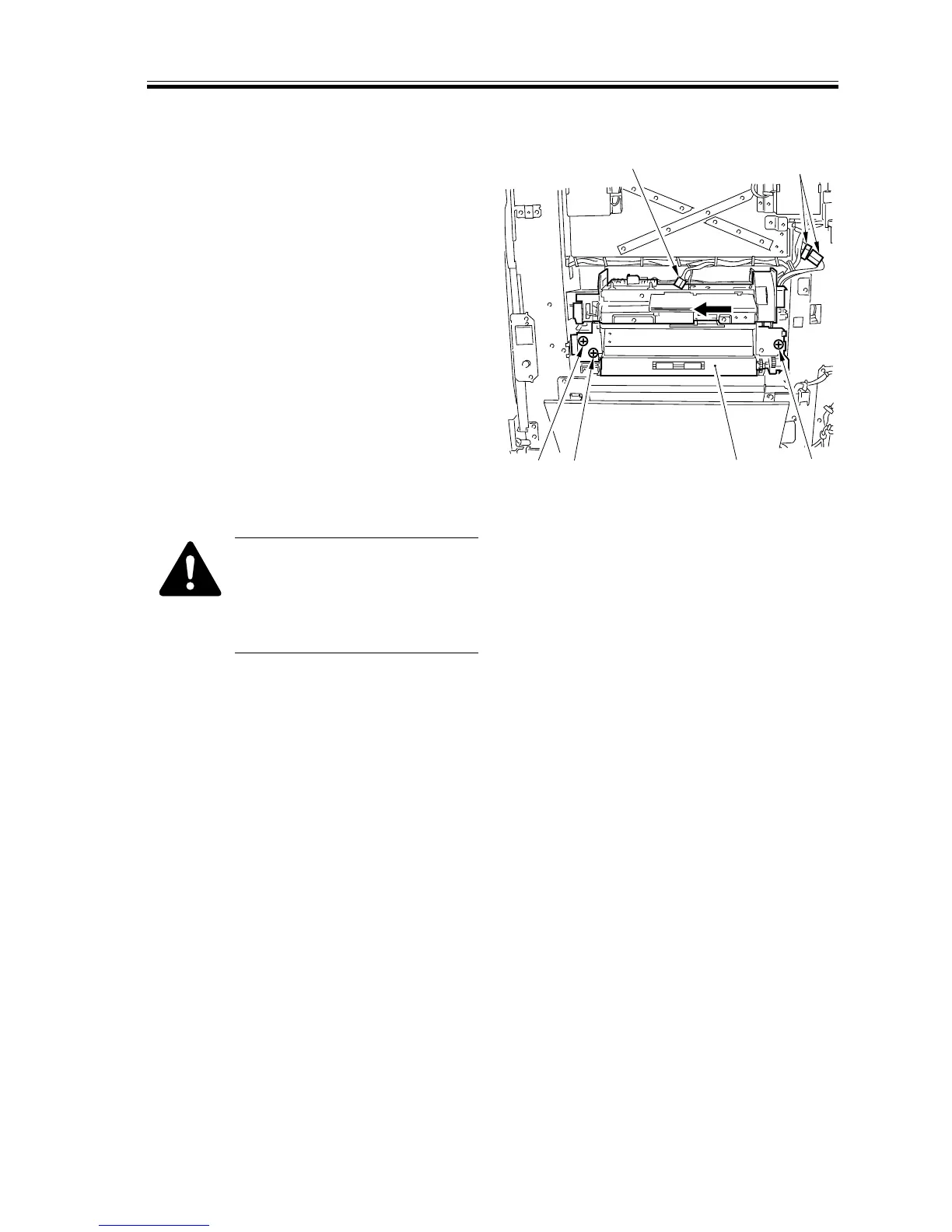
5.7.1 Removing the Multifeeder Assembly
1) Remove the multifeeder tray assembly.
2) Disconnect the three connectors [1], and
remove the three screws [2]; then, shift
the multifeeder assembly [3] in the di-
rection of the arrow to detach.
[1]
[1]
[2]
[2]
[2]
[3]
F02-507-01
When Mounting the
Multifeeder
To mount it, match its hook
against the hole in the stay, and
slide it to the right.














 To Next Page