Step Work Remarks
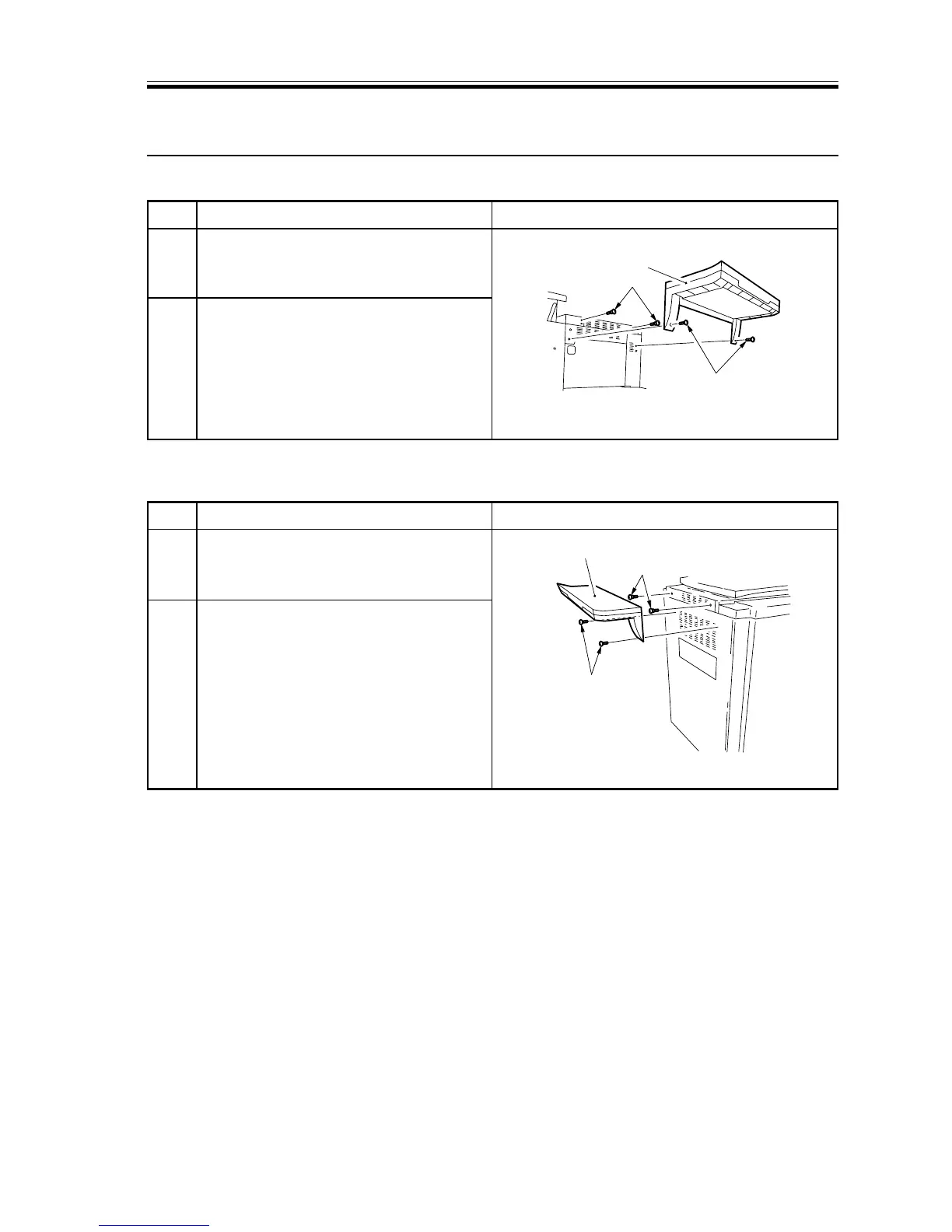
F03-500-02
Screws
Stepped screws
Original tray
1 Peel the four face stickers from the
copier’s right side, and fit the two
stepped screws.
2 Fit the original tray over the stepped
screws; then, fix the tray in position
with two screws.
1 Peel the four face stickers from the
copier’s right side, and fit the two
stepped screws.
2 Fit the original tray over the stepped
screws; then, fix the tray in position
with two screws.
5 Installing the Original Tray
■ Installing on the Right
■ Installing on the Left














 To Next Page