2-202
COPYRIGHT
©
2001 CANON INC. 2000 2000 2000 2000 CANON CLC5000 REV.0 JAN. 2001
CHAPTER 2 NEW FUNCTIONS
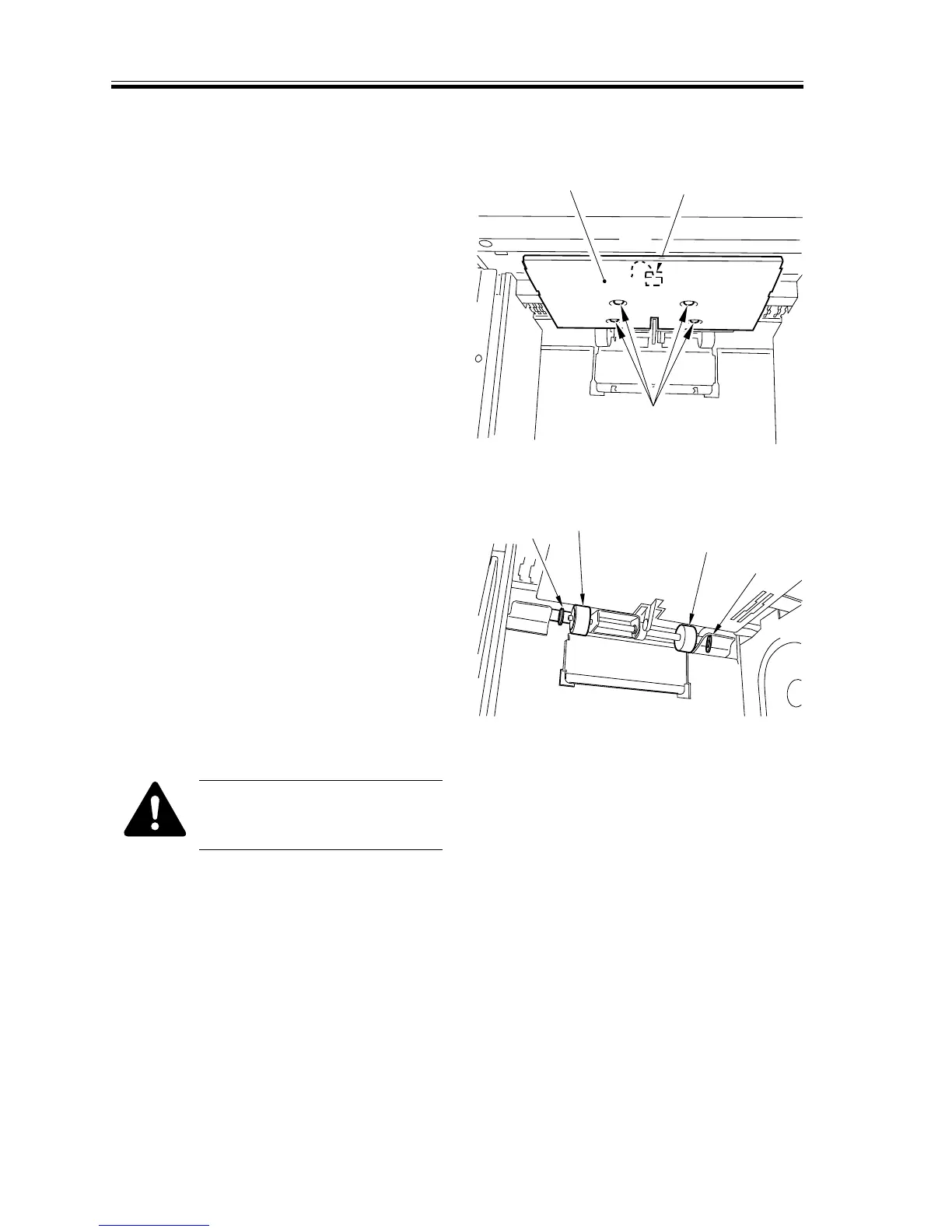
8.4.1 Removing the Pickup Roller
1) Open the paper deck cover.
2) Remove the four screws [1], and dis-
connect the connector [2]; then, detach
the paper deck heater [3].
F02-804-01
3) Remove the resin clamp [4] at the front
and the rear; then, detach the pickup
roller [5].
F02-804-02
Take care not to drop the paral-
lel pin from within the pickup
roller shaft.
[1]
[2]
[3]
[4]
[4]
[5]
[5]














 To Next Page