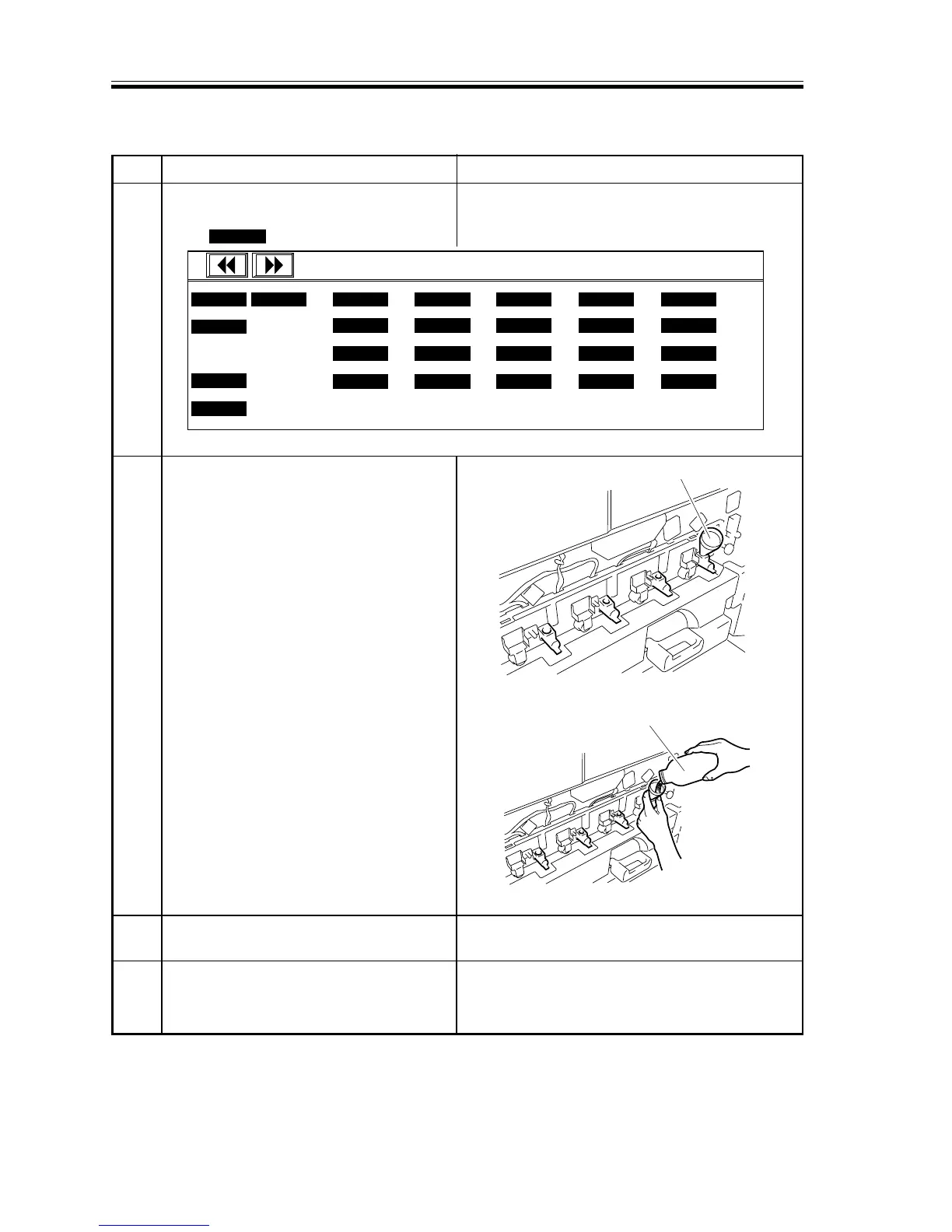
F03-304-03
3.4 Supplying Starter
1 Return to the 1st screen (‘FUNC >
INSTALL’ in service mode).
Press SPLY-Y .
2 Using the funnel attached to the starter
bottle, supply the starter through the
toner supply mouth of the C developing
assembly.
You may tilt the bottle slightly to avoid
leakage.
3
When done, press the Stop key to stop the
operation of the developing assembly.
4
Repeat steps 1 through 3 for M, Y, and
Bk. (Press SPLY-M, SPLY-Y, or SPLY-K
as necessary to suit each color.)
The screw of the C developing assembly starts
to rotate.














 To Next Page