COPYRIGHT
©
2001 CANON INC.
2000 2000 2000 2000
CANON CLC5000 REV.0 JAN. 2001
CHAPTER 5 TROUBLESHOOTING IMAGE FAULTS/MALFUNCTIONS
5-214
7.4 Downloading
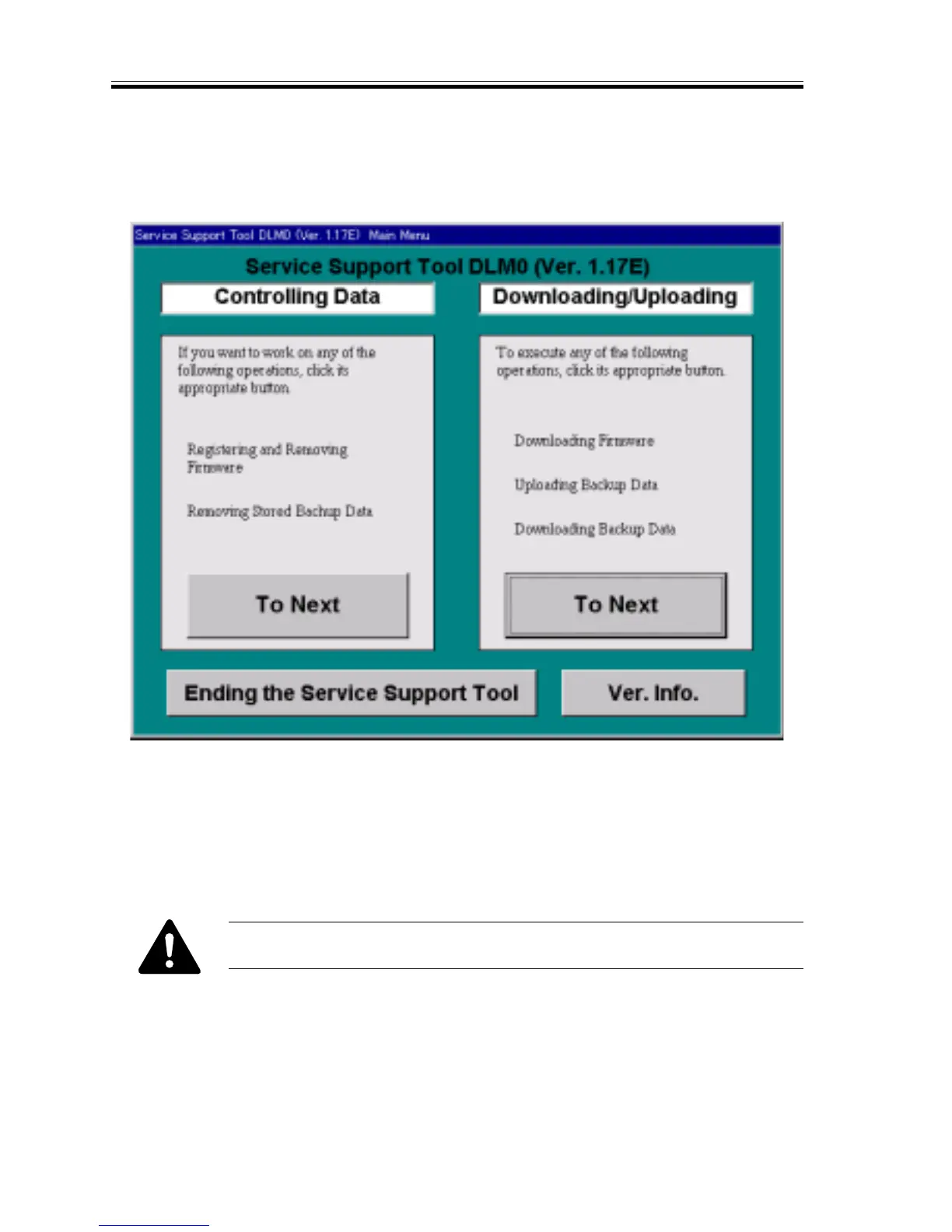
1) Select ‘main menu’ on the start-up message of the Copier Service Support Tool.
2) Select ‘next’ under ‘download/upload’.
3) Select the appropriate type and PCB, and press ‘start connection’.
Type : CLC5000
PCB : RCON (reader controller PCB)
DCN (DC controller PCB)
4) Operate as instructed on the PC screen to download the flash ROM program.
Do not turn off the PC or the copier while downloading takes place; other-
wise, the DIMM can go out of order, not allowing reuse.
5) When downloading is done, turn of the PC as follows:
OK>return to main menu>end copier support tool>end














 To Next Page