COPYRIGHT
©
2001 CANON INC.
2000 2000 2000 2000
CANON CLC5000 REV.0 JAN 2001
CHAPTER 5 TROUBLESHOOTING IMAGE FAULTS/MALFUNCTIONS
5-73
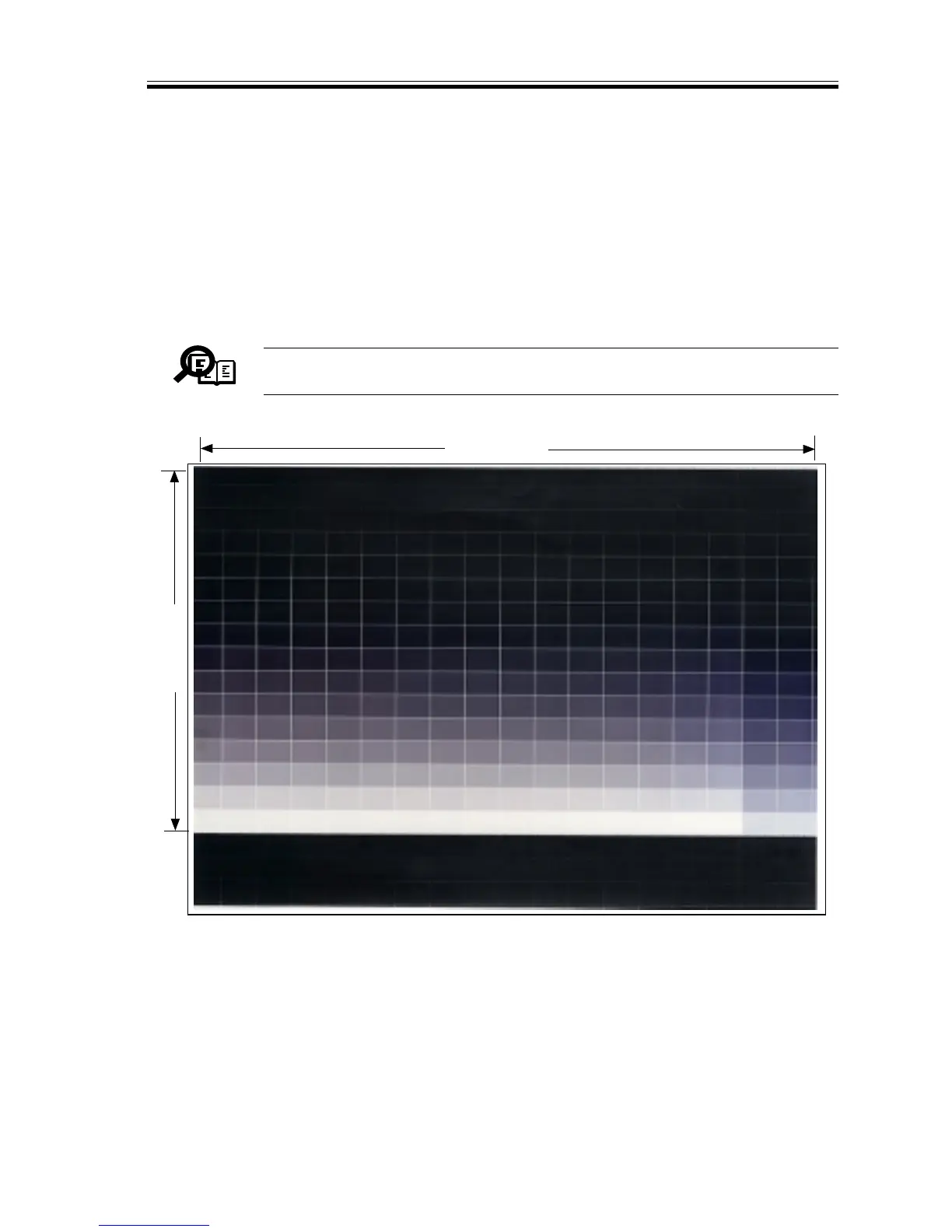
3.3.3 256-Gradation Test Print (PGTYPE=03)
Use the 256-gradation test print to check gradation and balance between colors.
a.Gradation
You may check the gradation of all densities from density 0 to density 255.
b.Balance between Colors (3-color copying)
Select 3-color mode, and generate a test print to check the gray balance of all densities
from density 0 to density 255.
Memo
Use Service mode ‘TEST>PG>COLOR-C/M/Y/K’ to make a mono or 3-
color selection.
F05-303-02
16 frames
16 frames














 To Next Page