F03-304-08
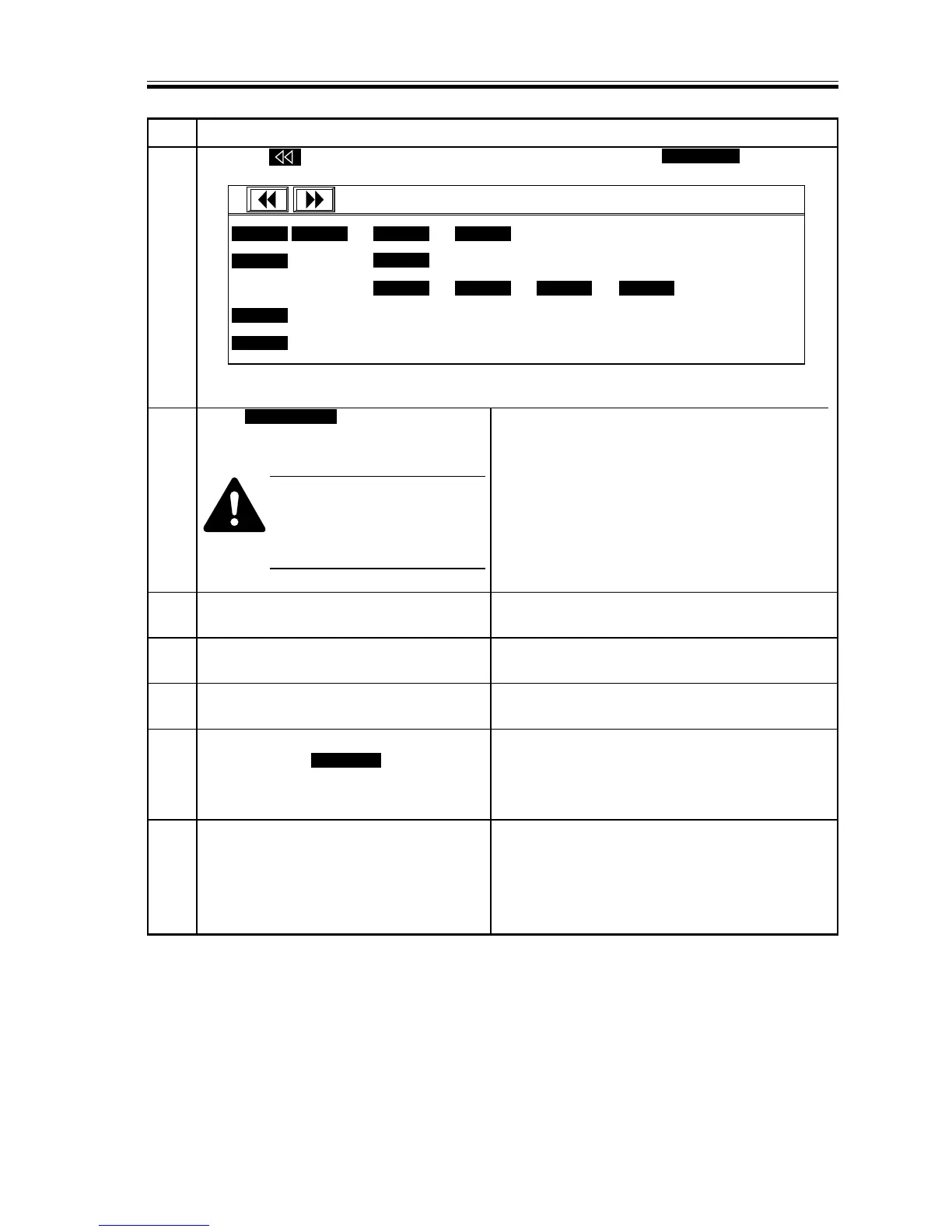
14 Press the key to bring up the 2nd screen of ‘INSTALL’. Press IMG-REG to select ‘1’.
15 Press REG-APER to execute image
position correction.
Before executing ‘REG-
APER’, check to make sure that
the transfer unit is at locking
position.
16
Press the Reset key twice to end service
mode.
17 Pull out the cover switch actuator, and
close the front cover.
18 Turn off and then on the power switch,
and wait until warm-up ends.
19 Select ‘ADJSUT > PASCAL’ in service
mode; then, set PASCAL to ‘1’.
Press the Reset key twice to end service
mode.
20 In user mode, execute the following:
auto gradation correction > full
correction. (Pick-up must be from an A3
or B4 cassette; otherwise, feed A3/B4
paper using the multifeeder.)














 To Next Page