1-21
CHAPTER 1 GENERAL DESCRIPTION
COPYRIGHT
©
2001 CANON INC. 2000 2000 2000 2000 CANON CLC5000 REV.0 JAN. 2001
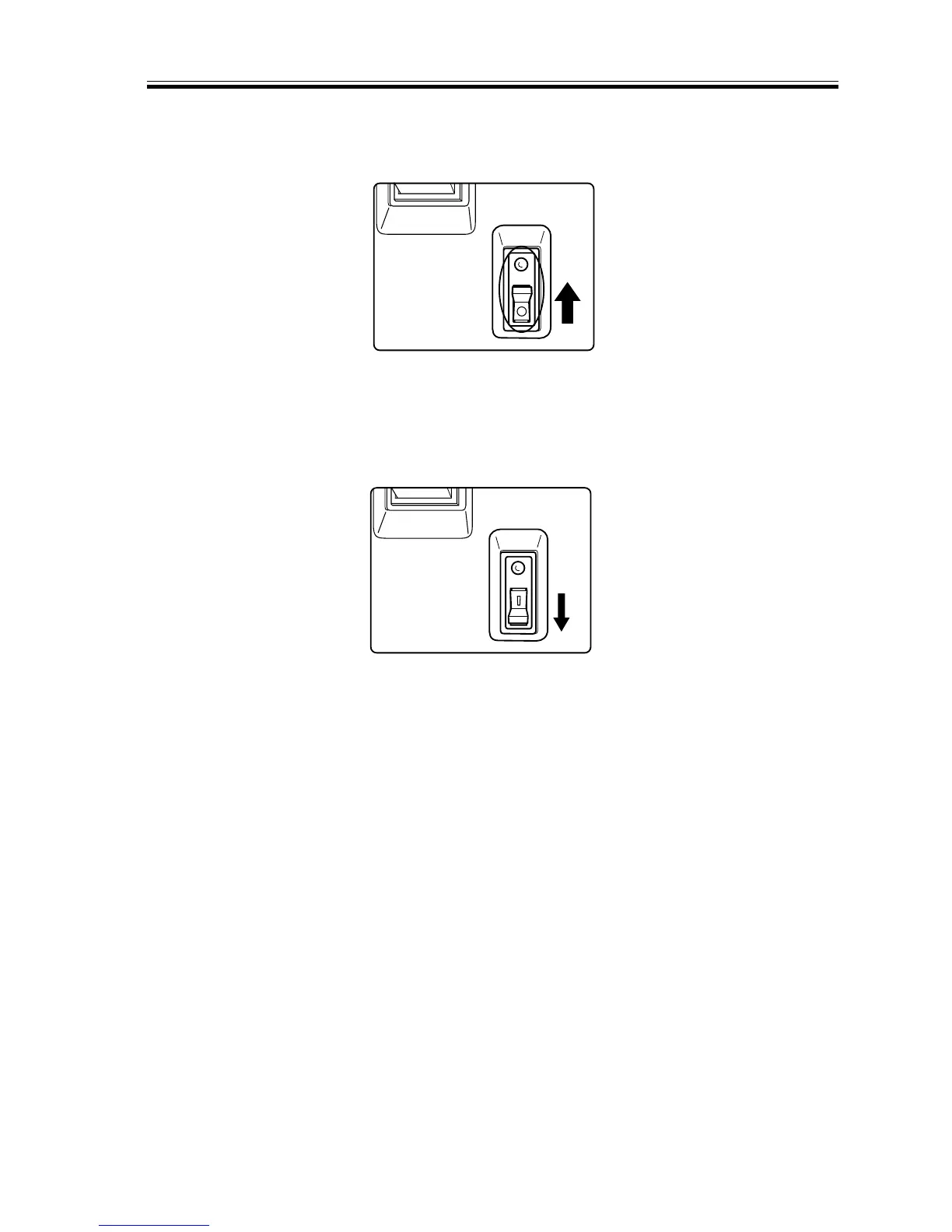
2) Check to make sure that the open/close lever has shifted to the OFF terminal side and
the power has been cut.
F01-502-02
3) Turn off the main power switch.
4) Shift the open/close lever to the ON side.
F01-502-03
5) Turn on the main power switch.














 To Next Page