COPYRIGHT
©
2001 CANON INC. 2000 2000 2000 2000 CANON CLC5000 REV.0 JAN. 2001
CHAPTER 5 TROUBLESHOOTING IMAGE FAULTS/MALFUNCTIONS
5-51
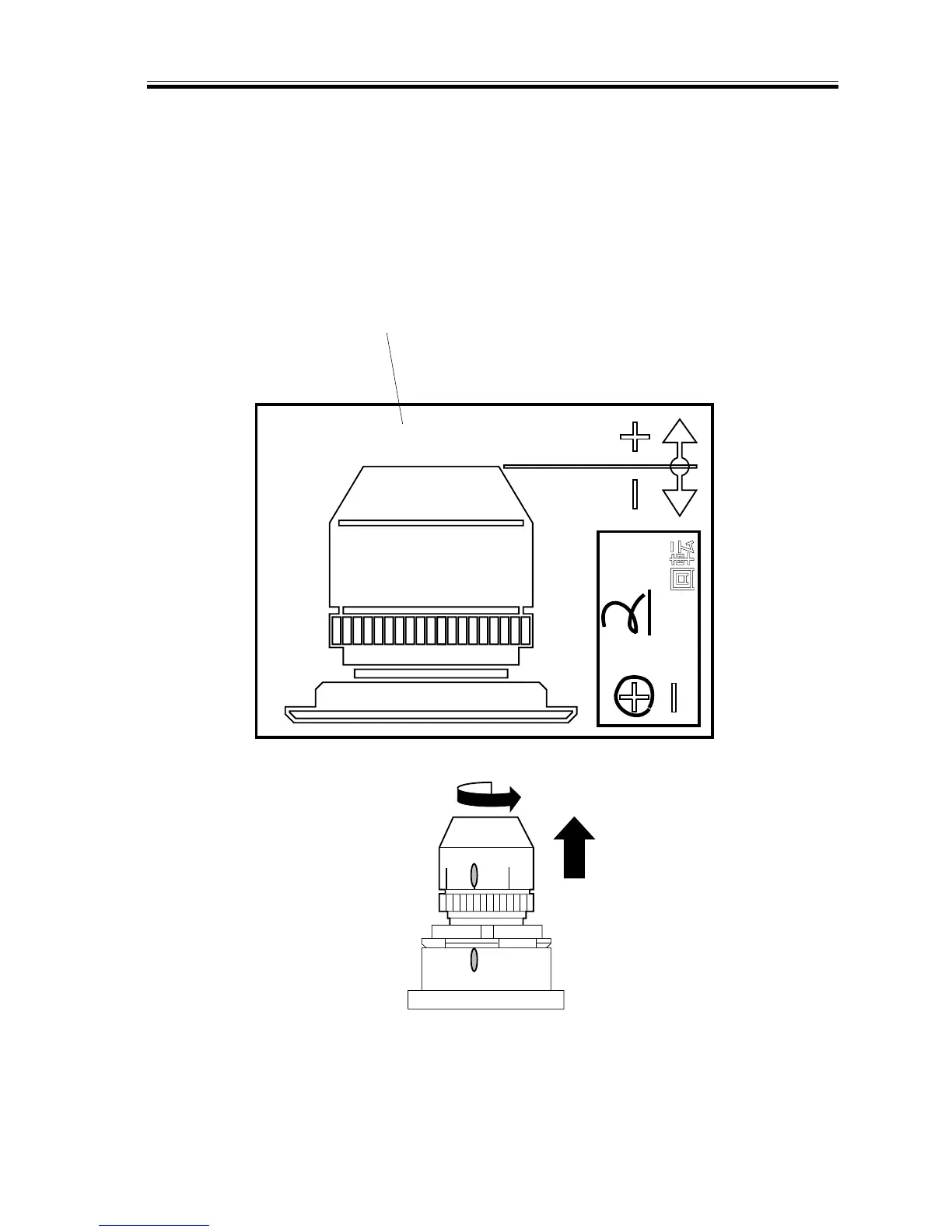
2) Perform focusing adjustments by turn-
ing the lens assembly once again ac-
cording to the values recorded on the
label. For instance, if the value is “+2/
8,” turn the lens assembly in the positive
direction (counterclockwise when view-
ing from the end of the lens assembly)
over two notches.
F05-208-08
F05-208-09
3) Tighten the locking nut [3], and fix the
position of the lens in place.
8
R
FS6-8028
Feed length label
Positive direction














 To Next Page