2-57
CHAPTER 2 NEW FUNCTIONS
COPYRIGHT
©
2001 CANON INC. 2000 2000 2000 2000 CANON CLC5000 REV.0 JAN. 2001
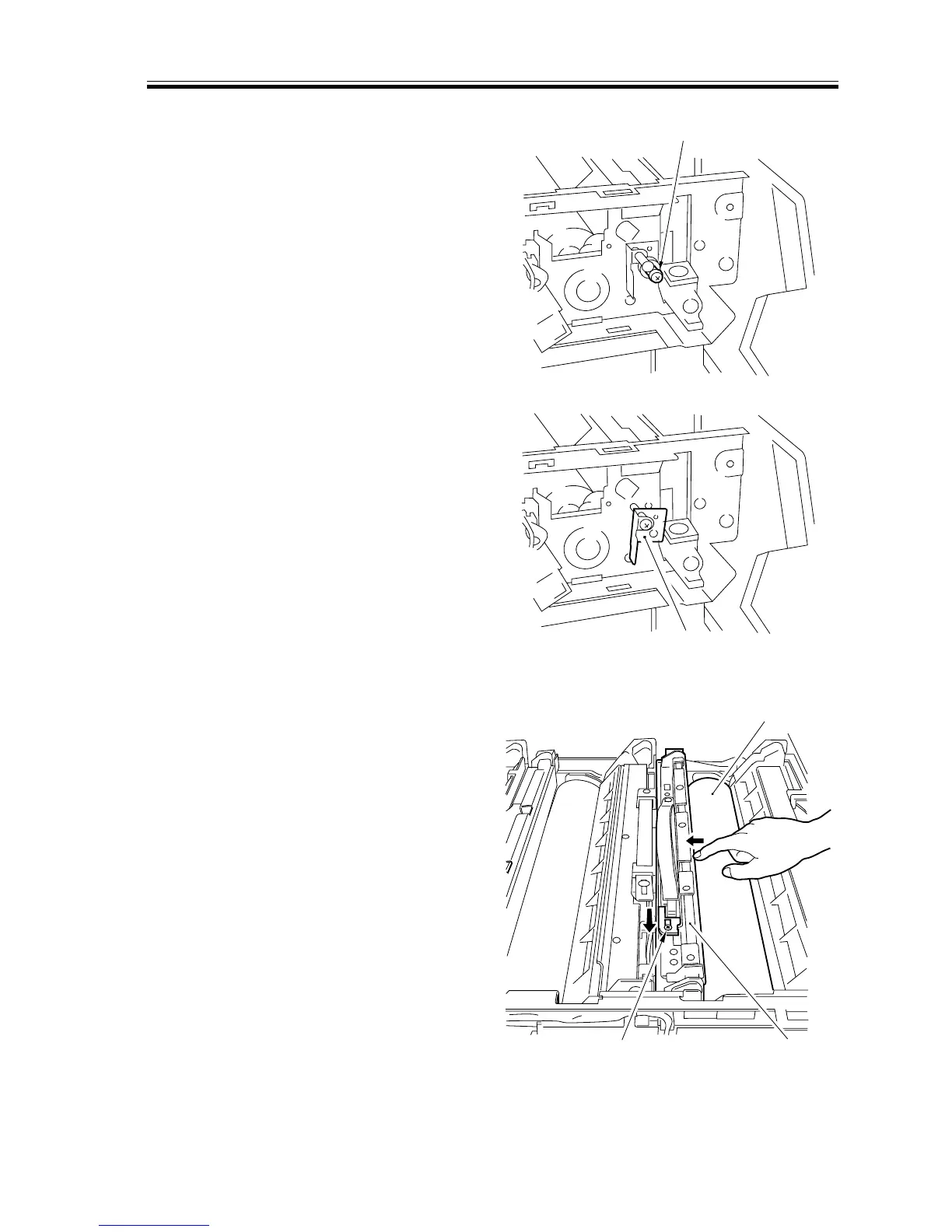
b.Removing the Process Unit
1) Slide out the process unit case.
2) Remove the screw [1] equipped with a
spring.
[1]
F02-405-18
3) Pull out the positioning pin [2].
[2]
F02-405-19
4) Push the middle of the cleaning blade
[3] with your finger, and move the pres-
sure releasing pin [5] in the direction of
the arrow while the area is away from
the drum [4] to free the cleaning blade.
[3][5]
[4]
F02-405-20














 To Next Page