Actions when Replacing the Parts
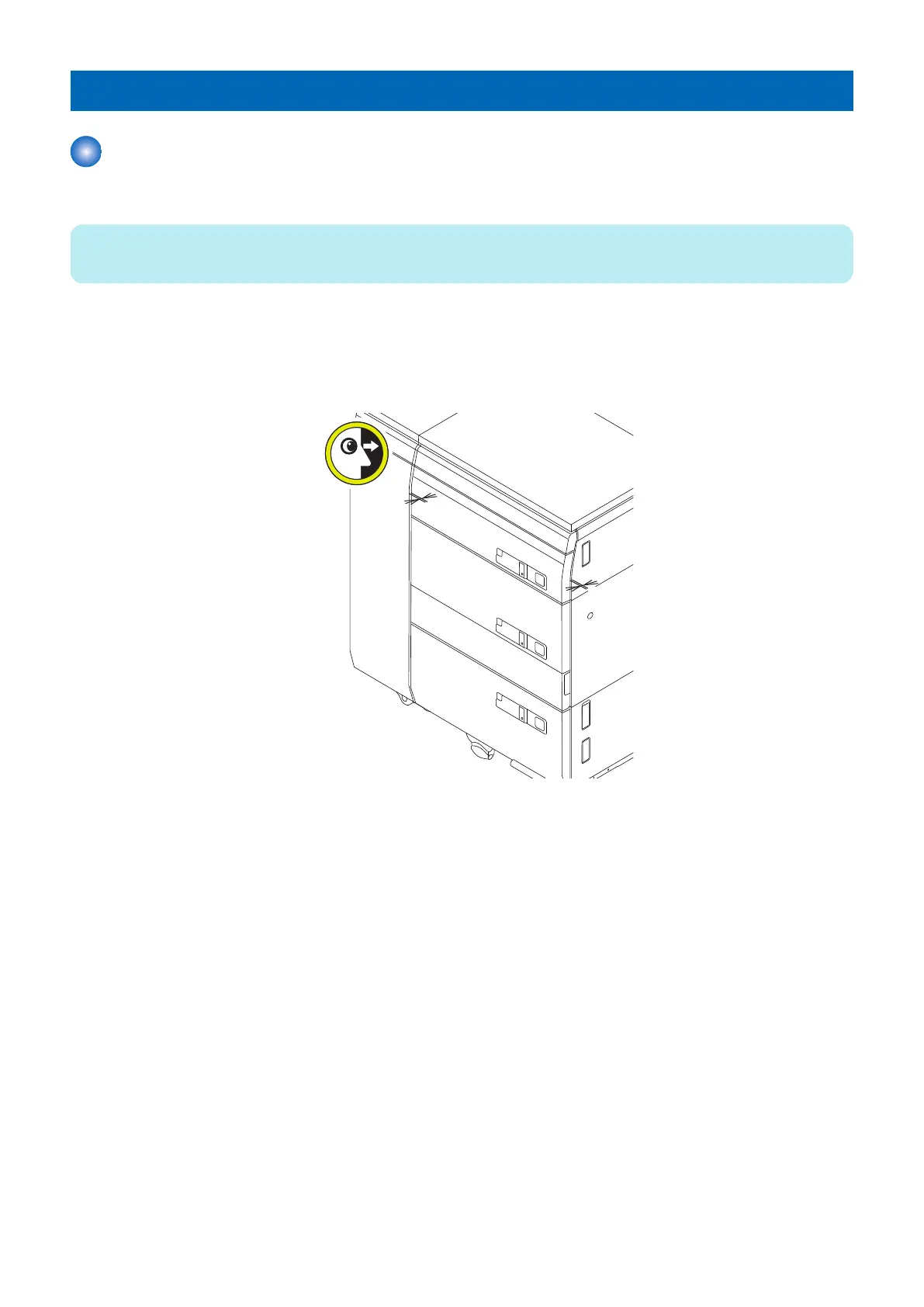
Adjusting the Deck Front Cover Gap
■ Procedure
NOTE:
When the Lock Bracket is adjusted, perform the gap adjustment for the Deck Cover.
1. Close the deck and check that the values of the gap [A] and [B] are within specification. In the case of out of
specification, perform the gap adjustment for the Deck Cover as the following procedures.
• Specification value for the gap [A]: 3.0 -/+ 1.0 mm (the gap on the side of the Deck Front Cover)
• Specification value of the alignment [B]: -/+ 2.0 mm (the alignment between the Deck Upper Left Cover and the Deck
Cover)
2. For the reference at adjustment, remember the scale marked around the mounting Screw of the Deck Cover.
5. Adjustment
173













 To Next Page