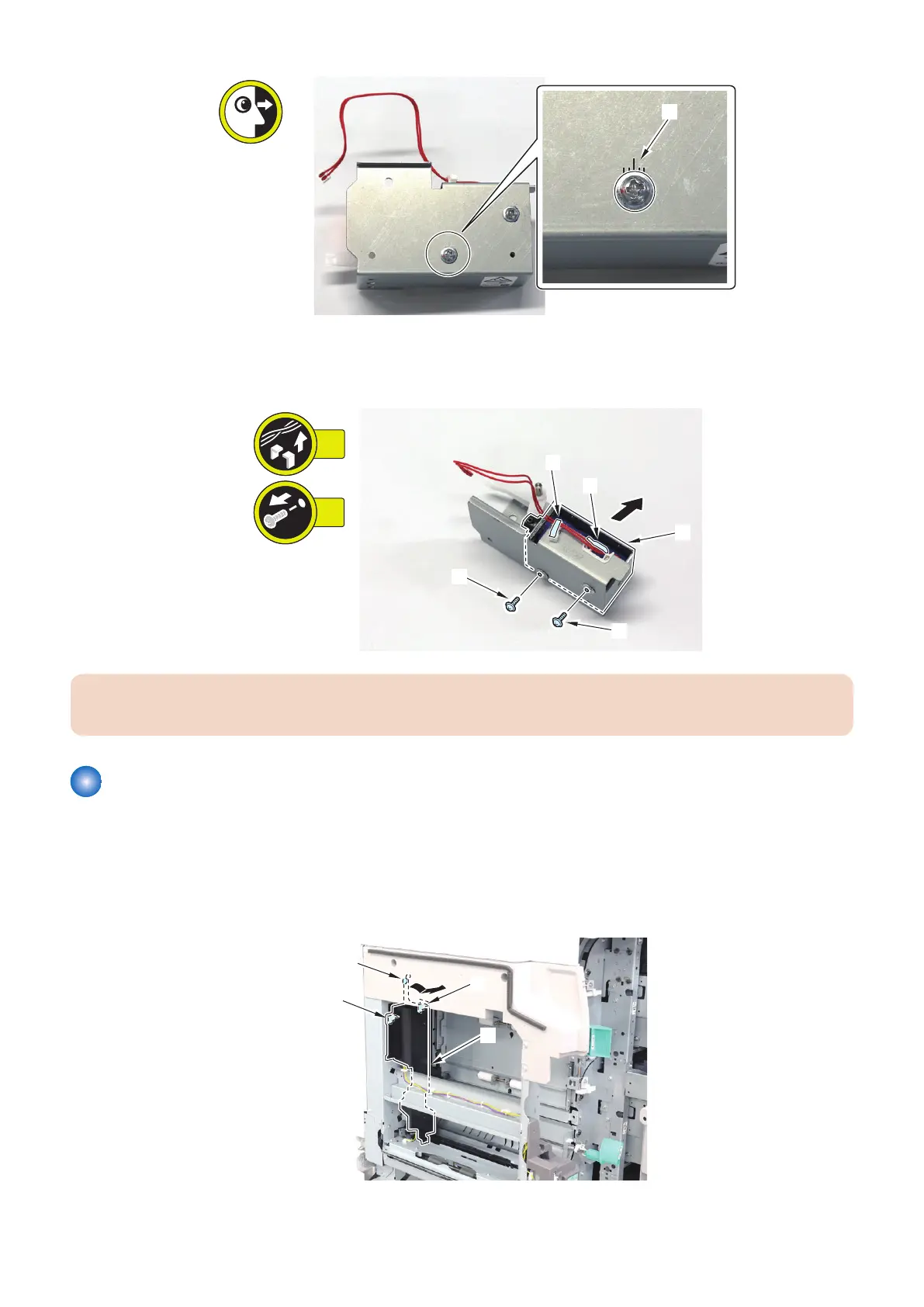
5. Remove the Deck Pickup Solenoid [1].
• 2 Wire Saddles [2]
• 2 Screws [3]
CAUTION:
When installing the Deck Pickup Solenoid, align it with the position previously noted in Step 5.
Removing the Escape Flapper Solenoid (SOL007)
■ Procedure
1. Open the Deck Left Front Cover.
2. Remove the Spring Cover [1].
• 3 Hooks [2]
4. Parts Replacement and Cleaning
122













 To Next Page