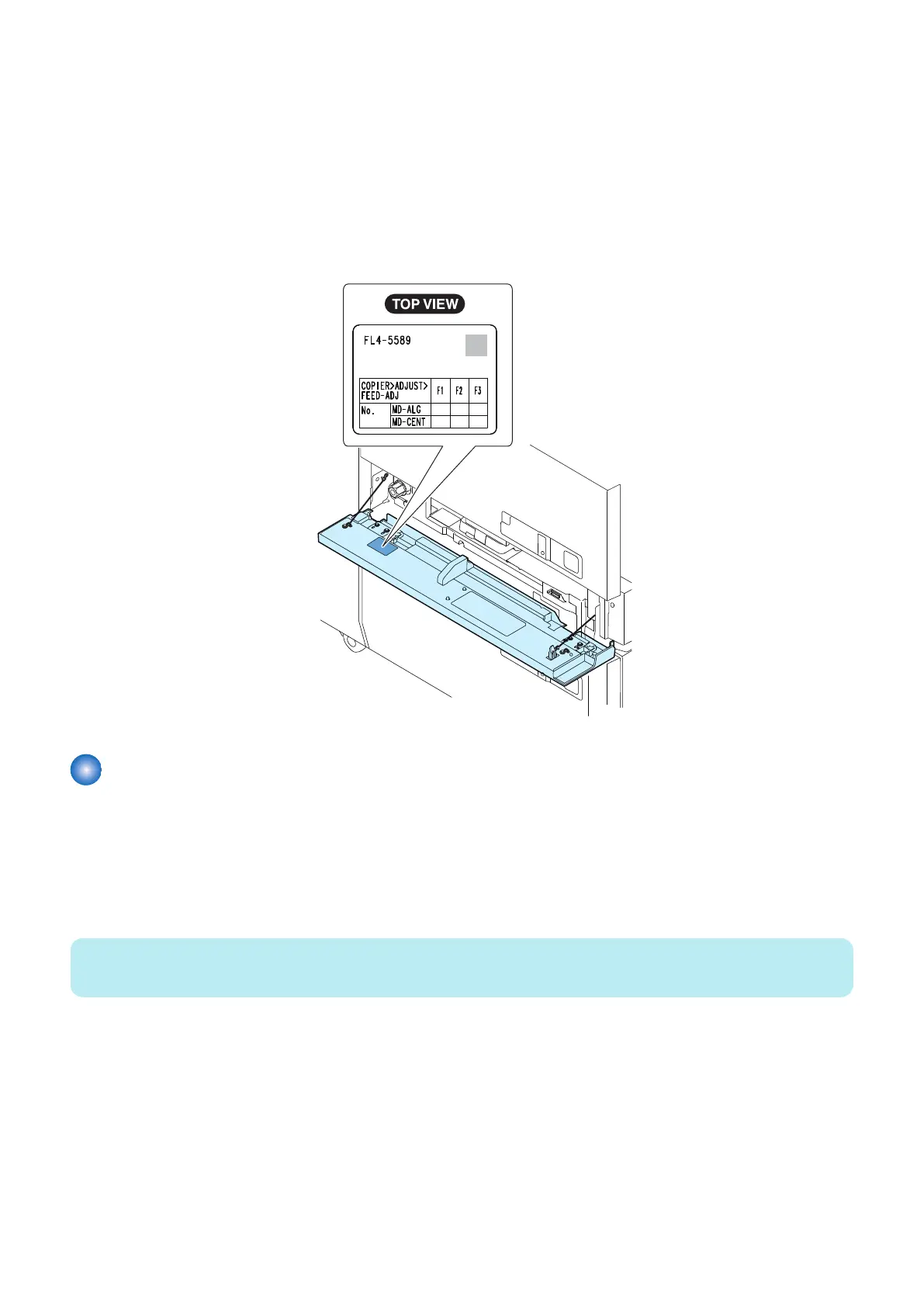
2. Adjust the width of the Alignment Plate of the Through Path Unit on the service mode.
• COPIER> ADJUST> FEED-ADJ> MD-ALG
Adjustment range:
As the value is incremented by 1, the width of the Alignment Plate is changed by 0.1 mm.
+: Toward outside (Distance of the Alignment Plate becomes wide.)
-: Toward inside (Distance of the Alignment Plate becomes narrow.)
After this adjustment, width of all size is changed.
3. Push the OK key after input with the setting value.
4. After the adjustment, write the adjustment value on the Service Label attached to the Through Pass Front Cover.
Adjustment the center reference position of the Through Path Unit
■ Adjustment the center reference position of the Through Path Unit and the
Stack Bypass
● Adjustment the center reference position of the Through Path Unit and the Stack Bypass
1. Set paper to the Multi-purpose Tray Pickup Tray.
NOTE:
Make sure to set by pressing against to leave no gap.
• Plain paper: 80 to 105.9 g/m
2
• Paper size: A4 or LTR
• Number of sheets to set: Approx. 10 sheets
2. Execute the service mode to match the Multipurpose Tray Pickup Tray position.
COPIER > FUNCTION > CST > MD-MF-RG
6. Troubleshooting
193













 To Next Page