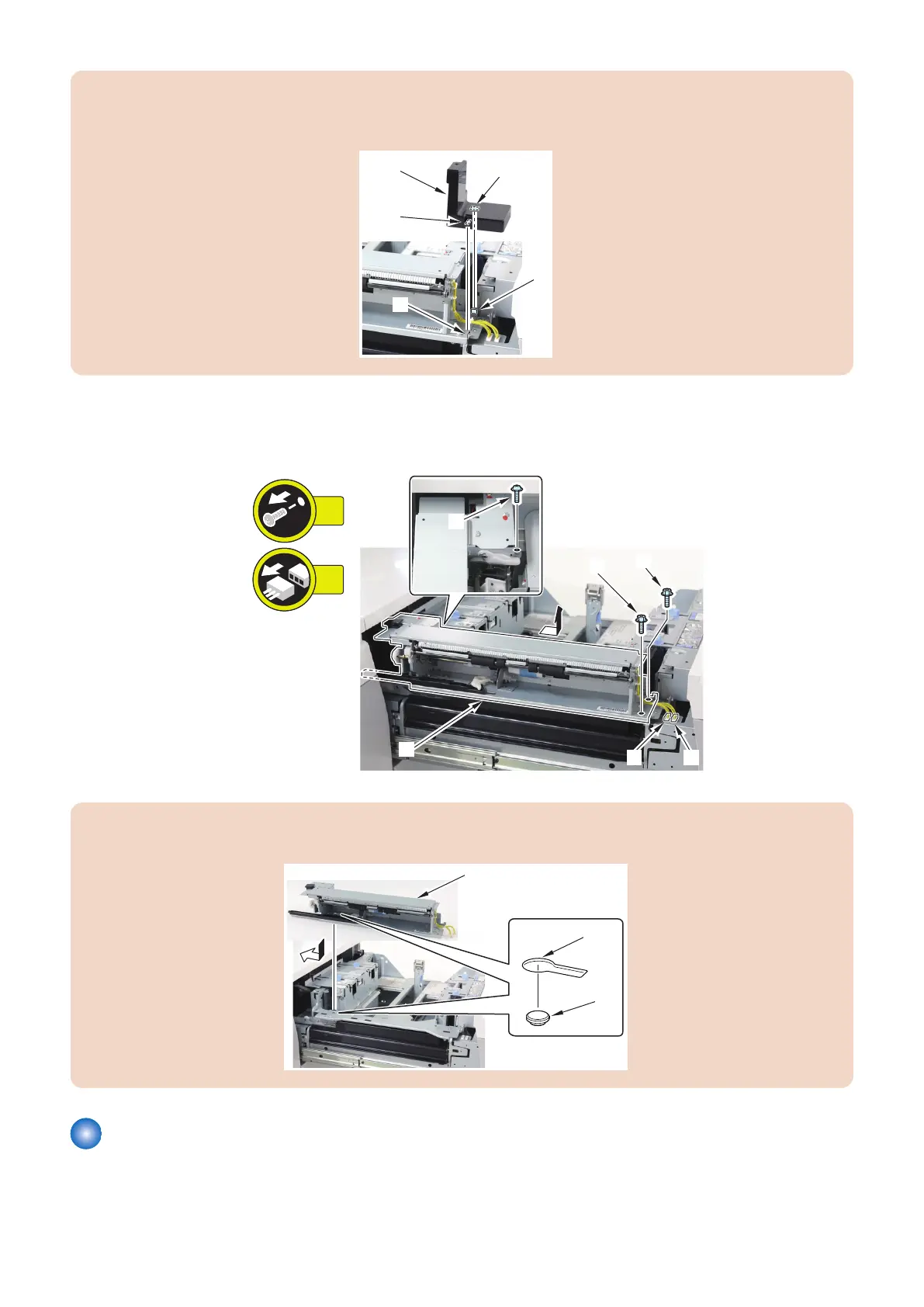
CAUTION:
When installing the Connector Cover [1], align the 2 holes [2] of the Connector Cover with the 2 protrusions [3] of the Pickup
Unit.
2. Remove the Pickup Unit [1].
• 3 Screws [2]
• 2 Connectors [3]
CAUTION:
When installing the Pickup Unit [1], align the hole [2] with the Stepped Screw [3].
Removing the Deck Unit
■ Preparation
1. Release the lock to open the target Deck.“Releasing the Deck” on page 77
4. Parts Replacement and Cleaning
88













 To Next Page