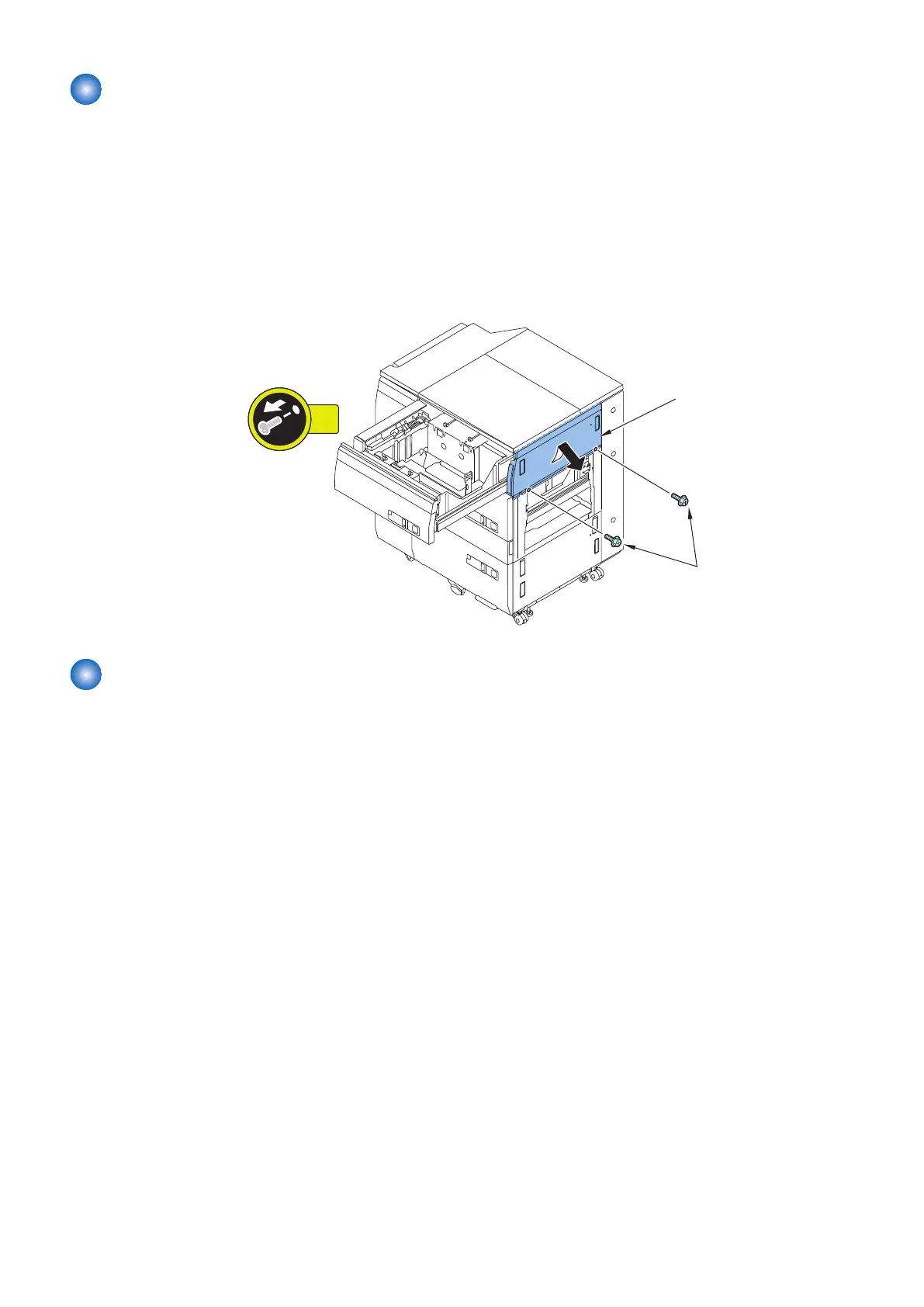
Removing the Deck Right Upper Cover
■ Preparation
1. Remove the Deck Right Middle Cover. “Removing the Deck Right Middle Cover” on page 82
2. Release the lock to open the Upper Deck.“Releasing the Deck” on page 77
■ Procedure
1. Remove the Deck Right Upper Cover [1].
• 2 Screws [2]
Removing the Deck Right Lower Cover
■ Preparation
1. Release the lock to open the Lower Deck. “Releasing the Deck” on page 77
2. Remove the Deck Right Middle Cover. “Removing the Deck Right Middle Cover” on page 82
4. Parts Replacement and Cleaning
83













 To Next Page