Other Adjustment
Adjusting the airflow amount of the Deck Flotation Fan
When double feeding occurs, adjust the deck air float fan airflow amount on the service mode to set appropriate paper separation.
■ Preparation
1. Remove the Right Cover of the target Deck.“Removing the Deck Right Upper Cover” on page 83, “Removing the
Deck Right Middle Cover” on page 82, “Removing the Deck Right Lower Cover” on page 83
■ Procedure
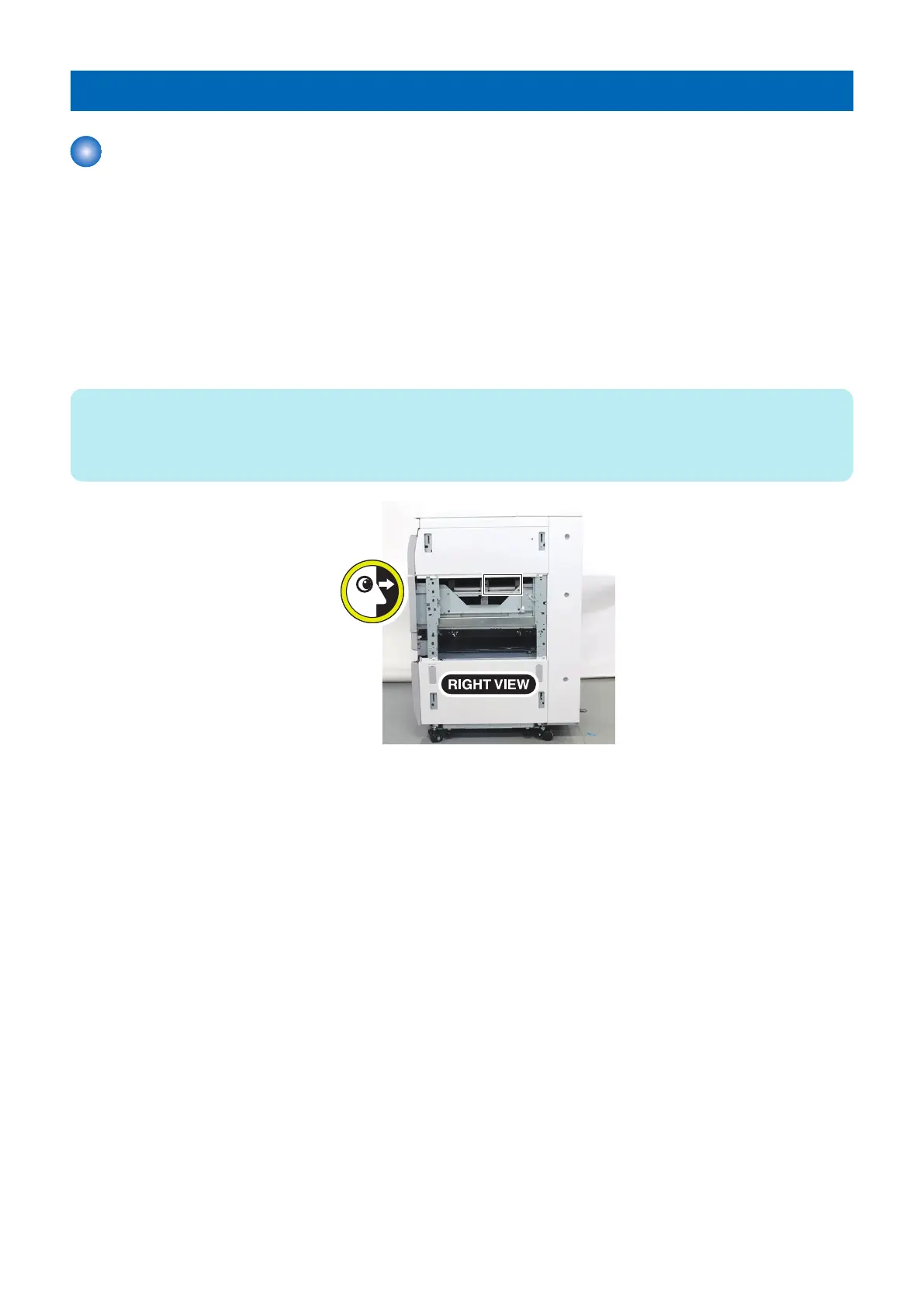
1. Print out from the Multi-drawer Paper Deck while checking paper separation from right side.
NOTE:
Enter "1" on the following service mode when the fan does not drive automatically in the specific paper type.
COPIER > OPTION > FEED-SW > MD-AIR1/2/3 (M Deck Upper/Middle/Lower)
COPIER > OPTION > FEED-SW > MD2-AIR1/2/3 (Sec M Deck Upper/Middle/Lower)
5. Adjustment
176













 To Next Page