Making Initial Checks
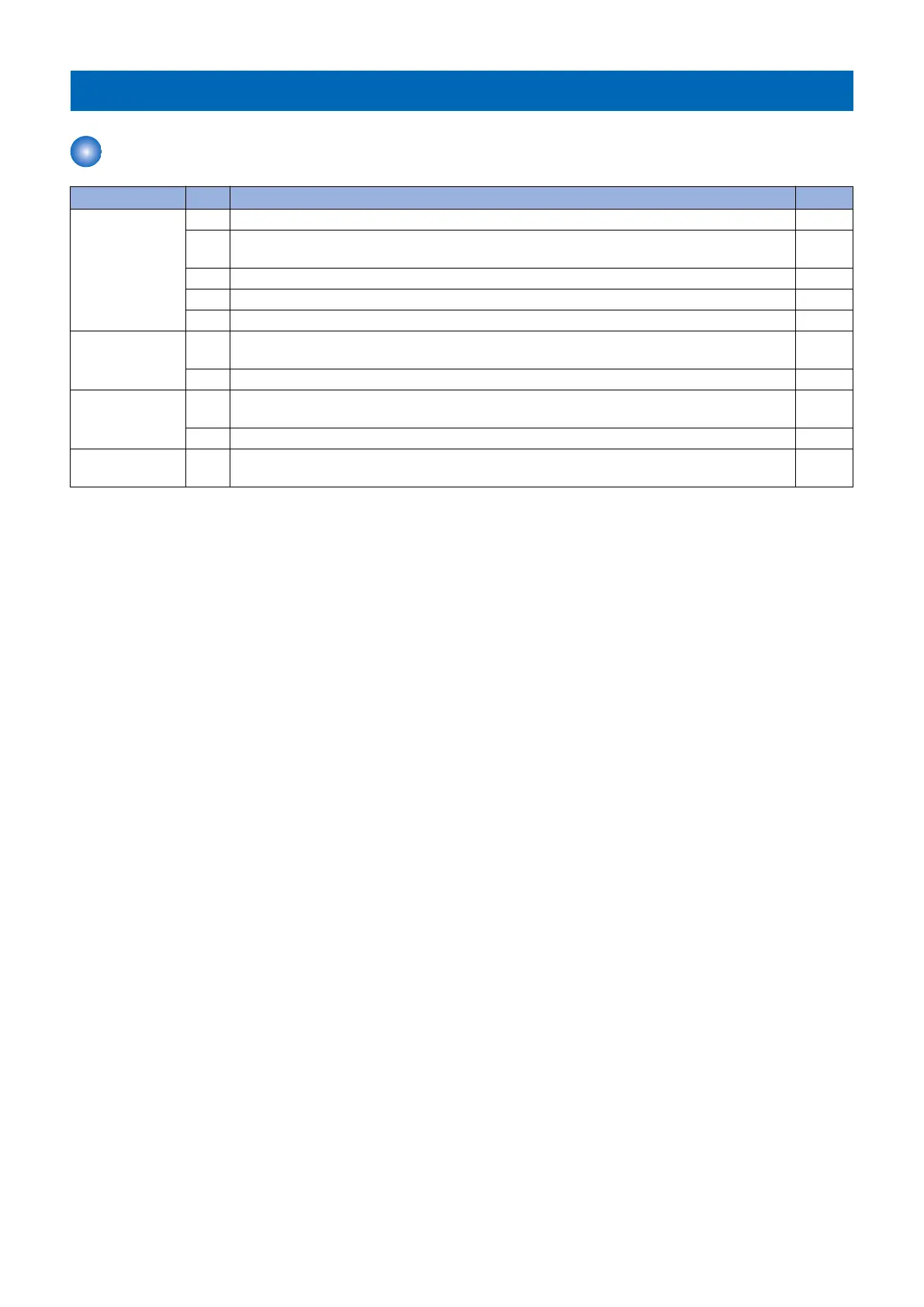
List of Initial Check Items
Item No. Description Check
Installation Envi-
ronment
1 The value of power voltage is +/- 10% of the specified voltage.
2 The machine is installed away from heat and moisture (near a faucet, water heater, or humidifier),
cold place, source of fire or in an area exposed to dust.
3 The machine is not in a place that generates ammonia gas.
4 The machine is not in a place of direct sunlight.
5 The machine is installed in a well-ventilated place where the machine stands horizontally.
Checking the pa-
per
6 Paper does not absorb moisture or dry out. Set paper by taking it out from a new package to
output.
7 Check the paper curl. Correct a curl to become 5 mm or less.
Checking the pa-
per setting
8 Confirm that the volume of the paper stack is within the specification and it is properly set in the
compartment.
9 Confirm that sheets of paper do not stick to each other. If so, separate them manually.
Checking the con-
sumable parts
10 Check the list of estimated life of consumable parts and replace parts that have reached the
estimated life.
6. Troubleshooting
183













 To Next Page