Removing the Right Connection Unit
■ Preparation
1. When installing the Secondary Multi-drawer Paper deck or the POD Deck Lite C/XL to the Multi-drawer Paper Deck,
remove it.
NOTE:
This step is unnecessary when the Stack Bypass is to be removed.
■ Procedure
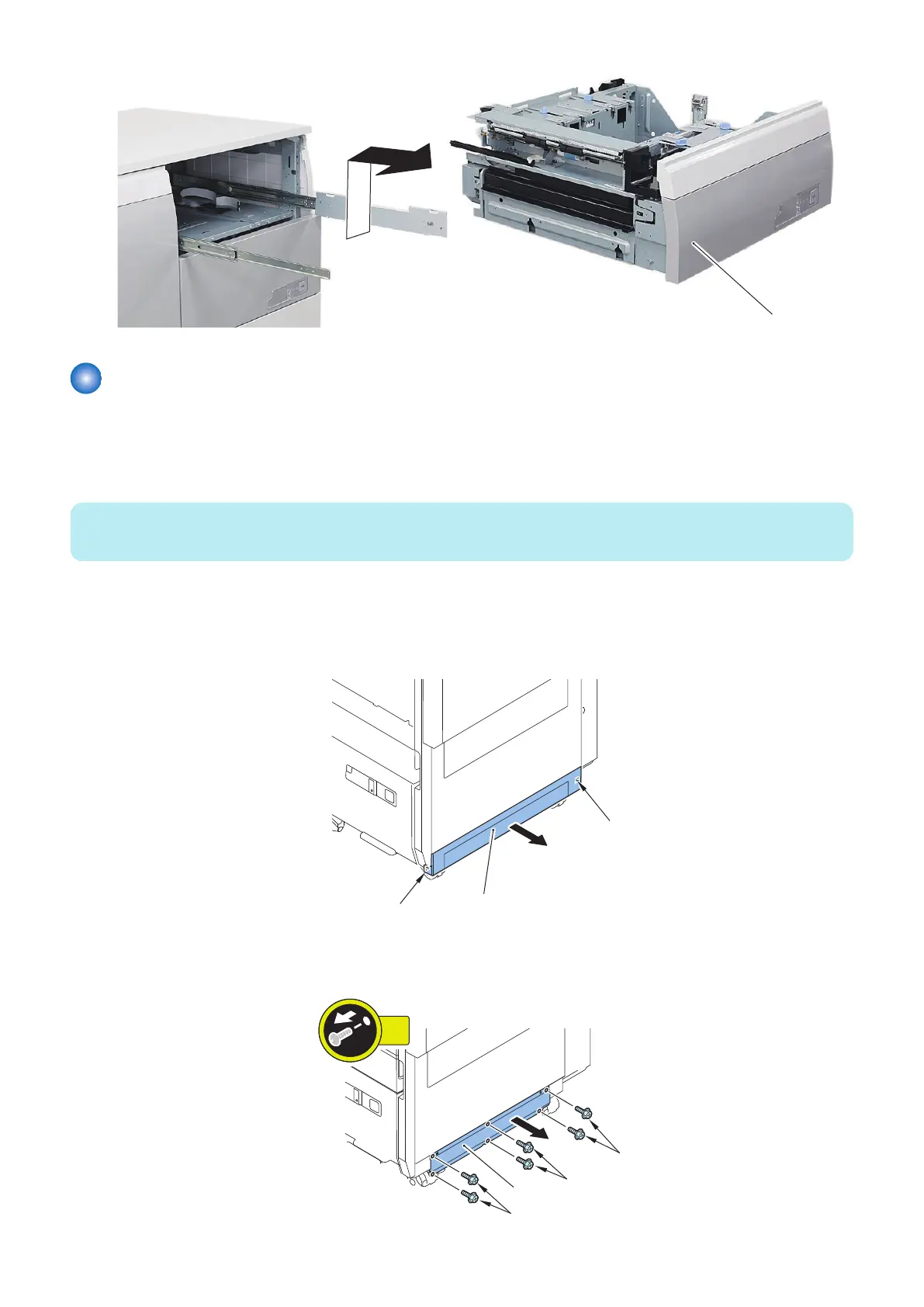
1. Remove the Lower Cover [1].
• 2 Hooks [2]
2. Remove the Connection Plate (Lower) [1].
• 6 Screws [2]
4. Parts Replacement and Cleaning
91













 To Next Page