■ Adjustment the center reference position of the Through Path Unit and the
POD Deck Lite C/XL
● Adjustment the center reference position of the Through Path Unit and the POD Deck
Lite C/XL
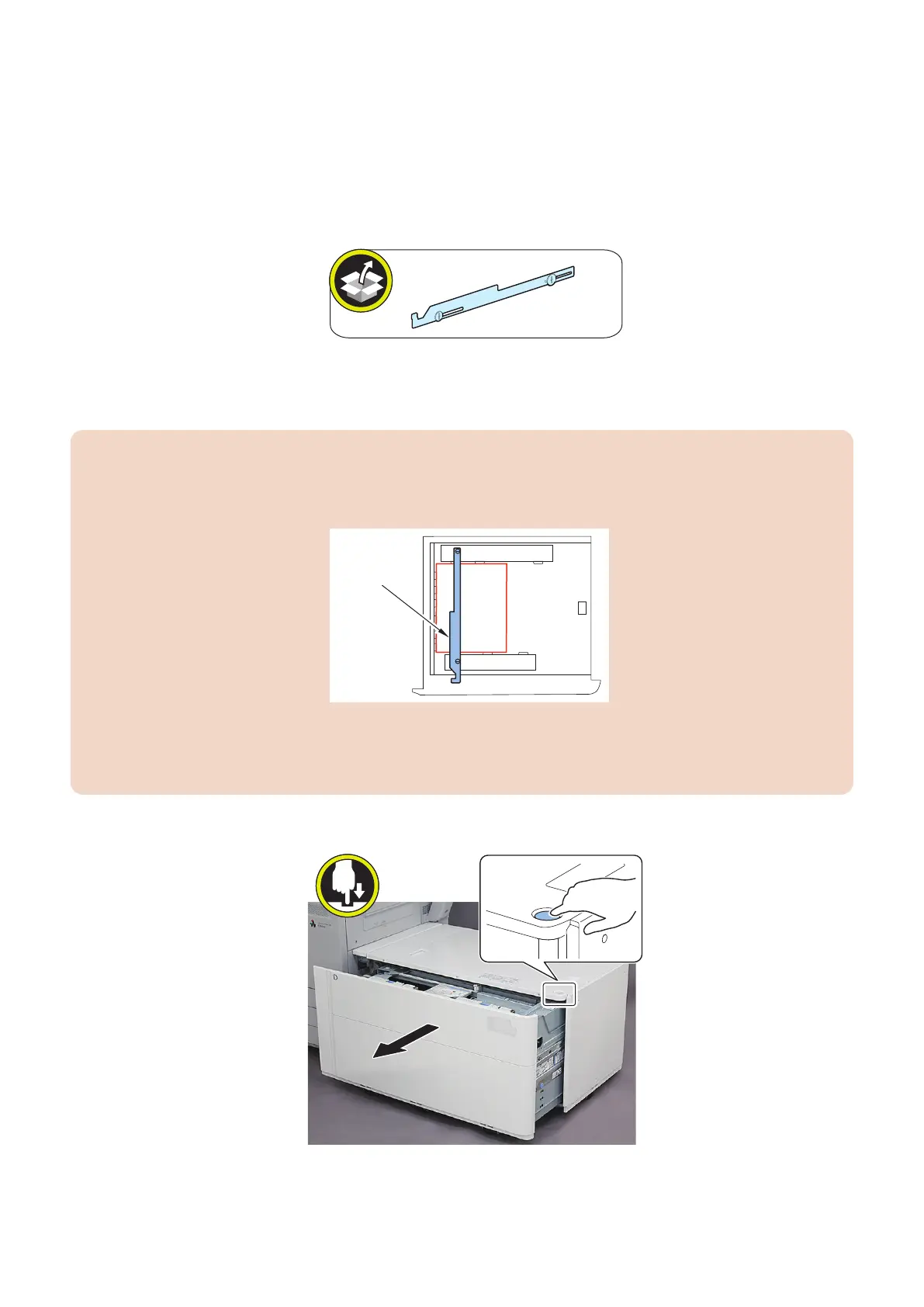
1. Prepare the Side Guide Plate Fixing Bracket (for the POD Deck Lite XL only) and paper to check the reference
position.
• Plain paper: 80 to 105.9 g/m
2
• Paper size: A4 or LTR
• Number of sheets required: As many sheets as needed so that the paper stack is about 20 mm high
CAUTION:
• When checking the reference position of the Through Pass Unit and the POD Deck Lite XL, set sheets of paper by
using the Side Guide Plate Fixing Bracket. If this procedure is not followed, the accuracy of the Left Edge Margin of
the Image may not be attained.
Side Guide
Plate Fixing
Bracket.
• The Side Guide Plate Fixing Bracket is not use for the POD Deck Lite C
• The adjusting procedure is described using illustration / photograph of POD deck light XL below, however except the
procedure of the Side Guide Plate Fixing Bracket, the procedure of the POD Deck Lite C is the same.
• Illustrations may be in A3 size, but use A4 or LTR size.
2. Open the Compartment.
3. Slide the Rear Guide Plate, Side Guide Plate (Front), and Side Guide Plate (Rear) to positions wider than the sheets
of paper you will set.
6. Troubleshooting
200













 To Next Page