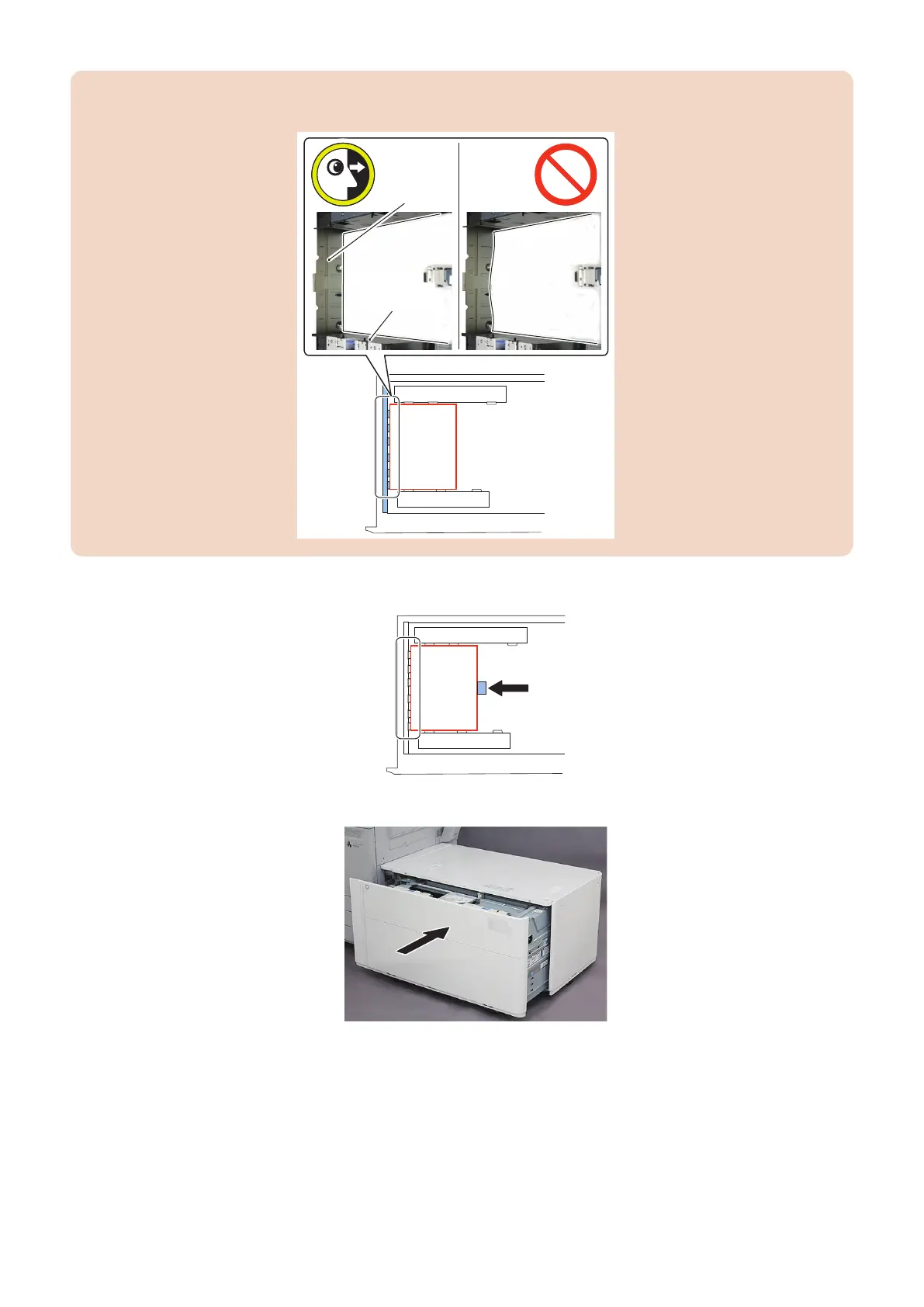
CAUTION:
Do not bring the Side Guide Plates too close. (Press on the paper with your hand to check that the paper is not floating.)
Left Side Plate
Side Guide
Plate (Front)
6. Slide the Rear Guide Plate until it hits the paper trailing edge
7. Close the Compartment.
8. Set the Service Mode value below to "1".
• COPIER > FUNCTION > CST > DK1-SPAD
: Setting of Deck Lifter Stop Position
6. Troubleshooting
203













 To Next Page