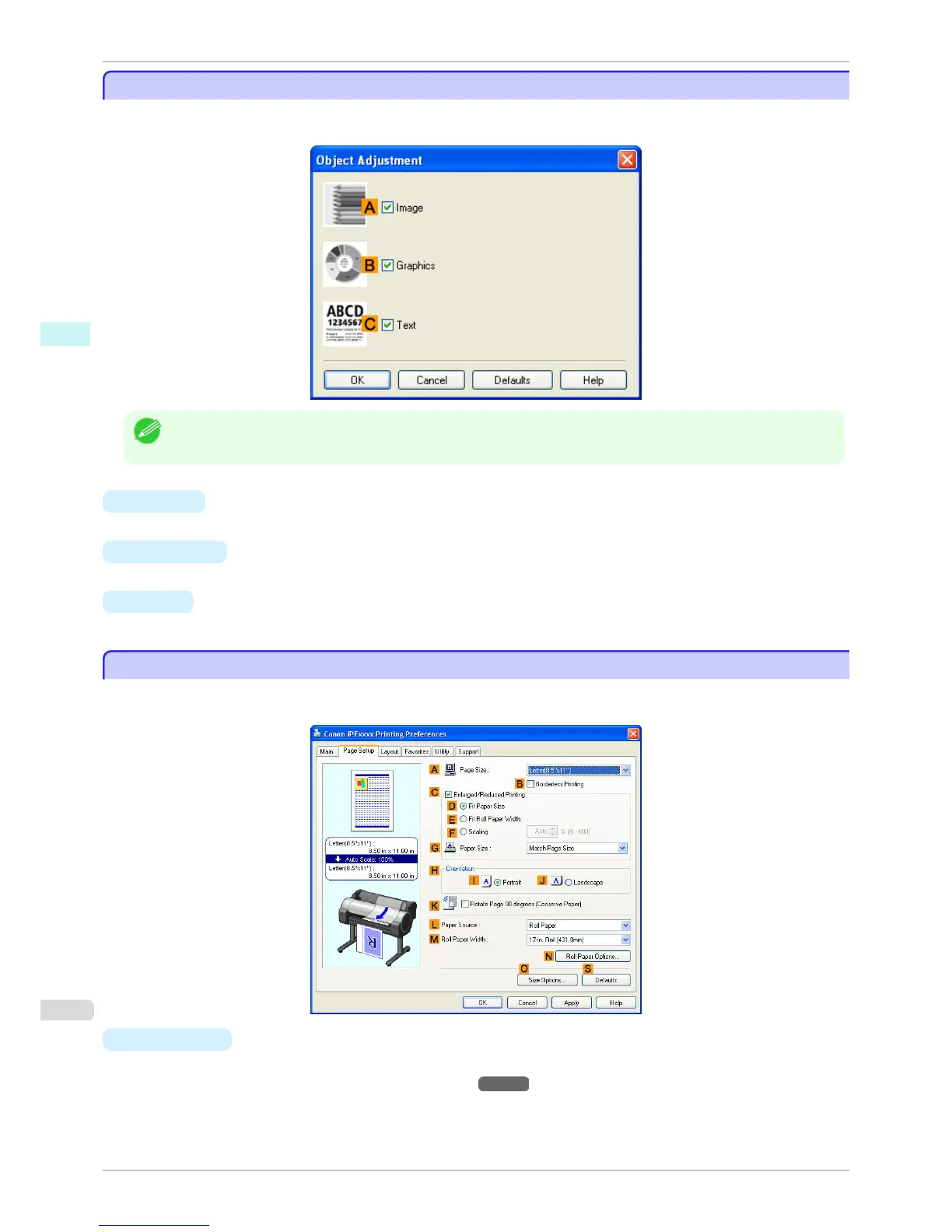
Object Adjustment dialog box: Monochrome
Object Adjustment dialog box: Monochrome
In the Object Adjustment dialog box, you can specify what type of print jobs to apply color adjustment to. If an
original comprises images, graphics, and text, you can specify which portion to apply color adjustment to.
Note
• To display the Object Adjustment dialog box, click Object Adjustment on the Color Adjustment sheet.
• A Image
Select this option to apply color adjustment to image areas, such as photos.
• B Graphics
Select this option to apply color adjustment to graphics, such as lines and circles.
• C Text
Select this option to apply color adjustment to text.
Page Setup Sheet
Page Setup Sheet
The following settings are available on the Page Setup sheet. For details on settings items, refer to the printer driv-
er help file.
• A Page Size
Select the page size as specified in the source application.
For details on available page sizes, see "Paper Sizes
→P.392 "
Object Adjustment dialog box: Monochrome
iPF760
User's Guide
Windows Software Printer Driver
176















 To Next Page