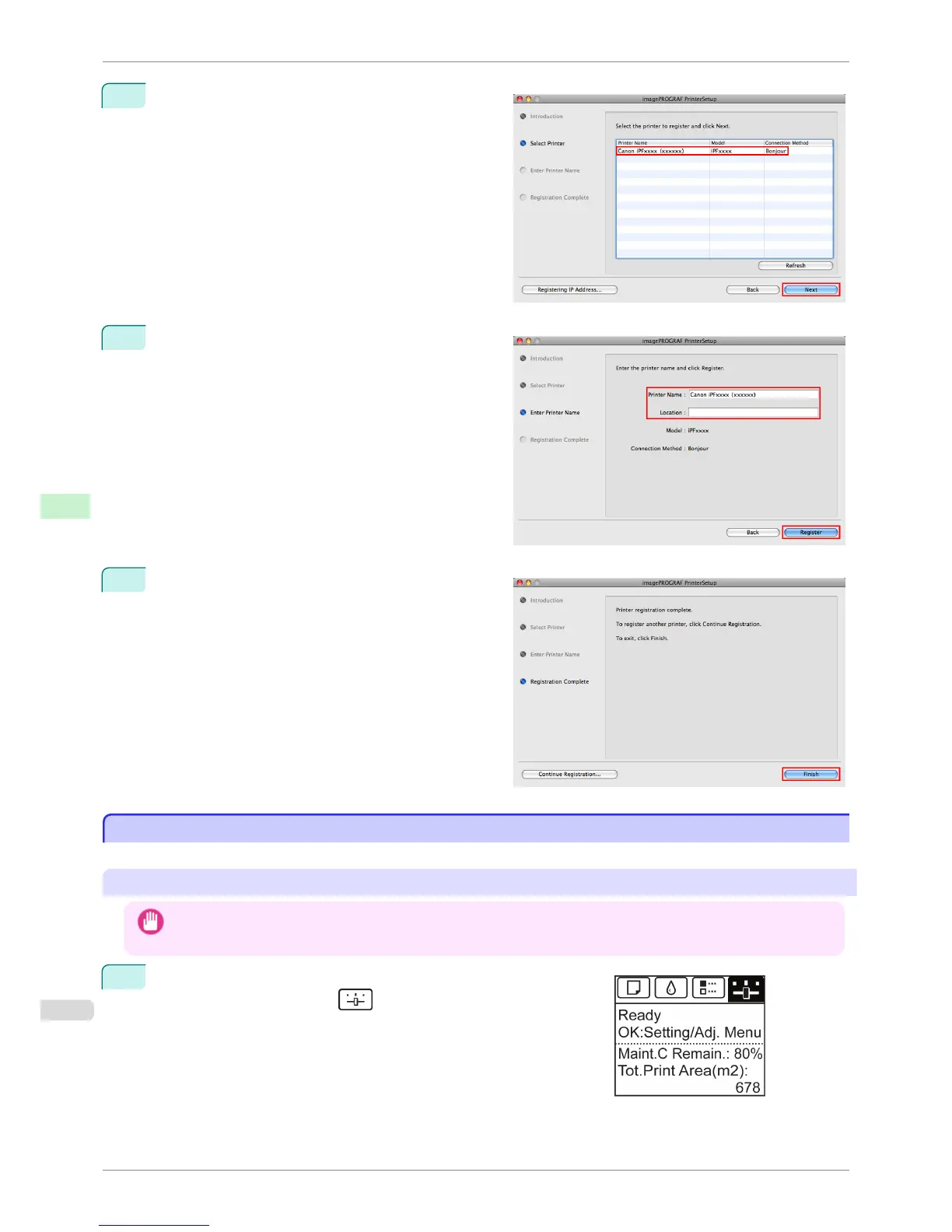
3
Select the printer to register and click Next.
4
Complete Printer Name and Location as desired
and click Register.
5
Click Finish.
Configuring the Destination for AppleTalk Networks
Configuring the Destination for AppleTalk Networks
To print over an AppleTalk network, activate the AppleTalk protocol and configure the destination as follows.
Activating AppleTalk on the printer
Important
• By factory default, the AppleTalk protocol is disabled on the printer.
1
On the Tab Selection screen of the Control Panel, press
◀ or ▶ to
select the Settings/Adj. tab (
).
Configuring the Destination for AppleTalk Networks
iPF760
User's Guide
Network Setting Mac OS X Settings
494















 To Next Page