•
Paper Detailed Settings Dialog Box →P.170
•
View Settings Dialog Box for the Printing Application →P.171
•
Color Adjustment Sheet: Color →P.171
•
Matching Sheet →P.173
•
Color Adjustment Sheet: Monochrome →P.174
•
Page Setup Sheet →P.176
You can specify the page size of the original, borderless printing, enlargement or reduction, the orientation, the
paper size and feed source, and automatic cutting.
•
Paper Size Options Dialog Box →P.179
•
Layout Sheet →P.180
You can specify the page layout, watermarks, the orientation, the number of copies, and print processing op-
tions.
•
Page Options Dialog Box →P.181
•
Special Settings Dialog Box →P.182
•
Favorites Sheet →P.183
Groups of print settings you select on each sheet can be saved as a favorite. Favorites you have added can be
edited or used at the time of printing as desired.
•
Utility Sheet →P.184
You can specify settings related to maintenance for the Printhead and feed amount, as well as settings for
Color imageRUNNER Enlargement Copy.
•
Support Sheet →P.185
You can view support information and the user manual.
•
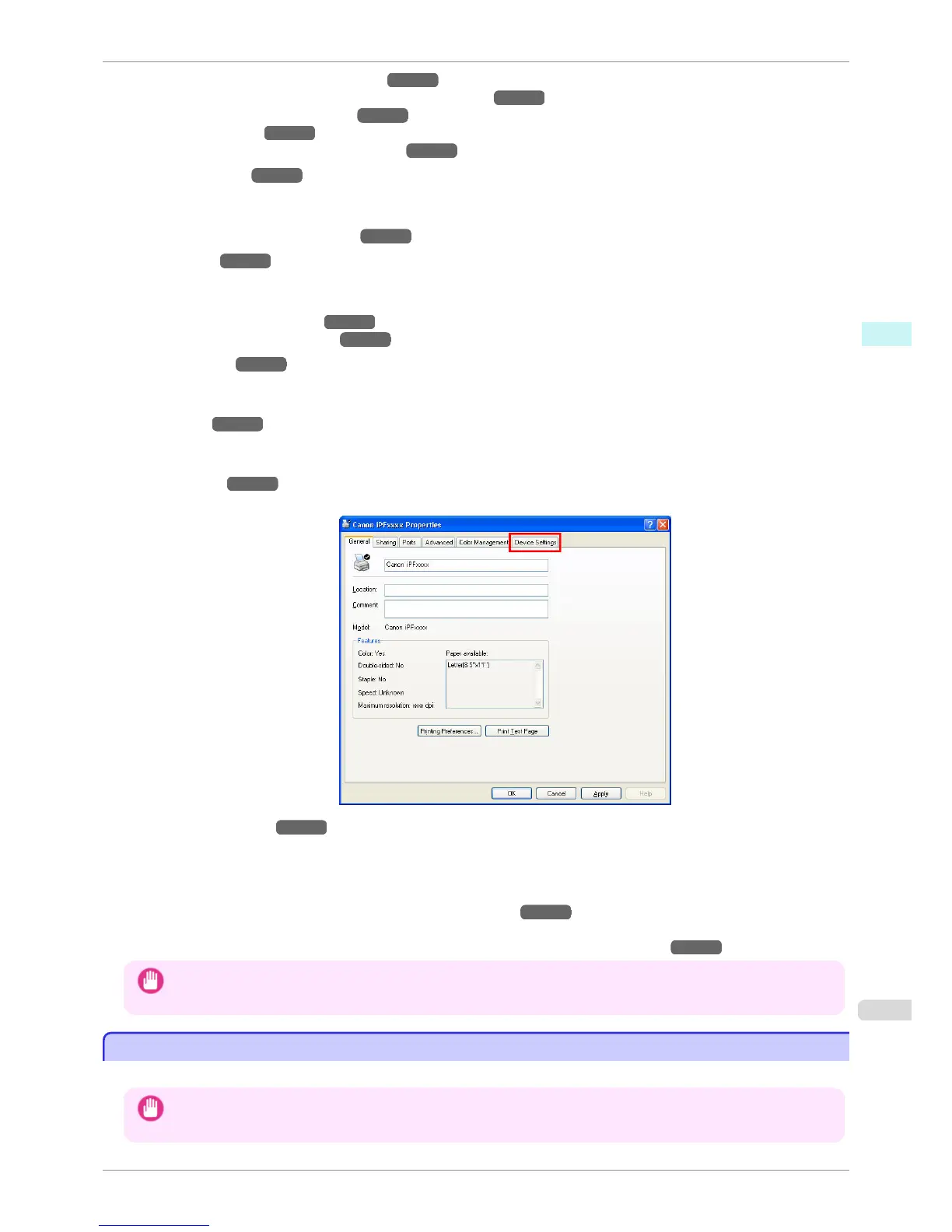
Device Settings Sheet →P.186
You can display settings for optional equipment installed on the printer and see the version information for the
printer driver.
imagePROGRAF Free Layout is a feature for freely arranging originals from various source applications on a sin-
gle page as desired before printing. For details, see Free Layout →P.197 .
Color imageRUNNER Enlargement Copy is a feature for automatic enlargement and printing of scanned originals
from a Color imageRUNNER. For details, see Color imageRUNNER Enlargement Copy →P.218 .
Important
• Color imageRUNNER Enlargement Copy and imagePROGRAF Free Layout cannot be used on 64-bit version of
Windows.
Specifying Paper in the Printer Driver
Specifying Paper in the Printer Driver
If you have replaced the paper, you must complete the following settings in the printer driver.
Important
• Always specify the same type and size of paper in the printer menu and printer driver.
iPF760
Specifying Paper in the Printer Driver
User's Guide
Windows Software Printer Driver
159















 To Next Page