2
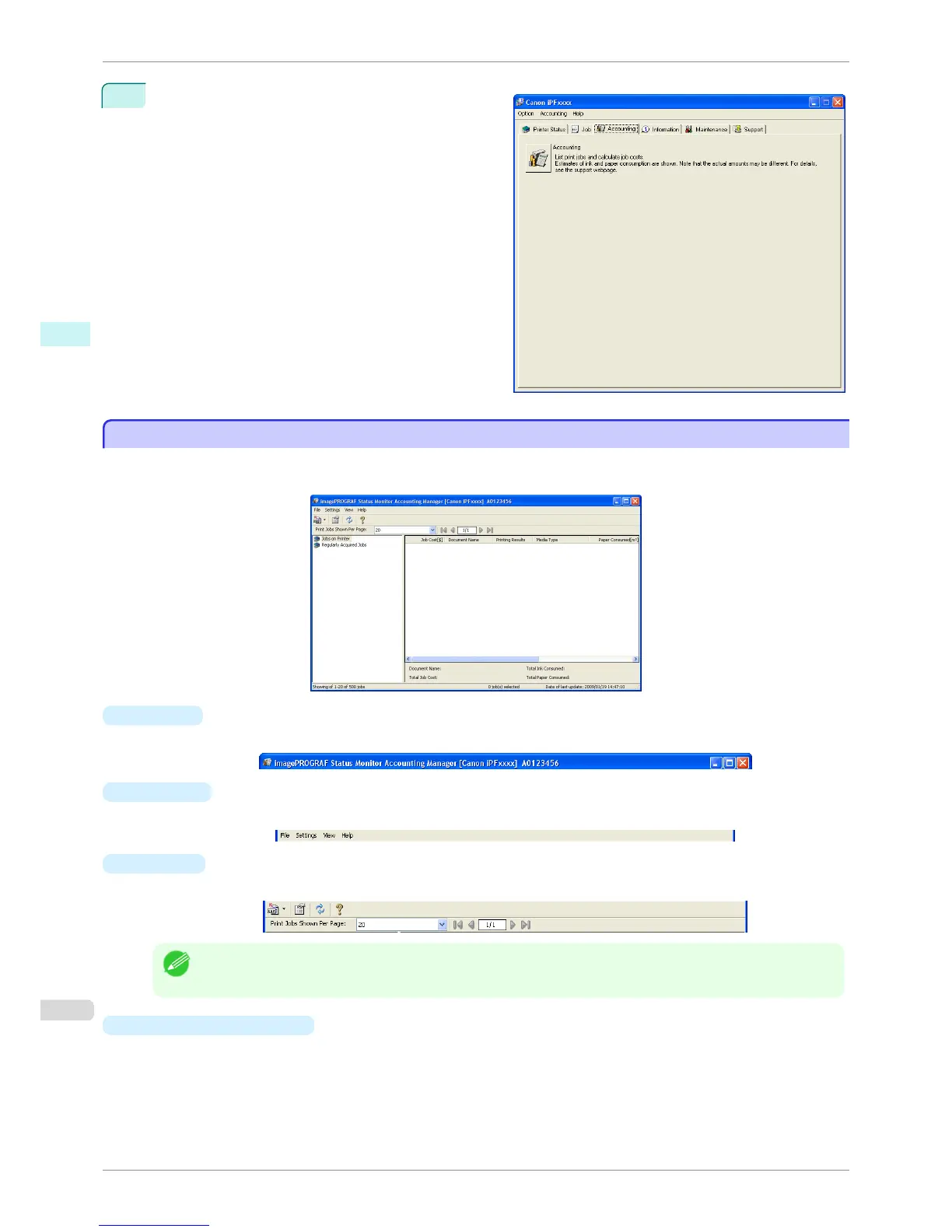
Select Accounting in the Accounting menu.
Or, open the Accounting sheet and click the Ac-
counting button.
Accounting Manager Main Window
Accounting Manager Main Window
The Accounting Manager main window consists of a title bar, menu bar, toolbars, listed job selection area, job list
area, totals area and status bar.
•
Title Bar
This displays the printer model, its serial number and the port number it is using.
•
Menu Bar
Allows you to select the menu options required for operation.
•
Toolbars
Provide tool buttons and pull-down menus for the main operations.
Note
• You can opt to either show or hide the toolbars in the View menu.
•
Listed Job Selection Area
You can use this area to select which job log is displayed.
Accounting Manager Main Window
iPF760
User's Guide
Windows Software Accounting
266















 To Next Page