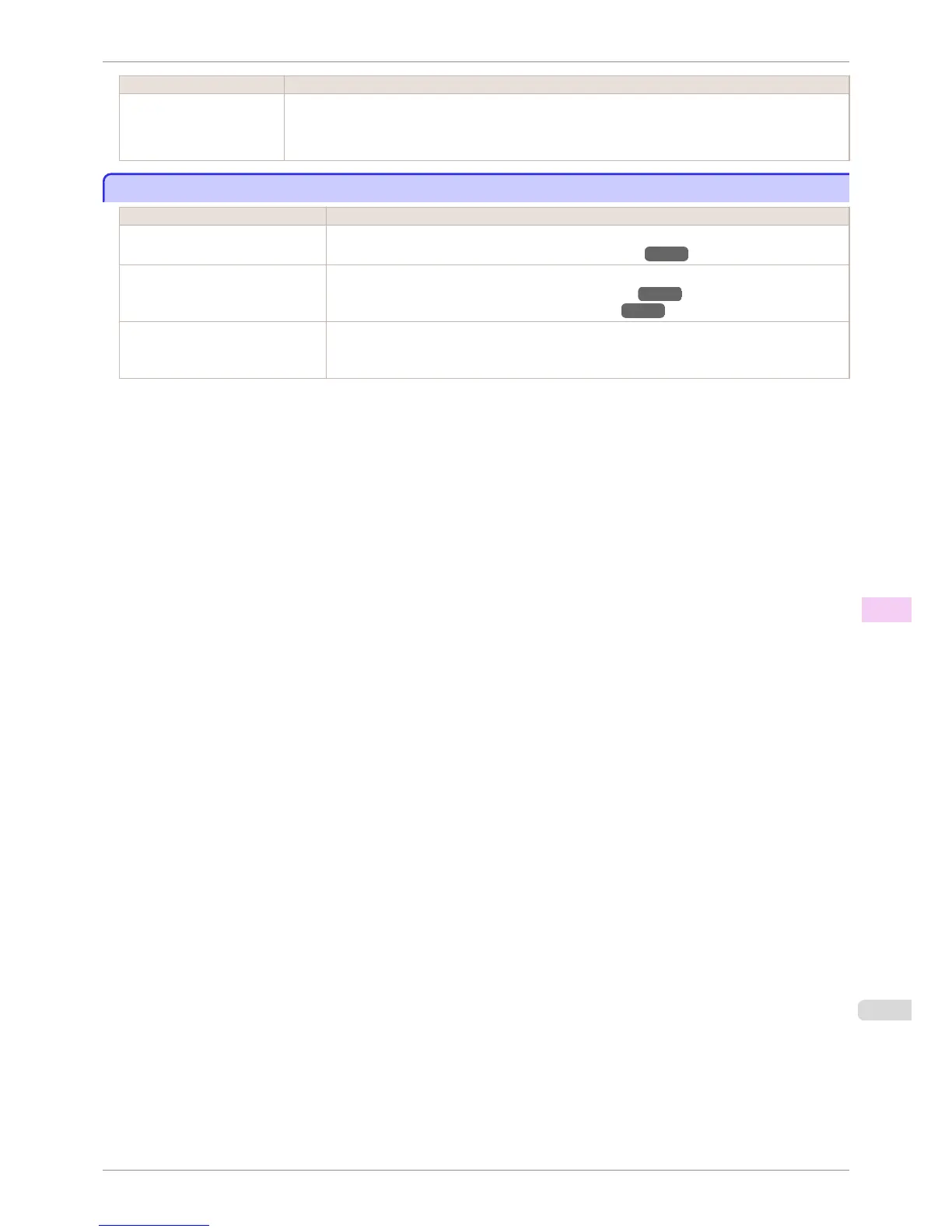
Cause Corrective Action
The NetWare server and
services are not configured
correctly.
4.
If data transmission to a printer on another subnet fails, deactivate NCP burst mode in that printer's
network protocol settings.
5.
If the printer is used in queue server mode, specify Other/Unknown as the printer type.
Cannot print over AppleTalk or Bonjour networks
Cannot print over AppleTalk or Bonjour networks
Cause Corrective Action
The AppleTalk protocol is not ena-
bled on the printer.
Activate AppleTalk on the printer.
(See "Configuring the Printer's AppleTalk Network Settings.")
→P.496
The computer you are trying to print
from is not configured correctly.
Make sure the computer's AppleTalk settings are configured correctly.
(See "Configuring the Destination for AppleTalk Networks.") →P.494
(See "Configuring the Destination for Bonjour Network.") →P.493
The computer and printer are not on
the same network.
Due to the nature of Bonjour, you cannot print if the printer is on another network behind a router.
Make sure the computer and printer are on the same network. For information about network set-
tings, ask your network administrator.
iPF760
Cannot print over AppleTalk or Bonjour networks
User's Guide
Troubleshooting Cannot print over a network
567















 To Next Page